
Last updated November 17, 2026
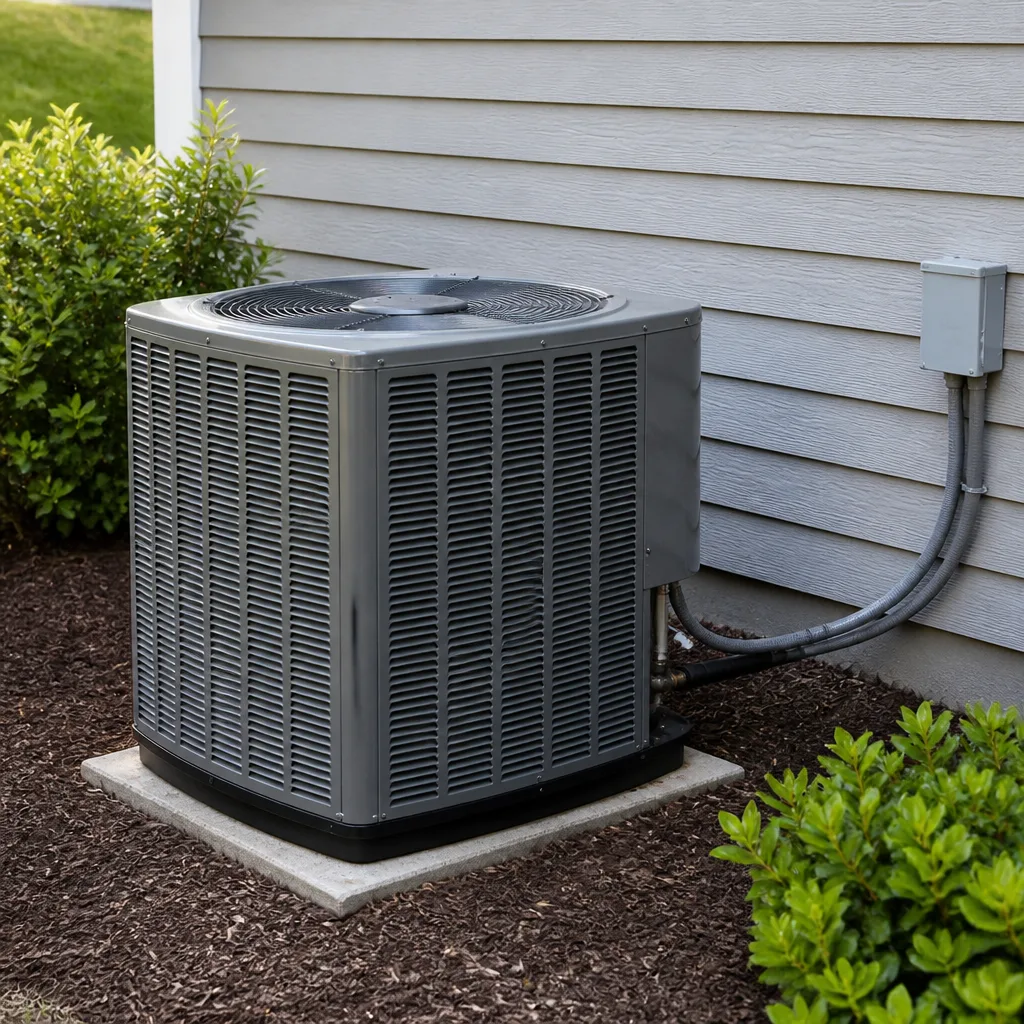 AC repair
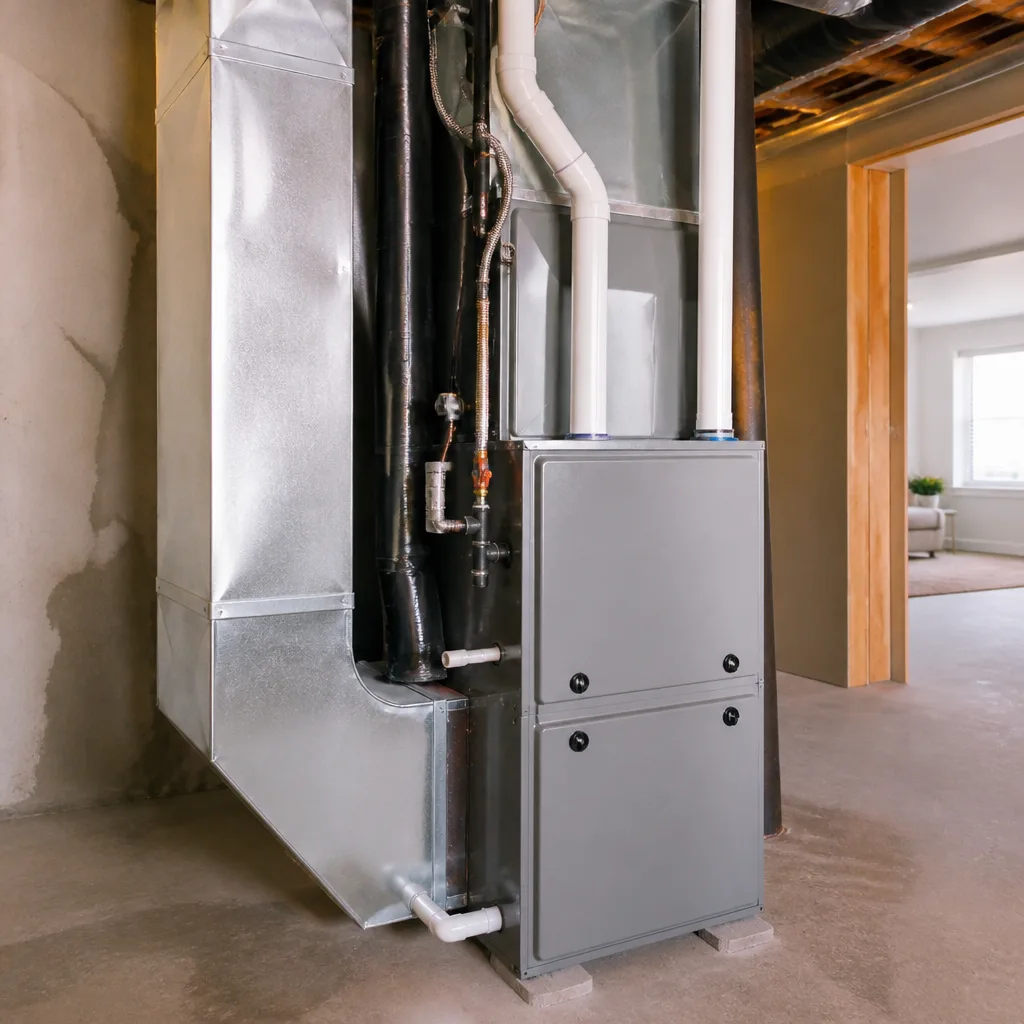 Furnace & heating
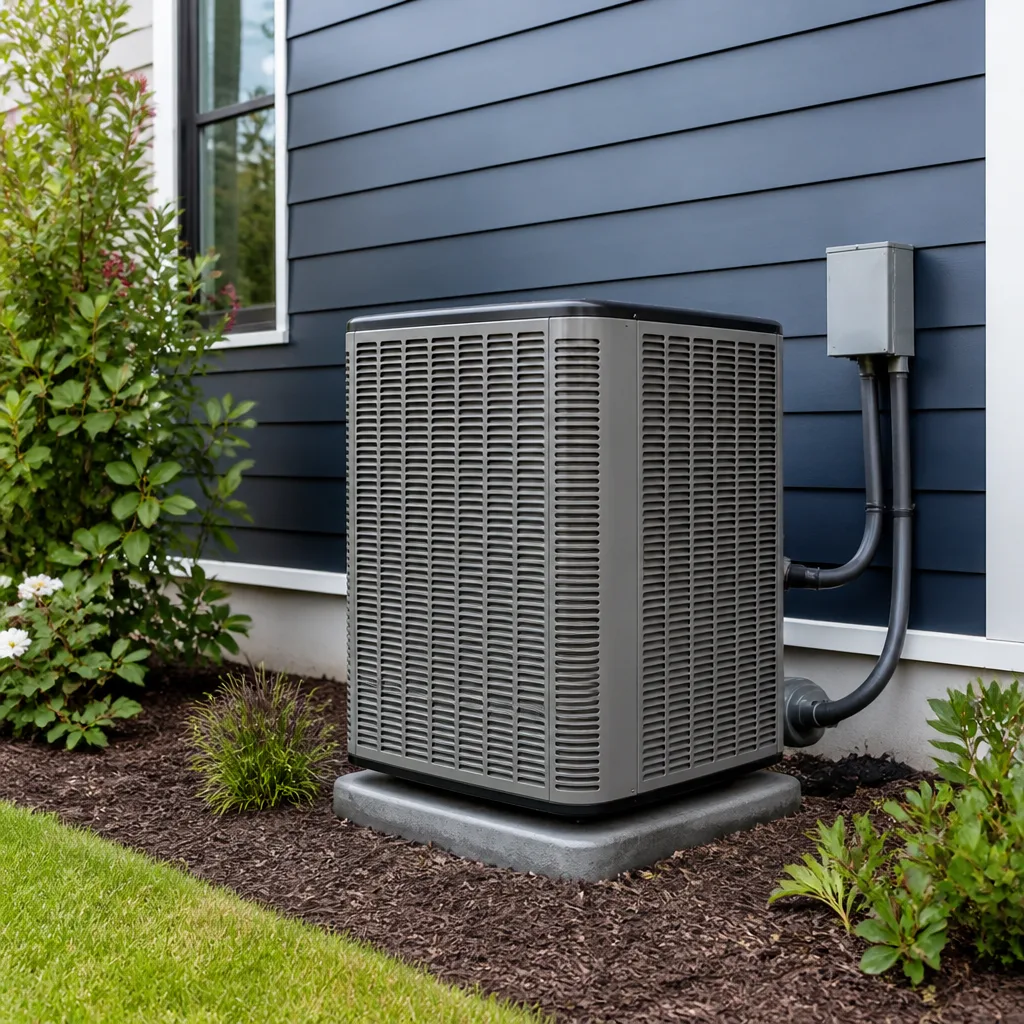 Heat pumps
 Ductless mini splits
 Carrier
 Trane
 Goodman
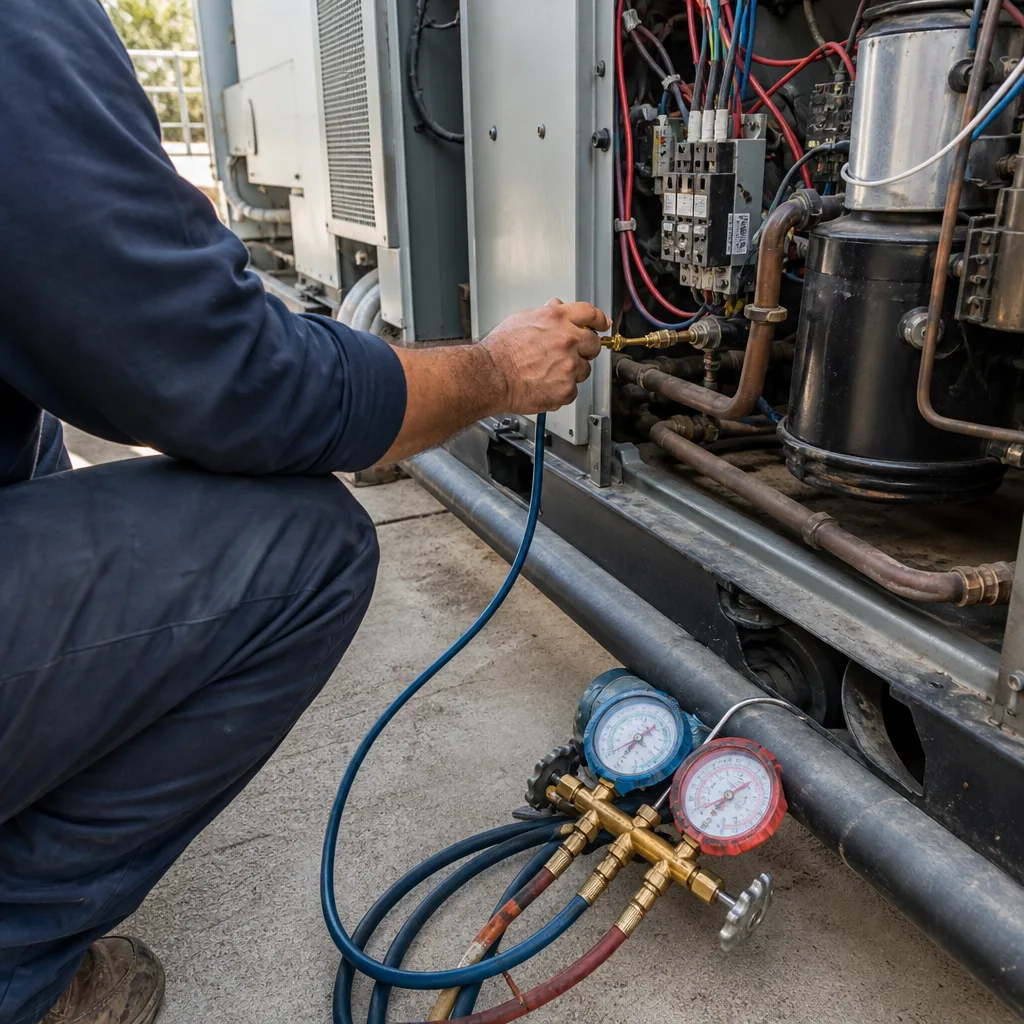
Seasonal tune-up and full diagnostic on your Carrier, Trane, or Goodman system - readings shown to you before any repair is proposed
Diagnosis first, numbers second - you approve the repair price before a single part goes in.
Get your free estimateEmergency & Commercial HVAC Troubleshooting: Common Problems and How to Fix Them
Nine out of ten “emergency” commercial HVAC calls we take in Enterprise have one thing in common: a tripped breaker, a clogged condensate line, or a dirty filter nobody changed. Problems a business owner could have spotted in ten minutes with a flashlight and a notepad. If you’re the one unlocking the building at 6 AM, watching the thermostat read 88 while your first employee pulls into the lot at 8, this guide was written for you. Not for a facilities manager with a maintenance staff and a million-dollar budget. For the owner who is also the facilities manager, the bookkeeper, and the person who just found water in the ceiling tiles. Here’s how to troubleshoot the right way, what to report when you call, and when to stop touching things and let a pro take over.
Quick Answer
Most commercial HVAC emergencies trace back to three fixable problems: a tripped breaker, a clogged condensate drain, or a filter that’s been in place far too long. Run a five-minute walkthrough first – check the breaker panel, look for standing water near the air handler, and inspect the filter – then call with what you found so the person at your door shows up with the right parts. If you smell gas, hear metal grinding, or see sparks, stop and call for help immediately.
Styles & brands we work with
- AC repair
- Furnace & heating
- Heat pumps
- Ductless mini splits
- Carrier
- Trane
- Goodman
Table of Contents
- The Five-Minute Walkthrough Before You Call Anyone
- Why Commercial Error Codes Mean Something Different at Scale
- Condensate Drain Emergencies on Flat-Roof Commercial Buildings
- Two-Stage Systems and Nevada’s Shoulder Months
- Is It the HVAC System or the Building Envelope?
- What to Report When You Call
- Repair or Replace? The Commercial Decision
- The Maintenance Schedule That Prevents Most Emergencies
The Five-Minute Walkthrough Before You Call Anyone
Before you pick up the phone, spend five minutes doing what any non-technical person can do safely. Not only does this sometimes solve the problem, it also gives you information the tech needs to bring the right parts on the first trip.
- Check the breaker panel. Find the breaker marked for the rooftop unit or air handler. If it’s tripped, look at it before resetting. A breaker that trips once is common. A breaker that trips twice tells you something is drawing too much current.
- Look for water. Follow the drain line from the air handler to wherever it exits. Standing water, soggy ceiling tiles, or a drip pan near the brim means the condensate drain is clogged.
- Inspect the filter. Pull it and hold it up to the light. If you can’t see through it, it’s been in too long. Write down the size printed on the frame.
- Note the thermostat reading. Actual temp, set temp, mode, and any error code or flashing light. Take a picture with your phone.
- Listen at the unit. Clicking, buzzing, grinding, or nothing at all? Each sound tells a different story.
- Check the outdoor unit. Is the fan spinning? Is there ice on the lines? Is the coil clogged with cottonwood or debris?
That’s it. Nothing on that list requires a tool beyond a screwdriver, and nothing puts you in harm’s way. If any of it turns up a problem you can fix yourself – a dirty filter, a tripped breaker that stays reset – you’ve saved yourself a service call. If it doesn’t, you’ve just made the next call faster. For a deeper dive on residential cooling issues that overlap with what you’re seeing, our guide to AC repair and installation in Enterprise covers the same diagnostics from the home side.
Why Commercial Error Codes Mean Something Different at Scale
A Carrier rooftop unit and a Carrier residential condenser both throw error codes. Here’s where it gets tricky: the same code number can mean a very different thing once you scale up from a 3-ton home system to a 25-ton commercial unit serving a whole building. What reads as “low refrigerant” on a home system might actually be a pressure switch tripped by a clogged economizer damper on the commercial unit. What reads as “sensor fault” on a house could be a control board issue in a commercial unit that’s communicating across three zones.
We’ve walked into businesses in Enterprise where a well-meaning employee had opened the control panel, looked up the code online, and ordered a $400 part based on a residential forum thread. The part was wrong. The real issue was a $14 sensor wire that had rubbed against the cabinet.
A few patterns worth knowing:
- Commercial equipment often reports faults per zone. If zone 3 shows a fault but zones 1 and 2 are fine, don’t assume the whole system is down. The problem may be isolated to one damper, one thermostat, or one VAV box.
- Two-stage and variable-speed units log codes differently. A Trane two-stage unit may show a code for “stage 2 lockout” when what’s really happening is stage 1 has been running nonstop and the system is protecting itself.
- Economizer faults look like refrigerant faults. On many commercial rooftops, a stuck economizer damper will trigger a code that reads like a cooling problem. The refrigerant charge is fine; the system just can’t pull in outside air.
- Filter pressure switches log “dirty filter” codes. If you’ve been ignoring the filter, the system already knows. It’s written down in the fault history.
The takeaway: don’t trust an internet lookup on a commercial code. Read it to the person taking your call, but let the diagnostic process sort out what it actually means.
Condensate Drain Emergencies on Flat-Roof Commercial Buildings
Commercial buildings in Enterprise and across the valley often have flat roofs with the air handler and evaporator coil up top. That’s a great setup for efficiency, but it creates a specific hazard: when a condensate line clogs, the water has nowhere to go but down. Through the roof deck, through the insulation, through the ceiling tiles, and onto whatever is below.
We’ve seen it happen. A small business owner walks in Monday morning to find three ceiling tiles on the sales floor and a wet patch spread across the carpet. By the time they call, the drywall is soaked and the repair bill has climbed past what the HVAC fix would have cost alone.
How to catch an overflow before it becomes a catastrophe:
- Walk the building once a week during cooling season and look up. Any brownish ring on a ceiling tile or a bulge in the paint is water. Go find the source.
- Look at the drain pan inside the air handler access panel if you can safely open it. If the pan is more than a quarter full, the drain is slow or blocked.
- Traps and drain lines should be wet but not backing up. If you see algae or sludge at the drain opening, the line is partly blocked and will get worse.
- Some commercial systems have a float switch that shuts the unit down when the pan fills. If your system keeps shutting off on its own every few hours, that’s the float switch doing its job. Don’t bypass it. Call.
The right fix is usually a drain-line flush and sometimes a pan treatment to slow algae growth. If you’re seeing the problem repeat season after season, the drain line may need to be re-routed with more slope, which is a bigger job but prevents years of headaches.
Two-Stage Systems and Nevada’s Shoulder Months
Here’s a pattern that shows up in Enterprise every spring and fall, and it confuses business owners who thought their system was fine: in April, the system runs the heat in the morning, the AC in the afternoon, and then sits somewhere in the middle without doing either well. The space feels stuffy, the thermostat looks broken, and nothing obvious is wrong.
The culprit is usually staging. Two-stage and variable-speed commercial systems are designed to run on low capacity most of the time and ramp up only when needed. In the shoulder months, the building’s internal load – lights, equipment, body heat from a few employees – is enough to call for cooling, but not enough to trigger the second stage. The result is a system that runs low-stage cooling for hours and still can’t quite hit the setpoint, especially on a building with a west-facing wall that bakes in the late afternoon sun.
What we’ve seen work:
- Adjust the control settings. Some two-stage units let you change the stage-up delay or the deadband so the system doesn’t get stuck on stage 1.
- Verify the thermostat is reading the space, not a supply vent. A thermostat mounted near a hot west wall in a Lennox zoned system will lie about the room temp.
- Check for a stuck economizer damper. If the unit thinks outside air is cool enough when it’s actually 90 degrees, it will pull in hot air instead of cooling.
- Don’t demand the wrong thing from the system. If your business only needs the space at 74 in April and the system is struggling to hit 70, change the setpoint and see if the problem disappears.
Shoulder months are also when we see the most “my system isn’t working right” calls that turn out to be fine. Comfort is subjective, and a two-stage Trane system running on low speed is quiet and low-energy by design. If it’s hitting temperature, it’s doing its job.
Is It the HVAC System or the Building Envelope?
This is the distinction that saves business owners real money. Before you assume your HVAC is broken, ask yourself whether the building itself is letting the outside in.
Common signs it’s the building envelope, not the HVAC:
- The system runs all day but the space never gets cool. If the AC is blowing cold at the register but the room sits above setpoint, the cool air is escaping. Look for open bay doors, a dock door that doesn’t seal, or a wall penetration that was never caulked.
- One zone stays hot, others stay fine. A dropped ceiling tile, an unsealed duct run in the attic, or a west-facing wall with no insulation will do this. The HVAC is doing its job; the building is failing at its job.
- Moisture on the windows or ceiling. Condensation on interior glass during cooling season means humid air is coming in. This is a building envelope issue, not a refrigerant charge issue.
- New construction or a recent remodel. If the building recently changed, the load profile changed with it. A new roof coating with different reflectivity, a new storefront, or additional sun exposure all change how the HVAC needs to work.
Why this matters: if you call Ray’s or anyone else for an HVAC repair and the problem is the building envelope, you’ll pay for a service call to learn what you could have spotted. Worse, if a facilities manager isn’t doing the load calculation, someone may just suggest a bigger unit. That’s the wrong answer – it makes the bill worse and the problem stays buried.
Here’s the useful firewall: if the HVAC is running and blowing cold air but can’t keep up, call a building envelope contractor first. If the HVAC is not running, blowing warm air, or throwing codes, call us. For HVAC-side diagnostic on heating systems – which is where a lot of envelope symptoms show up during cold snaps – the heating and furnace page for Enterprise covers those scenarios.
What to Report When You Call
The quality of the information you give when you call determines whether the person showing up has the right parts or has to make a return trip. Here’s what to have ready:
- Building address and access notes. Where is the equipment? Rooftop? Mechanical room? Behind a locked gate? Is there a code or gate key?
- Equipment make and model. The rating plate is on every unit. Take a picture of it.
- What you saw on the walkthrough. Tripped breaker? Wet pan? Dirty filter? Ice on the lines?
- Any error codes or flashing lights. A photo of the thermostat and the control board LEDs is worth more than a description.
- What changed recently. New equipment? New tenant? Recent remodel? Different hours?
- How bad it is right now. Is the space habitable? Is food at risk for a restaurant? Is a medical space affected? That moves you up the priority list.
Ray’s Heating & Air Enterprise answers every call with a live person, around the clock. Nobody gets routed to voicemail at 2 AM. When you call (844) 455-2034, the person on the other end can often tell from your description what parts are likely involved and whether a diagnostic trip alone will be enough. More on that at the Ray’s Heating & Air Enterprise home page.
Repair or Replace? The Commercial Decision
Commercial repair-or-replace decisions are not the same as residential ones. The right question isn’t just “can it be fixed” but “for how long, at what cost, and what does a failed unit do to my business?”
Three questions to answer together:
- How old is the equipment and how much of its life is left? Commercial equipment is typically engineered for 15-20 years of service. If you’re at year 18 and the compressor fails, that’s a different conversation than a similar failure at year 7.
- What does a $1,800 repair buy you? Six months of borrowed time with another failure coming, or three solid years? The service tech should be able to give you an honest read.
- What’s the cost of another failure? For a restaurant or retail space, one day of downtime can cost more than the repair. For a storage building or office running on staggered hours, the math is different.
We tell customers the same thing every time: don’t let anyone talk you into a replacement without showing you the readings first. A failed capacitor is a $200-ish fix. A compressor is a much bigger number. Nobody should jump to the word compressor without testing the capacitor first. If you’re comparing options, our guide to heat pump and mini-split work in Enterprise covers the efficiency side of that decision – which is often relevant for buildings looking to offset peak commercial rates.
The Maintenance Schedule That Prevents Most Emergencies
The dirty filter is the single most common cause of emergency HVAC calls we see. A clogged filter reduces airflow, which causes the coil to ice up, which causes the system to shut down on safety, which causes your first employee of the day to walk into a hot building. It’s also a five-minute fix you can do yourself.
A simple maintenance calendar that prevents most commercial emergencies:
- Monthly: Inspect the filter. Replace or clean if you can’t see light through it.
- Monthly: Walk the drain lines. Look for standing water in the pan or drips in the ceiling.
- Monthly: Look at the outdoor unit. Clear leaves, cottonwood, and debris from the coil.
- Quarterly: Check the belt-driven fans for wear and tension (on belt-drive equipment only).
- Spring and fall: Schedule a professional tune-up before the season turns. Everything gets tested before the load hits.
- Annually: Review the full system with whoever services it. Get a written report on what was found.
Notice what’s not on that list: opening panels, touching refrigerant lines, or diagnosing electrical. Those are for someone trained. On commercial equipment, the voltage at the contactor can kill you. The refrigerant system operates under pressures that make a small mistake into a big one. This is not a DIY area.
Common Mistakes to Avoid
- Resetting a breaker three times and hoping. A breaker that trips twice is telling you something. Resetting it a third time risks damage to the compressor or control board.
- Ordering parts online before anyone’s looked at the unit. We’ve seen Enterprise business owners order a $400 part based on an error code lookup, only to find the real issue was a $14 wire. Let the diagnostic process drive the part.
- Bypassing the float switch. When the safety switch shuts the system off to prevent an overflow, taping it closed doesn’t fix the drain – it just puts the water somewhere else. Usually the ceiling.
- Calling at 5 PM Friday. Weekend emergency rates exist for a reason, and the system rarely fails at a convenient time. If you smell something wrong on Tuesday, call on Tuesday.
- Assuming the same code means the same thing. Commercial codes read differently from residential codes. Trust the person who knows the equipment, not the search result.
- Ignoring the building envelope. New roof coating, new storefront, or new tenant load can all make the HVAC work harder. If you’ve changed the building, tell the tech.
- Skipping the filter because the last one “looked fine.” Filters load silently. A filter that still looks white can be 70% blocked. When in doubt, replace.
See the difference
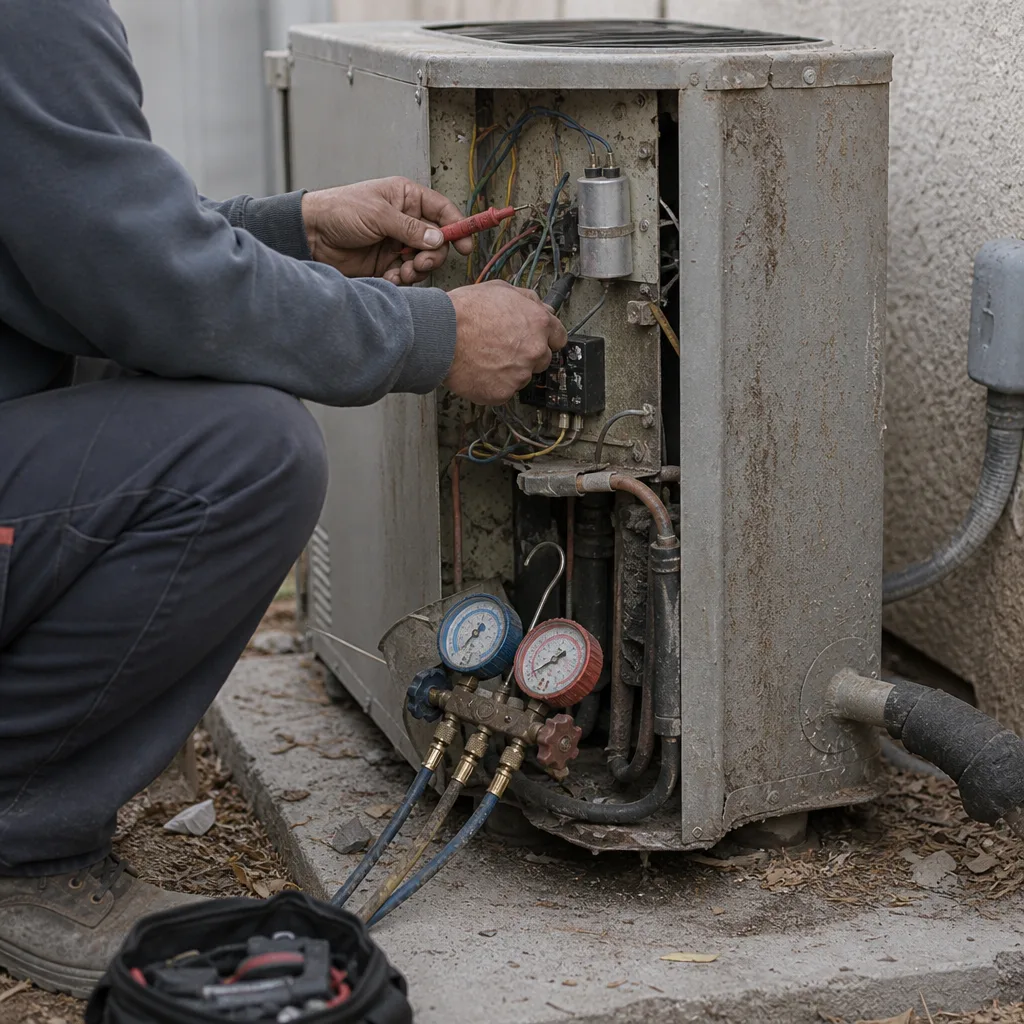 Before
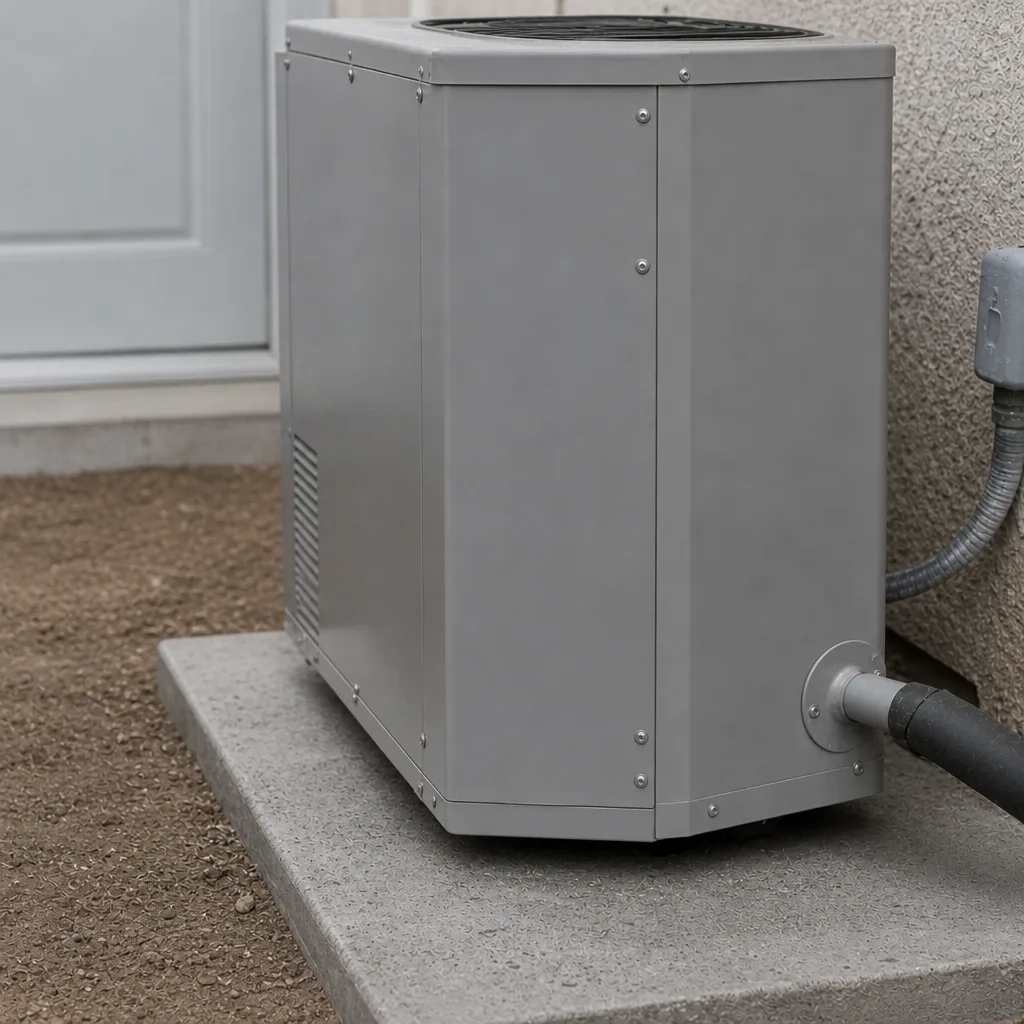 After
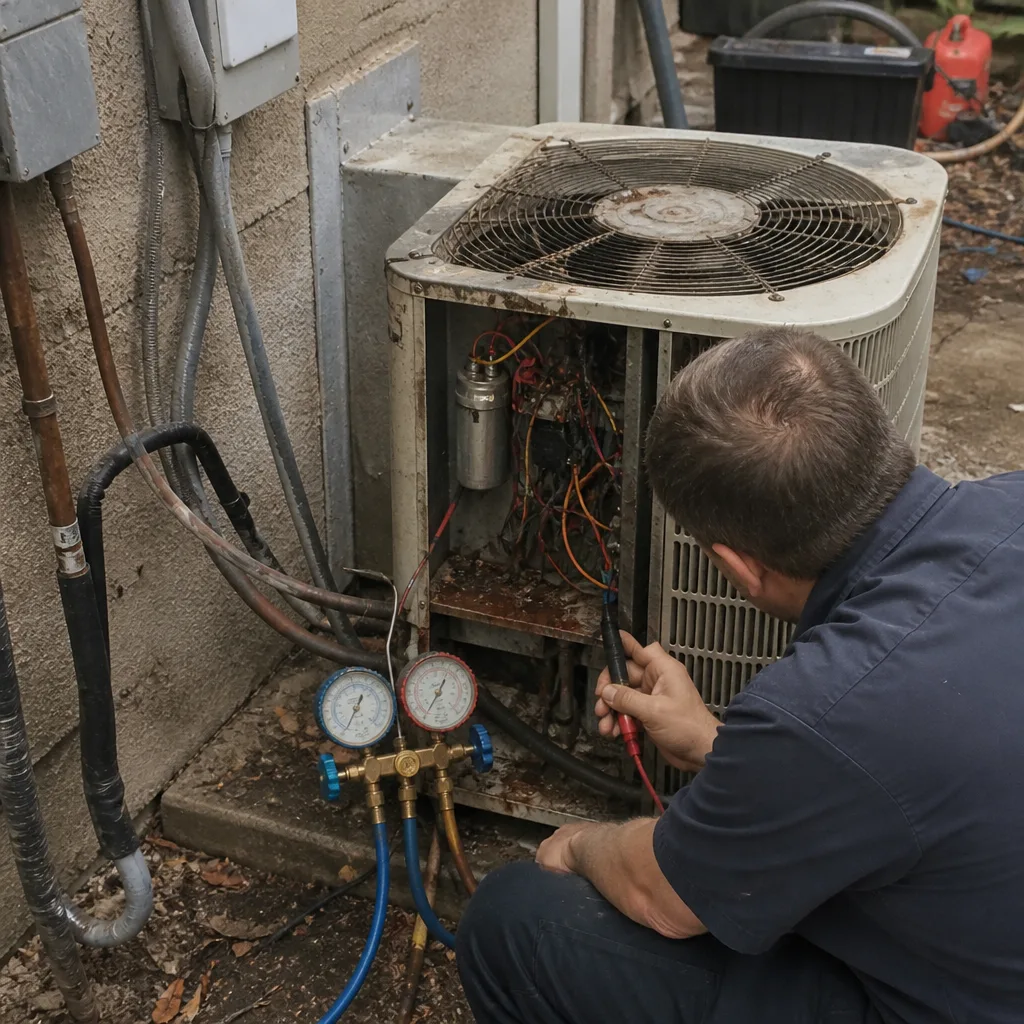 Before
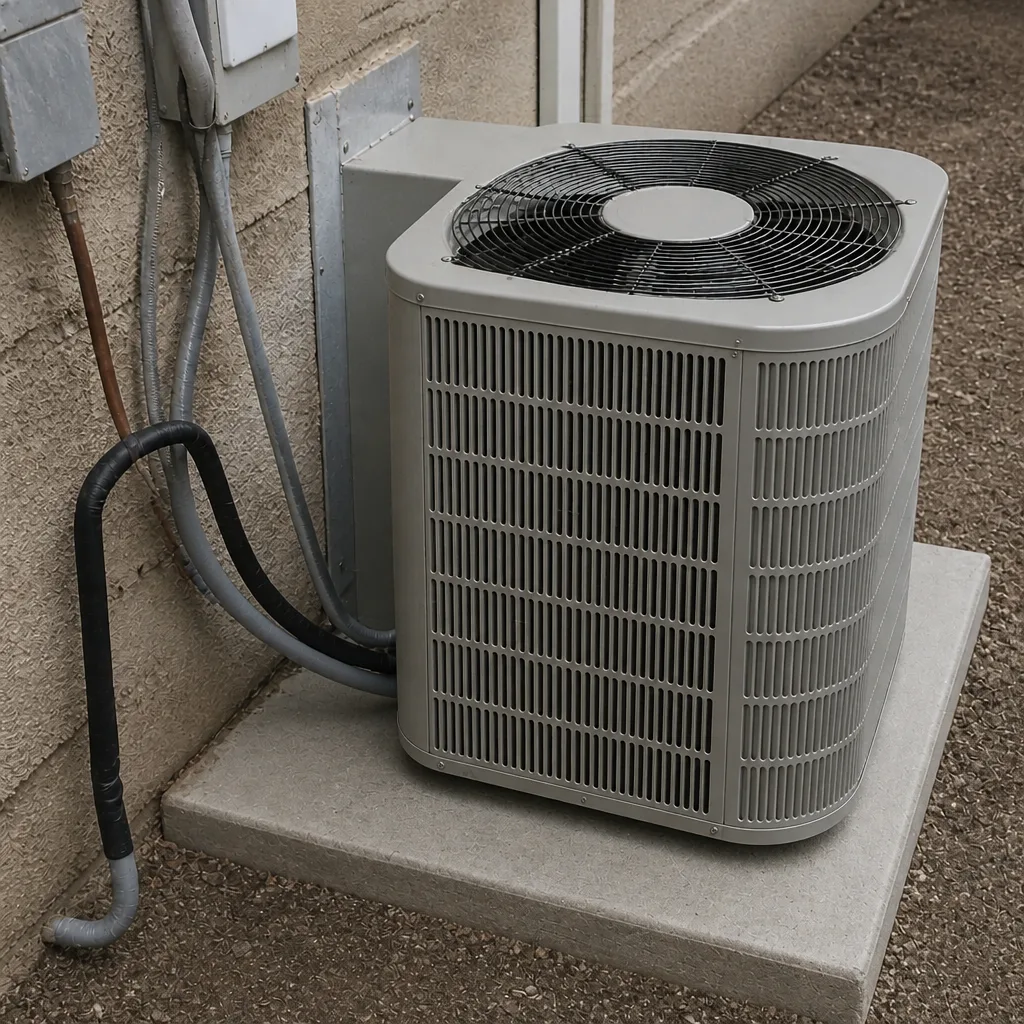 After
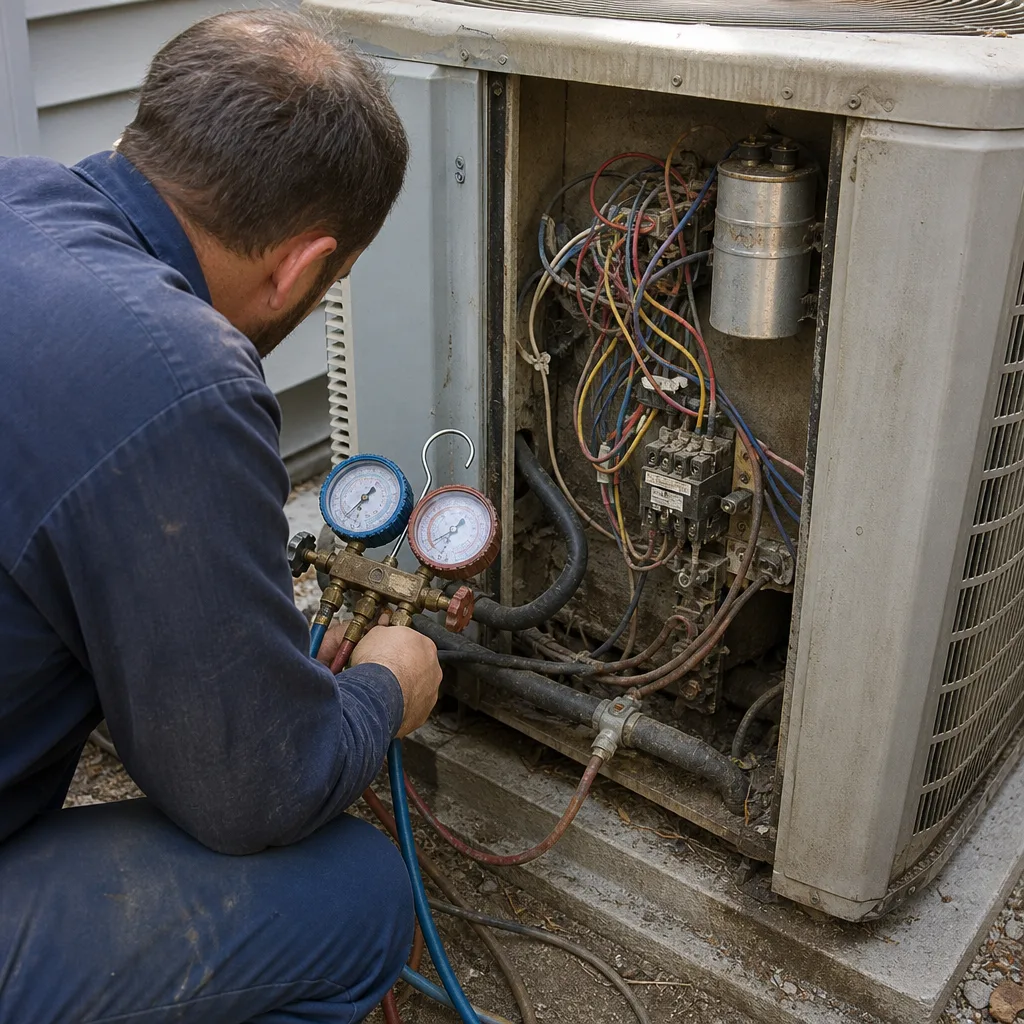 Before
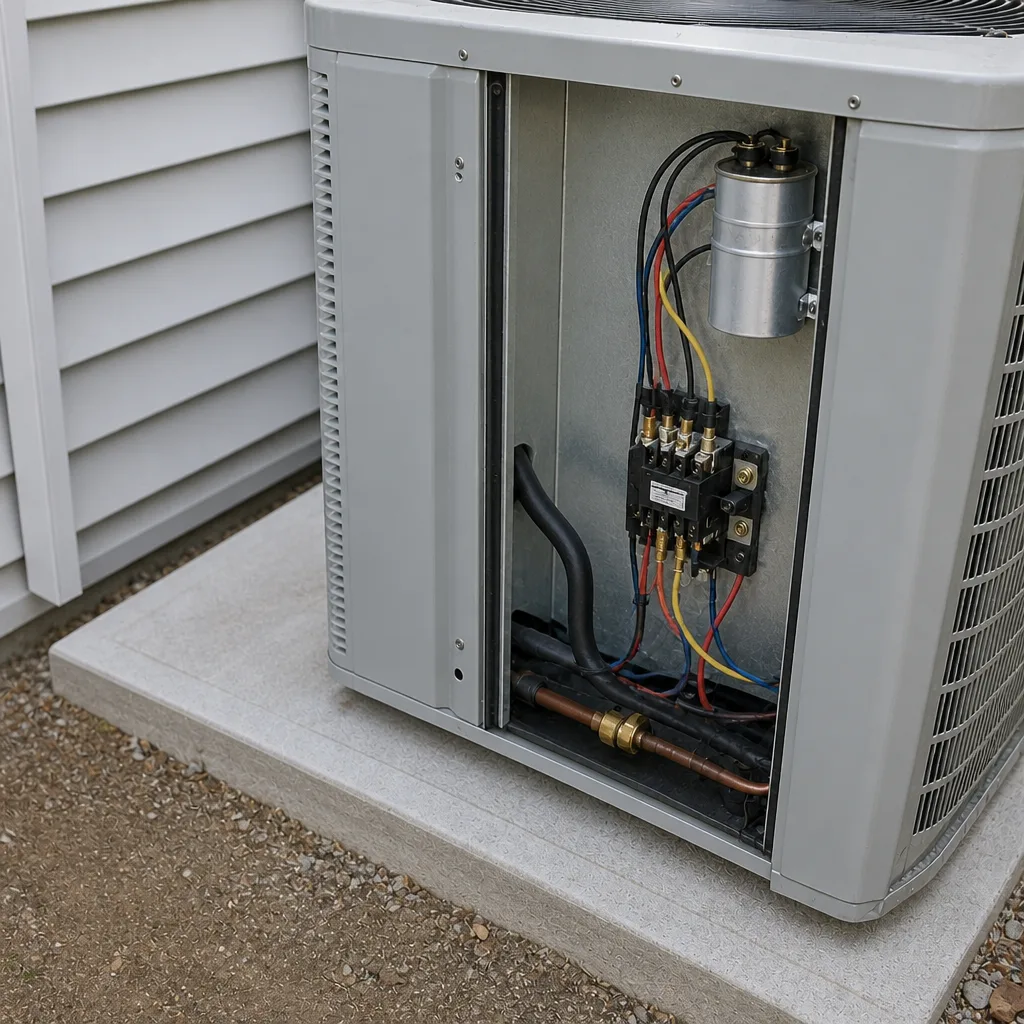 After
When to Call a Professional
Call a pro for anything involving refrigerant, electrical panels, gas lines, or motors running at speed. Also call when you can see water you can’t stop, when a breaker won’t stay reset, or when the system is producing a smell – gas, burning plastic, or something you can’t identify. Those aren’t filter-and-drain problems. If your building is unoccupied and something looks off after hours, don’t wait for the morning. Ray’s Heating & Air Enterprise offers free estimates in Enterprise and no trip charge inside the county. Call (844) 455-2034 and get a real person who can talk you through your next step, day or night.
Frequently Asked Questions
Check three things: the breaker panel for a tripped switch, the drain pan for standing water, and the filter for visible blockage. These three checks resolve the majority of emergency calls without a diagnostic visit. If you’ve done all three and the system is still down, call and tell us what you found.
The most likely culprits are a dirty filter restricting airflow, a stuck economizer damper pulling in outside air, or a building envelope problem letting cool air escape. A commercial diagnostic should start with the filters and economizer before assuming a refrigerant or compressor issue.
You can look it up, but treat the result as one clue rather than the diagnosis. Commercial error codes look like residential codes but often mean something different at scale. Read the code to the person taking your call and let the diagnostic process confirm it.
For most small commercial spaces, monthly during cooling season is the safe baseline. Buildings on busy roads, buildings with lots of foot traffic, and buildings running 24/7 should check more often. If the filter can’t be seen through when held up to light, replace it.
It depends on the age of the equipment, what the repair buys you, and what a failure costs your business. As a rule of thumb, if the unit is past year 15 and the repair is over $1,500, replacement deserves a hard look. Don’t trust a replace recommendation without seeing the readings first.
Yes. Ray’s Heating & Air Enterprise answers every call with a live person, around the clock. No voicemail maze, no automated system. Call (844) 455-2034 and a real person will help you figure out the next step, whether that’s tonight or tomorrow morning.
The Bottom Line
Most commercial HVAC emergencies are preventable, and the ones that aren’t are easier to handle when you know what to look for. Run the five-minute walkthrough. Know what a normal drain pan looks like and what an abnormal one looks like. Trust the readings, not the code lookup. And when you’re over your head on electrical or refrigerant, call. The person at your door should bring the right parts, show you the readings before quoting a price, and stand behind the work. If they don’t, keep looking. Ray’s Heating & Air Enterprise has been locally owned and owner-operated since 2002, and every heating and cooling job carries the 90-Day Done Right Promise. Call (844) 455-2034 for a free estimate.
Written by the team at Ray’s Heating & Air Enterprise.