
Last updated November 17, 2026
 AC repair
 Furnace & heating
 Heat pumps
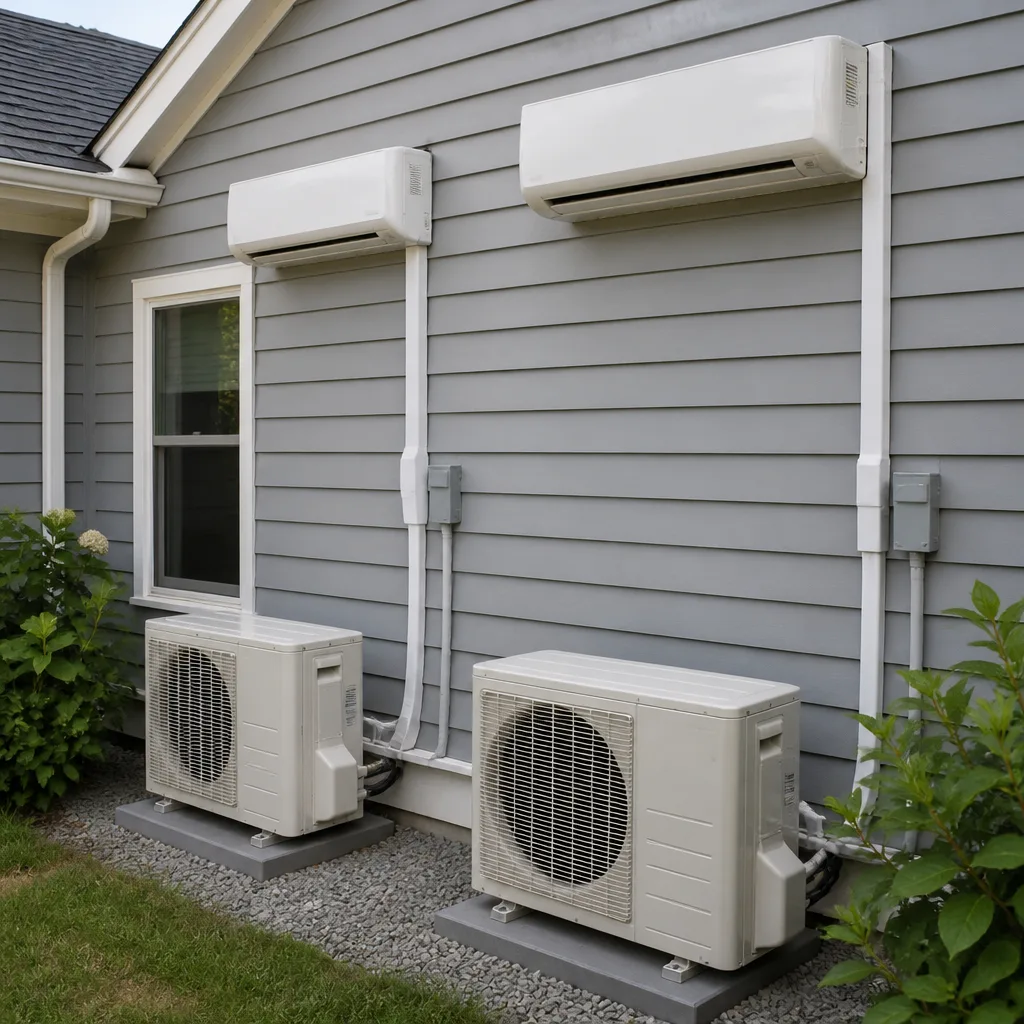 Ductless mini splits
 Carrier
 Trane
 Goodman
Seasonal tune-up and full diagnostic on your Carrier, Trane, or Goodman system - readings shown to you before any repair is proposed
Diagnosis first, numbers second - you approve the repair price before a single part goes in.
Get your free estimateHow Long Does Air Quality & Ventilation Take? Timelines and What to Expect
A duct cleaning visit might run three hours. The musty smell that sent you looking for that appointment in the first place? That can take three weeks to clear. Nobody warns you about the gap, so when the smell lingers on day four you start wondering whether the job was botched. We’ve watched that same confusion play out in living rooms across Enterprise, and we get why. This guide separates the two clocks – the one that measures the appointment and the one that measures the actual improvement – so you know what’s normal, what’s a real problem, and what to plan around.
Quick Answer
Most air quality and ventilation jobs in Enterprise run between 15 minutes and a full day: a filter swap takes about 15 minutes, ERV/HRV cleaning 45 to 90 minutes, and full duct cleaning 2 to 4 hours for an average Enterprise home. The improvement you can smell or measure usually lags the work by anywhere from a few hours to three weeks, depending on duct length, dust load, pets, and how much the system runs.
Styles & brands we work with
- AC repair
- Furnace & heating
- Heat pumps
- Ductless mini splits
- Carrier
- Trane
- Goodman
Table of Contents
- The Two Clocks: Appointment Time vs. Improvement Time
- How Long Does Each Air Quality Service Take?
- Why the Improvement Lags Behind the Work
- When a Timeline Overrun Is Legitimate (And When It Isn’t)
- How to Structure Your Day Around a Ventilation Job
- The 90-Day Check: What It Catches That the Same-Day Visit Can’t
- Why Enterprise Dust and Desert Air Change the Schedule
- What Air Quality and Ventilation Work Costs in Enterprise
The Two Clocks: Appointment Time vs. Improvement Time
Here’s the thing almost nobody explains: you’re dealing with two separate timelines, and they don’t end at the same moment. The first clock is the service appointment – the time the person at your door is actually in the house working. The second clock is the change you can notice – the smell fading, the dust settling down, the rooms feeling less stale. The first clock is measured in hours. The second is measured in days and sometimes weeks. Confusing them is the number one reason people call back convinced something went wrong.
We’ve seen it plenty in Enterprise. Someone books a duct cleaning because the house smells like a wet dog, the crew finishes in three hours, and by evening the smell is still there. It’s not because the ducts weren’t cleaned. It’s because the dust that settled into carpet, furniture, and drywall over years doesn’t vanish when the ducts do. It takes time for the system to cycle the air through enough times, and for the settled debris to get stirred up and pulled into the new filters.
So when you’re planning, think of it this way:
- Clock one (the work): 15 minutes to a full day, depending on the job.
- Clock two (the change): a few hours to about three weeks, depending on the home.
Once you know both clocks exist, the whole experience feels different. You’re not waiting for a miracle. You’re watching a normal process play out. And if it doesn’t, you call. That’s exactly what Ray’s Heating & Air Enterprise is here for. Ray’s Heating & Air Enterprise home has more on how we handle follow-ups.
How Long Does Each Air Quality Service Take?
The length of the appointment depends entirely on what’s being done. A filter swap and a full duct cleaning are two very different animals. Here’s how each typically shakes out for an average home in Enterprise, based on what we see on the job.
Filter Swap: About 15 Minutes
The simplest air quality service there is. Pop out the old filter, pop in the new, note the size and MERV rating, done. If you have a standard return grille, this takes under a quarter hour. If your filter is a media cabinet tucked in a weird spot – behind a panel, above a water heater, in a tight attic – add 5 to 10 minutes. Worth knowing: a filter that’s too thick or too restrictive (higher MERV than your system can push) can strain the blower, so the person at your door should be measuring static pressure, not just swapping blindly. We’ve caught more than one homeowner in Enterprise running a MERV 13 in a system that was designed for a MERV 8, and that’s a call worth having.
ERV/HRV Cleaning: 45 to 90 Minutes
Energy recovery ventilators and heat recovery ventilators bring fresh air into a tight house while keeping the conditioned air inside. They need their cores and filters cleaned periodically – usually once a year. A single-unit cleaning runs about 45 minutes. If the unit has been ignored for a few years and the core is packed with desert dust (common in Enterprise), it can stretch to 90 minutes. The good news is this is a job you can plan around – it’s not disruptive, and it doesn’t usually require shutting down the system.
Full Duct Cleaning: 2 to 4 Hours for an Average Enterprise Home
This is the big one. A full duct cleaning involves setting up negative pressure, running a rotary brush or air whip through each trunk and branch line, then vacuuming out the return plenum and cleaning the registers. For a typical 1,800 to 2,200 square-foot Enterprise home with a single system, expect 2 to 4 hours on site. Add time if:
- The home has two or more systems (each one adds an hour or more).
- The ducts are flex in a hot attic – slower going, more care needed.
- The ducts haven’t been touched in over a decade.
- You have pets or recent remodeling dust.
For comparison, if you’ve ever had an AC repair in Enterprise done, that’s usually a one- to two-hour visit. Duct cleaning is a bigger chunk of the day.
Why the Improvement Lags Behind the Work
This is the part that gets skipped over. The ducts can be spotless the moment the vacuum shuts off, but the air in your home isn’t a closed system – it’s mixing with dust that’s living in your carpet, your drapes, your sofa, the tops of your doors, and the drywall dust that’s settled into the return plenum’s surroundings. Every time the system cycles, it pulls a little bit of that settled debris into the new filter. Do that fifty times and the air starts to read cleaner. Do it once, and it won’t.
The main factors that determine how long the “notice” phase takes:
- Duct length and layout: longer runs, more branches, and flex duct with sagging low spots hold more dust; they also take longer to flush.
- Occupancy: two people and a cat is a different dust load than a family of five with two dogs. More people means more skin cells, hair, and lint in the air.
- Pets: a single long-haired dog can double your dust load overnight. Deshedding helps, but the ducts are still doing the work.
- Existing dust load in the room: if the house hasn’t been deep-cleaned recently, expect a longer lag. The ducts can’t clean your carpet for you.
- System runtime: the more the system runs, the faster the air cycles. In Enterprise in July, the AC runs almost constantly, so the change arrives faster. In March, with windows open, you might barely notice anything until summer fires the system back up.
In our experience, most Enterprise homeowners start noticing a difference in the smell of the air within 5 to 10 days and in the dust load on surfaces within 2 to 3 weeks. If nothing has changed at the three-week mark, that’s a legitimate reason to call back.
When a Timeline Overrun Is Legitimate (And When It Isn’t)
Nobody likes being told the job will take two hours and then having the truck still in the driveway at hour five. But overruns aren’t all the same. Some are the cost of doing the work right. Others are a sign that whoever quoted you the job lowballed the time to win the bid, and now you’re paying for it in your afternoon.
Legitimate overrun:
- The technician found a disconnected duct, a crushed flex run, or a nest of debris in a trunk line that wasn’t visible during the initial walkthrough.
- The home has more ductwork than the phone estimate assumed – common in Enterprise homes built in the 90s with additions.
- A safety issue came up – a gas appliance near the ductwork, a compromised return, or a blower that needed to come out to access the plenum.
- You added a service while they were there (we do this, but it’s a real time cost).
Overrun that’s a bad sign:
- The technician never measured anything on arrival but is now telling you the job “turned out bigger than expected.”
- You were quoted a flat price that has now become an hourly rate.
- Nobody communicated the change within the first 30 minutes of the overrun.
- The work is slow because the equipment is undersized for the home – that’s a quoting error, not your problem.
In Enterprise, we’ve seen plenty of quotes come in with a number that couldn’t possibly cover the work. It’s why we tell people to get a second opinion on any written estimate. If something feels off, that’s a free service we offer. The Heating & Furnace in Enterprise page covers similar issues for heating-side work.
How to Structure Your Day Around a Ventilation Job
You don’t have to cancel your day for a filter swap, but a full duct cleaning is a different story. Here’s how we tell Enterprise homeowners to plan for a 2- to 4-hour duct job:
- The night before: move furniture and anything breakable away from the return and supply registers. Clear the access panel to the air handler. If your unit is in the attic, make sure there’s a clear path to the hatch.
- Morning of: expect the crew to arrive and do a walkthrough before any equipment comes in. That’s usually 15 minutes. This is when they should take readings – static pressure, filter condition, and a quick look at each register.
- During the work: you can usually stay home, but plan to be out of the rooms being worked on. The negative-pressure setup is loud. If you work from home, take the call in the garage or step out.
- Equipment offline: the system stays off during the actual cleaning – usually 1 to 3 hours depending on the home. Plan for that window in the summer; don’t schedule it for the hottest part of an Enterprise July afternoon if you can help it.
- After the work: the crew should show you the filter they pulled, walk you through what they found, and leave you with a written summary. That’s the same 90-Day Done Right Promise we put on every heating and cooling job. If something looks off in the follow-up, one call brings us back.
What you don’t need: a hotel room, a day off work, or to board the dog. Most people stay home and just stay out of the way.
The 90-Day Check: What It Catches That the Same-Day Visit Can’t
A same-day visit tells you what the ducts looked like going in. A 90-day follow-up tells you whether the air is actually better on the other side. That’s the whole reason we built the check into our process. Here’s what it catches that the initial visit can’t:
- New dust patterns: a filter that’s loaded at 90 days tells us the ducts are working but the home’s dust load is heavy. A filter that’s clean tells us the system isn’t cycling enough – which is a different problem.
- Duct separation: flex duct that looked sealed at the initial visit can open up at a joint after a few months of temperature swings. Enterprise summers are brutal on attic ductwork. A follow-up catches it before it becomes a cooling problem.
- ERV/HRV core performance: if you had a ventilator cleaned, the 90-day check verifies the core is actually exchanging air. A clogged core from the start looks clean but performs poorly.
- Filter fit: a filter that was the wrong size or installed in the wrong direction shows up at the 90-day check, not the day-of.
- Real-world smell test: the follow-up is the first point where a homeowner can honestly say whether the original problem is gone.
That’s not a sales visit. It’s a look under the hood. If the ducts need more work, we’ll tell you. If they’re fine, we’ll tell you that too. For heat pump or mini-split systems, the follow-up often overlaps with a regular service visit – see Heat Pump & Mini Split in Enterprise for what that covers.
Why Enterprise Dust and Desert Air Change the Schedule
Enterprise sits in the Mojave, and that fact changes everything about how long air quality work takes here compared to, say, a coastal city. The dust in this part of Nevada isn’t the fine soot you get from an urban skyline – it’s mineral dust, ground-down caliche and quartz, and it gets into everything. After a spring wind event, our ducts pull in a genuinely different class of debris than they would in a wetter climate.
Two practical consequences:
- Filter lifespan is shorter here. A filter that runs 90 days in a mild climate can load up in 45 to 60 days in Enterprise during windy season. That’s one reason we recommend filter swaps twice as often as the packaging says in dusty months.
- Duct cleaning is more frequent. A home in Enterprise may need a full duct cleaning every 3 to 5 years rather than every 5 to 7, especially if you’re near an undeveloped lot or a construction zone. The desert moves. You can’t stop it, but you can stay ahead of it.
The desert also means your ERV/HRV is doing more work in spring and fall, when you’re pulling in outside air. That’s the time to clean the core, not the middle of summer when the system is running full-tilt.
What Air Quality and Ventilation Work Costs in Enterprise
Prices vary by home size and system count, but here’s the range we see in Enterprise. These are typical line-item prices, not a quote – get a written estimate before anyone opens a panel.
- Filter swap (standard): $30 to $80 installed, depending on filter size and MERV rating.
- Specialty filter (media cabinet, high-MERV): $80 to $180 installed.
- ERV/HRV cleaning: $150 to $325, depending on unit count and condition.
- Full duct cleaning, single system: $350 to $650 for an average Enterprise home.
- Full duct cleaning, two systems: $600 to $1,100.
- Duct sealing (if leaks found): $400 to $900, priced by run count.
If you get a written estimate and something in it feels vague, take us up on a free second opinion. We’ll read it, tell you what’s fair, and tell you what isn’t. That’s not a sales tactic – it’s how a locally owned outfit should behave. Bryant and American Standard parts, in particular, have specific pricing quirks that are worth understanding before you sign. The AC Repair & Installation in Enterprise page has more on how pricing works on the equipment side.
Common Mistakes to Avoid
- Expecting the smell to vanish by evening. It usually doesn’t, and that’s normal. Give it 5 to 10 days before you judge the result.
- Skipping the walkthrough readings. If the person at your door doesn’t take a static pressure reading before starting, that’s a red flag. Readings first, numbers second. Ask for both in writing.
- Buying the highest-MERV filter you can find. A MERV 13 in a system designed for MERV 8 can restrict airflow and strain the blower. Match the filter to the system, not the marketing.
- Scheduling full duct cleaning in the dead heat of an Enterprise afternoon. The system is offline for 1 to 3 hours. Do that in the morning in July.
- Accepting an hourly quote that “becomes” a flat price at the end. Get the flat price before the work starts. Upfront pricing is a published value at Ray’s Heating & Air Enterprise, not a courtesy.
- Forgetting the ERV/HRV entirely. A clogged core looks clean on the outside and is costing you air quality and energy dollars inside. It needs an annual cleaning, especially in a dusty climate.
- Skipping the 90-day check. The same-day visit can’t tell you whether the air actually improved. The follow-up is where that gets answered.
See the difference
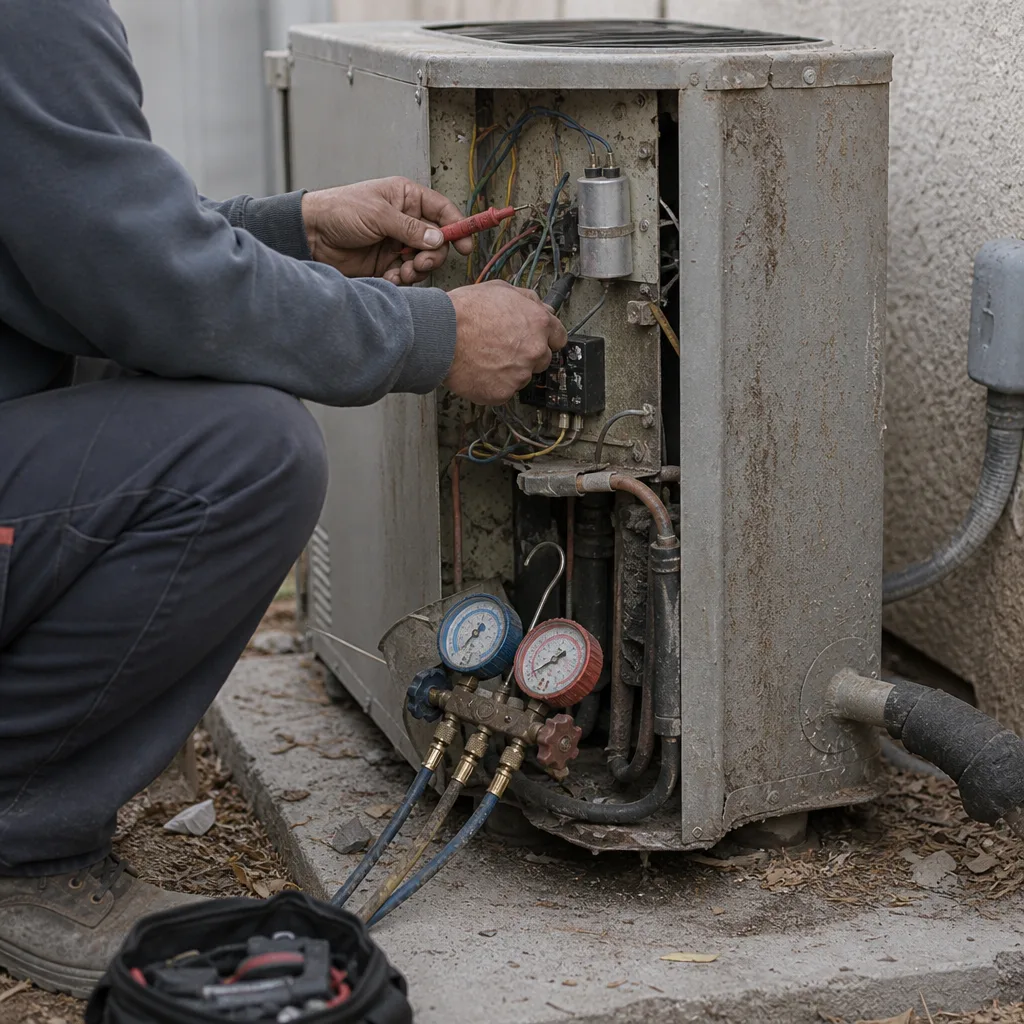 Before
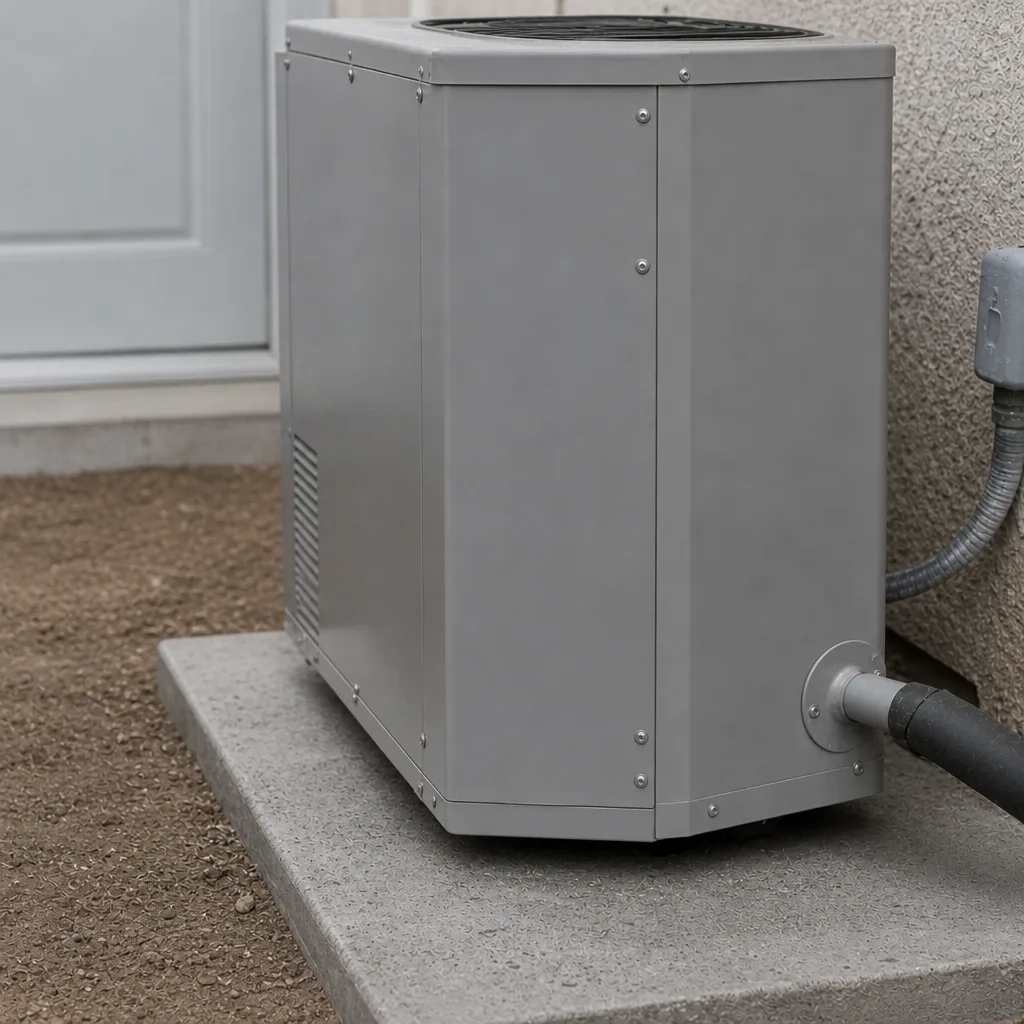 After
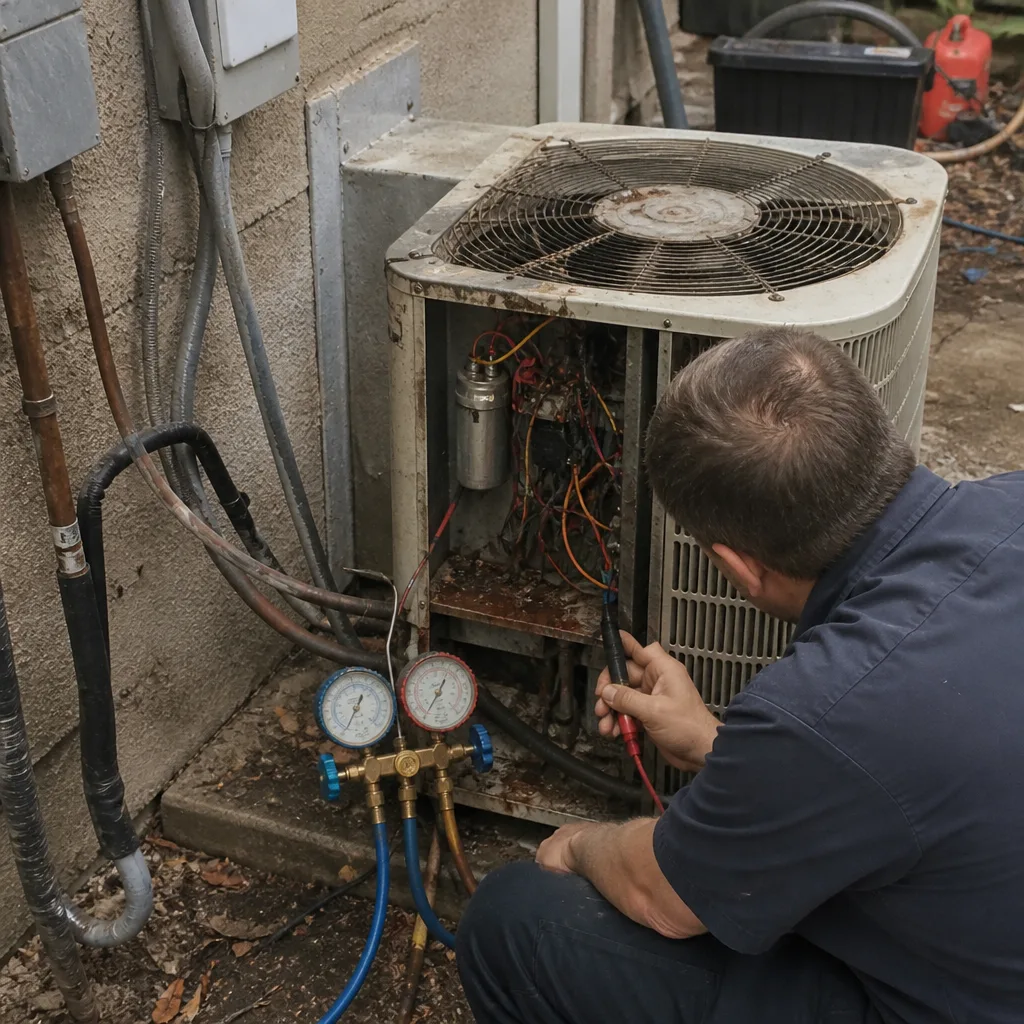 Before
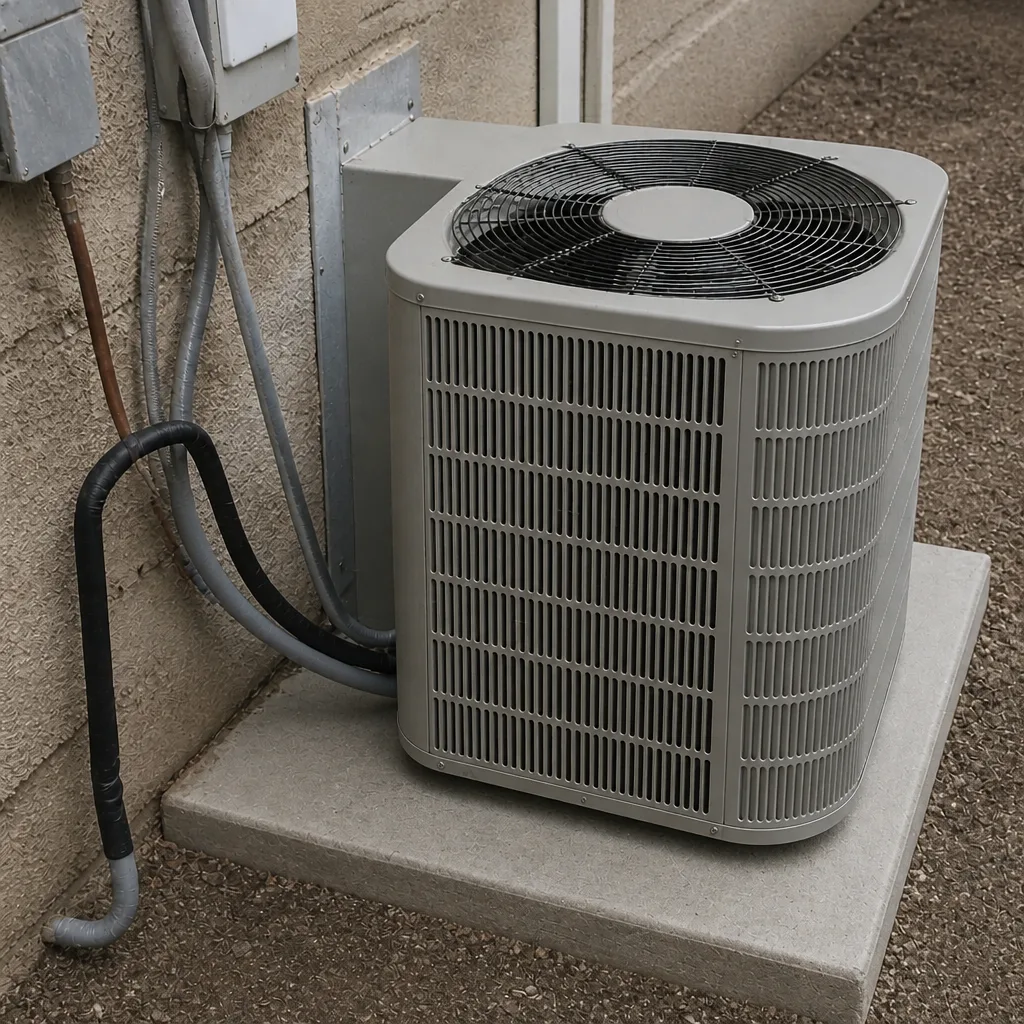 After
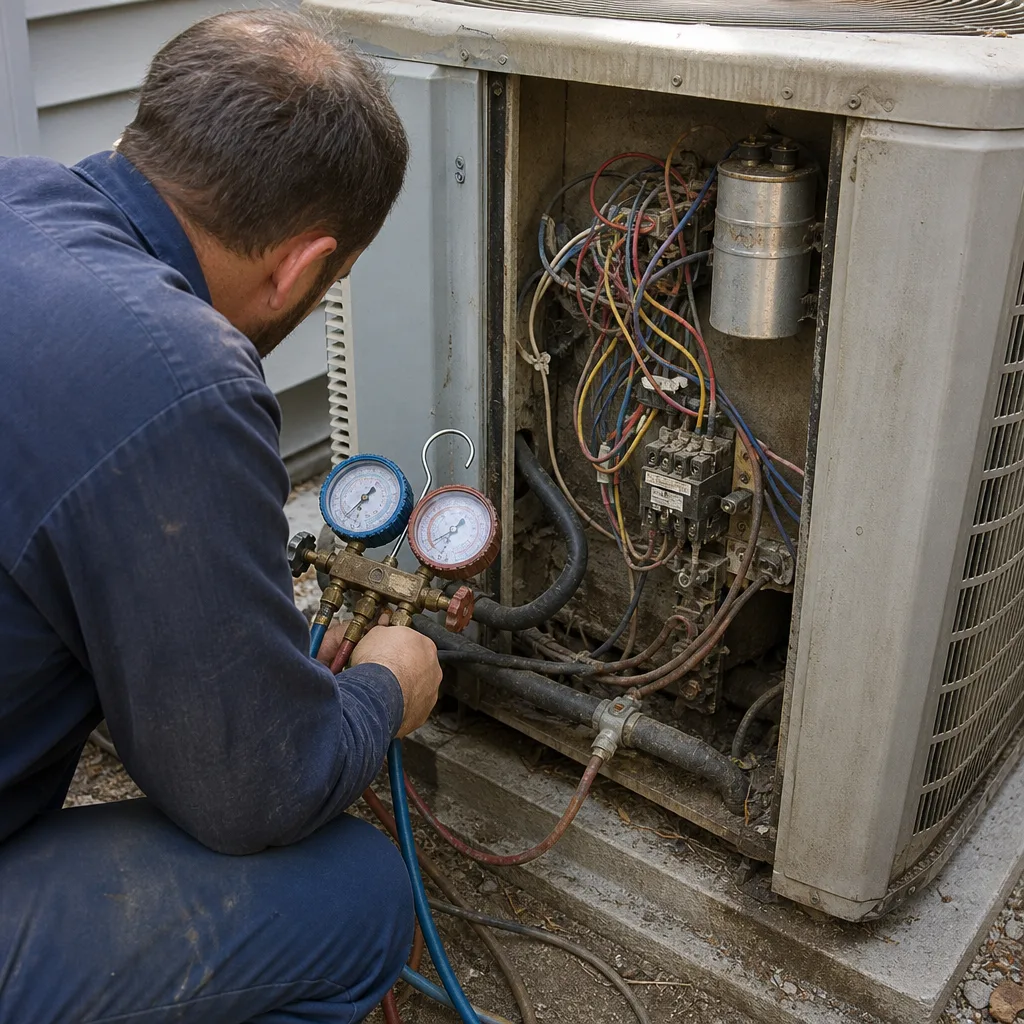 Before
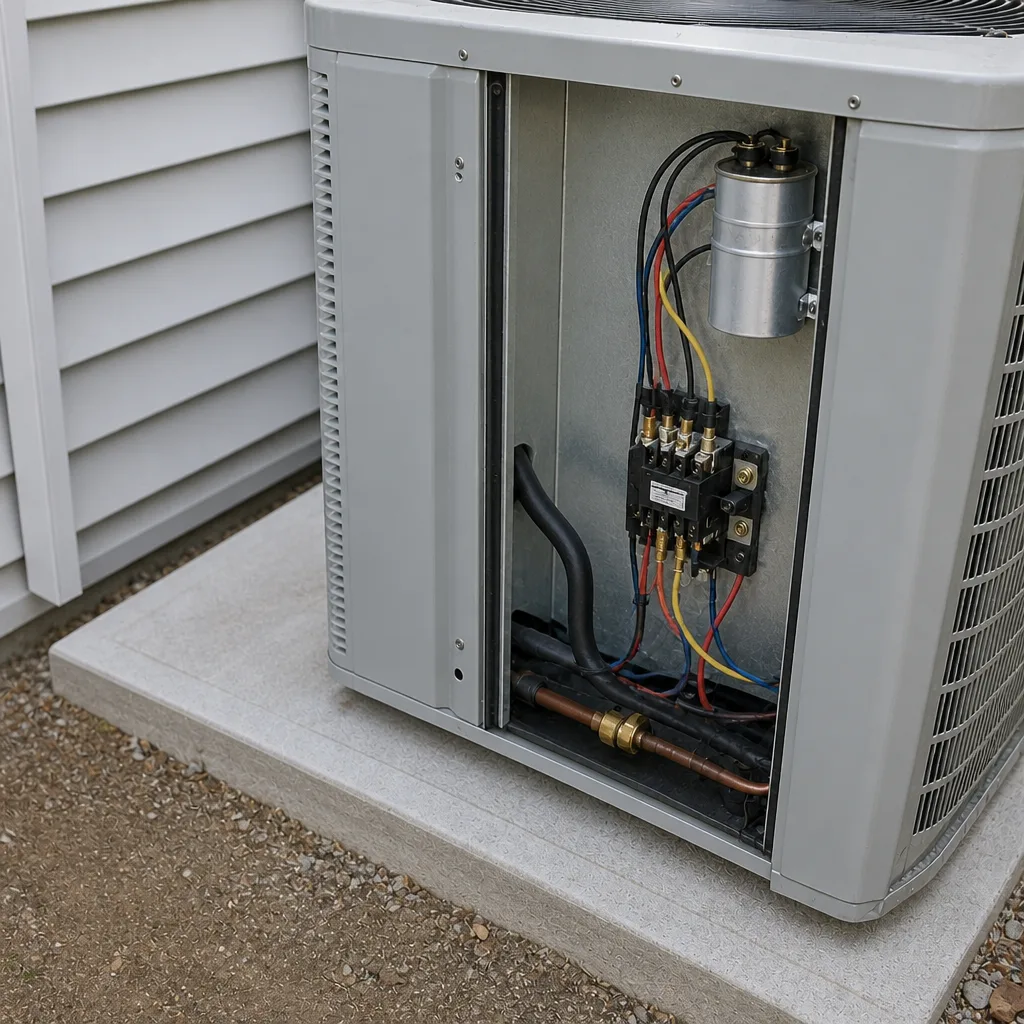 After
When to Call a Professional
Call a professional if any of the following are true. If your ducts have never been cleaned and the house is over 10 years old, that’s a strong hint. If you’re seeing visible dust blow out of a supply register after the system kicks on, that’s a stronger one – it means the ducts are contaminated or leaking. If anyone in the house has developed new respiratory symptoms, allergies, or sinus trouble in a short window, air quality is worth checking. If you smell a musty or chemical odor that comes back whenever the system runs, don’t keep guessing – get it looked at. If you’ve had water intrusion or recent remodeling, that’s another trigger. Ray’s Heating & Air Enterprise offers free estimates in Enterprise – call (844) 455-2034.
Frequently Asked Questions
Between 15 minutes and a full day, depending on the job. A filter swap is about 15 minutes, ERV/HRV cleaning 45 to 90 minutes, and full duct cleaning 2 to 4 hours for an average Enterprise home. Call (844) 455-2034 for a flat quote on your specific system.
Usually not the same day, and that’s normal. The smell and dust change typically shows up 5 to 10 days after the work for odors, and 2 to 3 weeks for surface dust. The ducts are clean the moment the crew leaves – the air in the room catches up over time.
No, but plan to stay out of the rooms being worked on. The system is offline for 1 to 3 hours, and the equipment is loud. Most Enterprise homeowners stay home and just clear the space around the registers.
Three hours is normal for a single-system home in Enterprise, especially if the ducts aren’t heavily contaminated. If the crew is done in 45 minutes, that’s a different conversation – ask what was actually vacuumed and what the filter looked like going in.
Every 3 to 5 years is a reasonable rule of thumb in our dusty desert climate, more often if you have pets, allergies, or nearby construction. Filter changes should run every 45 to 60 days during windy season.
It checks whether the air quality actually improved – filter loading, duct joints, ERV core performance, and whether your original problem is gone. It’s the only visit where you can honestly judge the result. Same-day work can’t answer that question.
The Bottom Line
The two-clock idea is the whole guide in one sentence: the appointment is measured in hours, the improvement is measured in weeks. Budget 15 minutes for a filter, 45 to 90 minutes for an ERV/HRV cleaning, and 2 to 4 hours for full duct cleaning in a typical Enterprise home. Expect the smell and dust to lag a solid week or two behind the work, and don’t panic if the house isn’t magically different by dinner. Ask for readings before the work starts, expect a written price up front, and hold the follow-up as the real test. If it doesn’t improve, call. That’s what the 90-Day Done Right Promise is for – one call brings us back.
Ready to schedule? Call Ray’s Heating & Air Enterprise at (844) 455-2034 for a free estimate. You’ll see the readings and the numbers before any work begins, and every job is backed by the 90-Day Done Right Promise.
Written by the team at Ray’s Heating & Air Enterprise.