
Last updated November 17, 2026
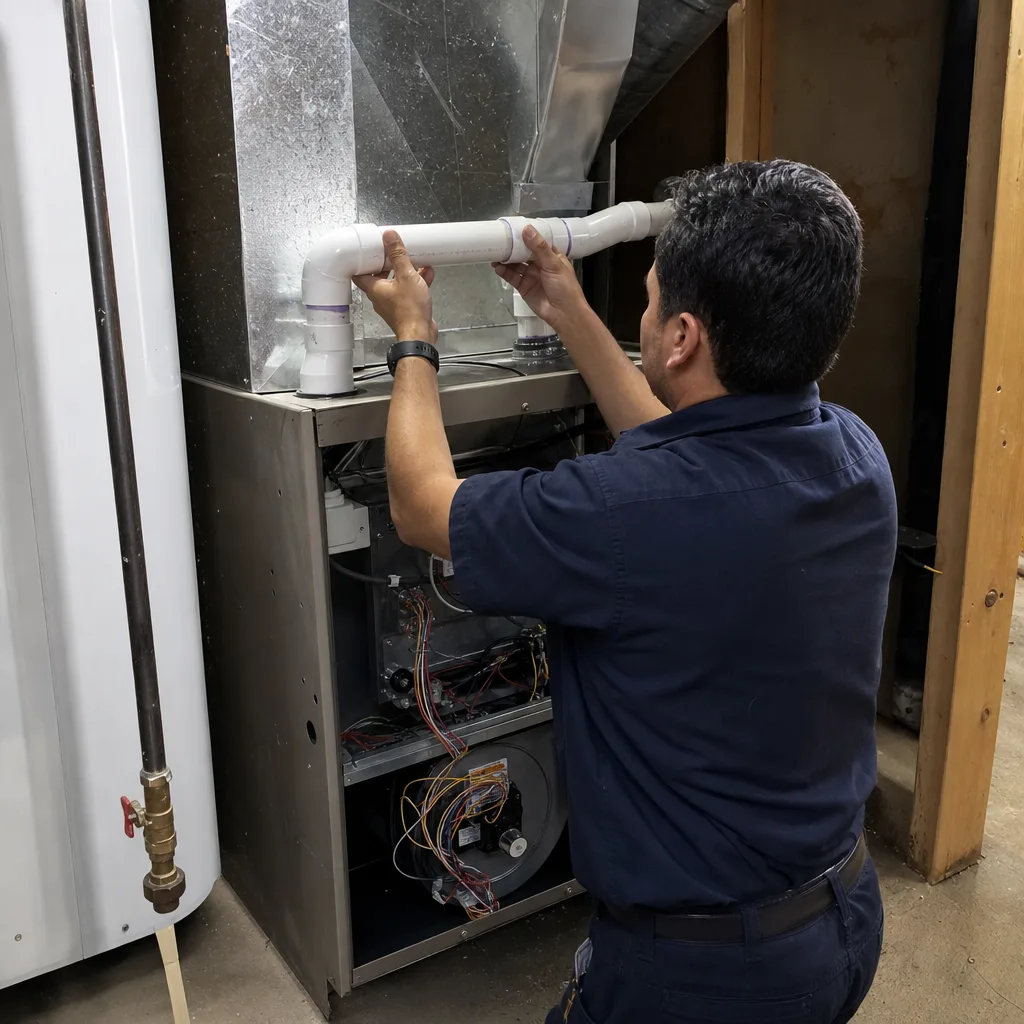
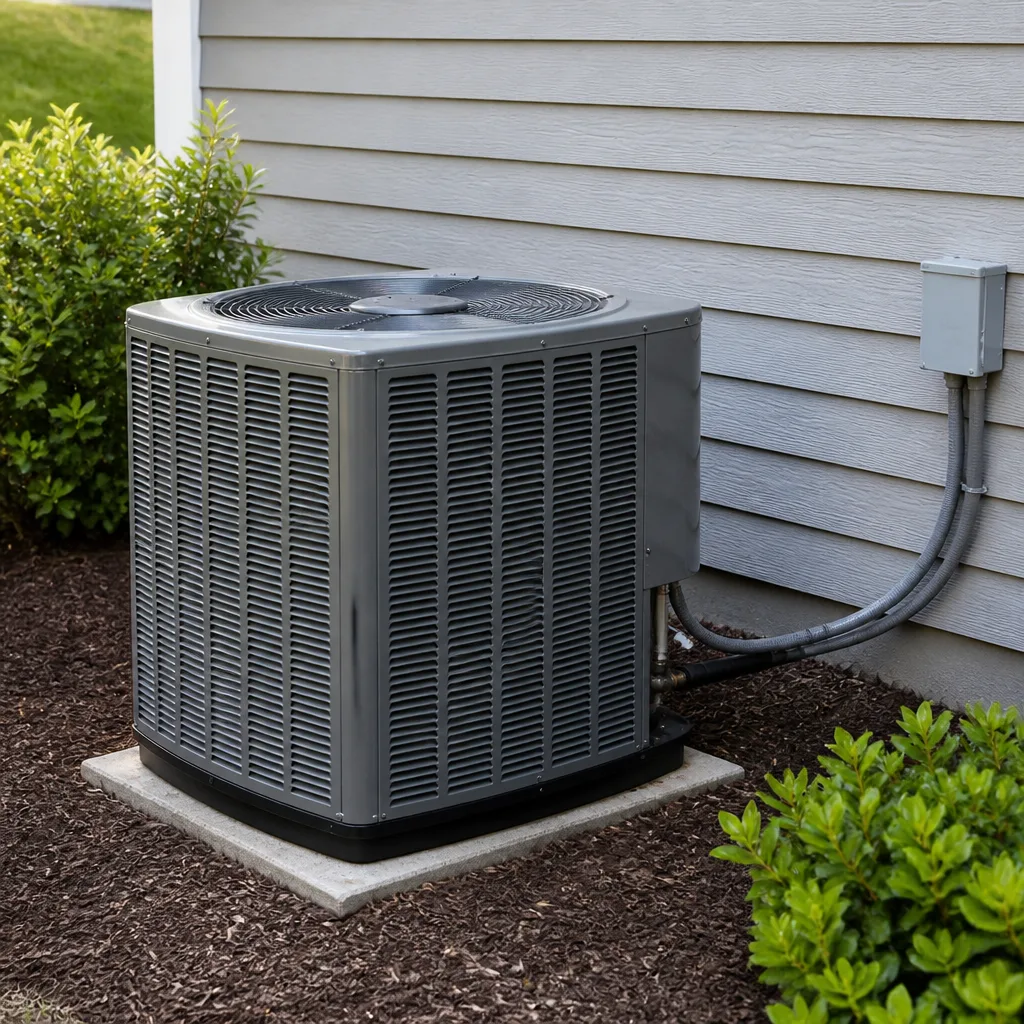 AC repair
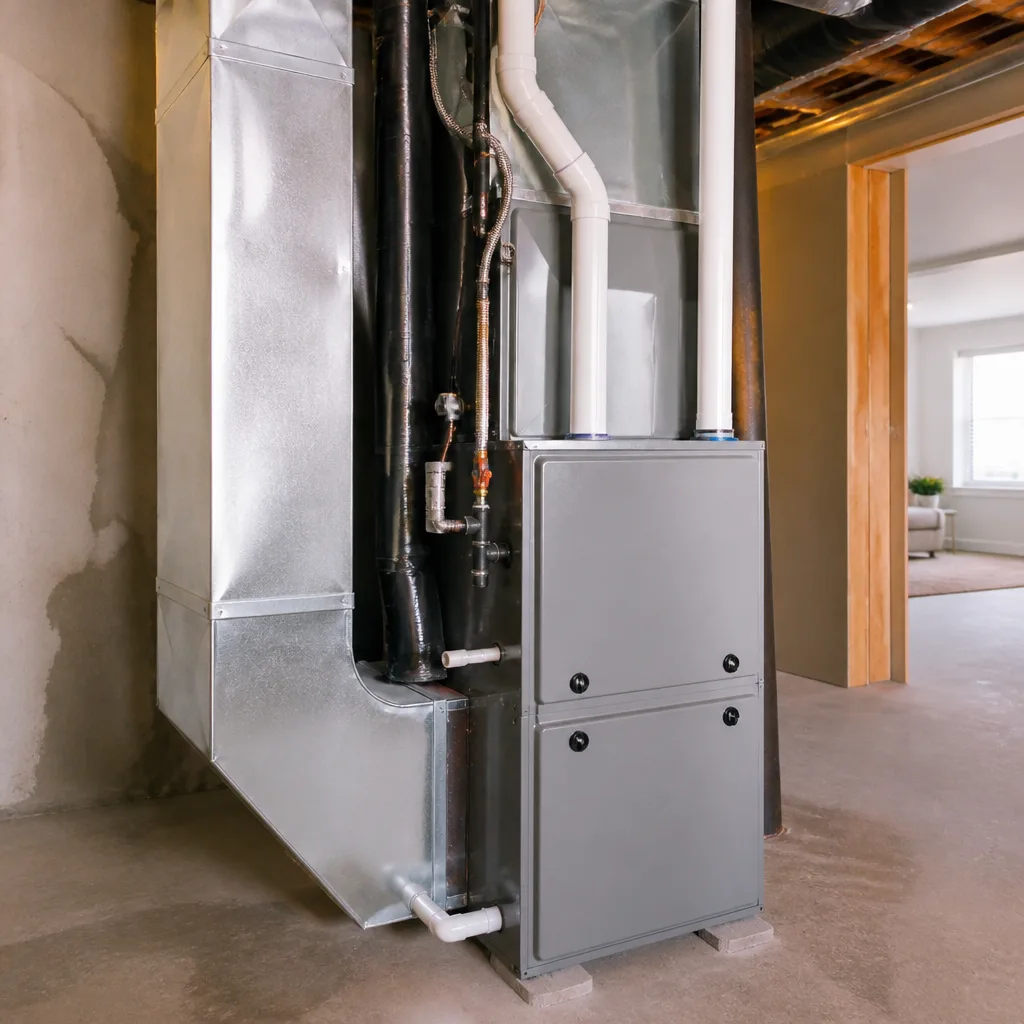 Furnace & heating
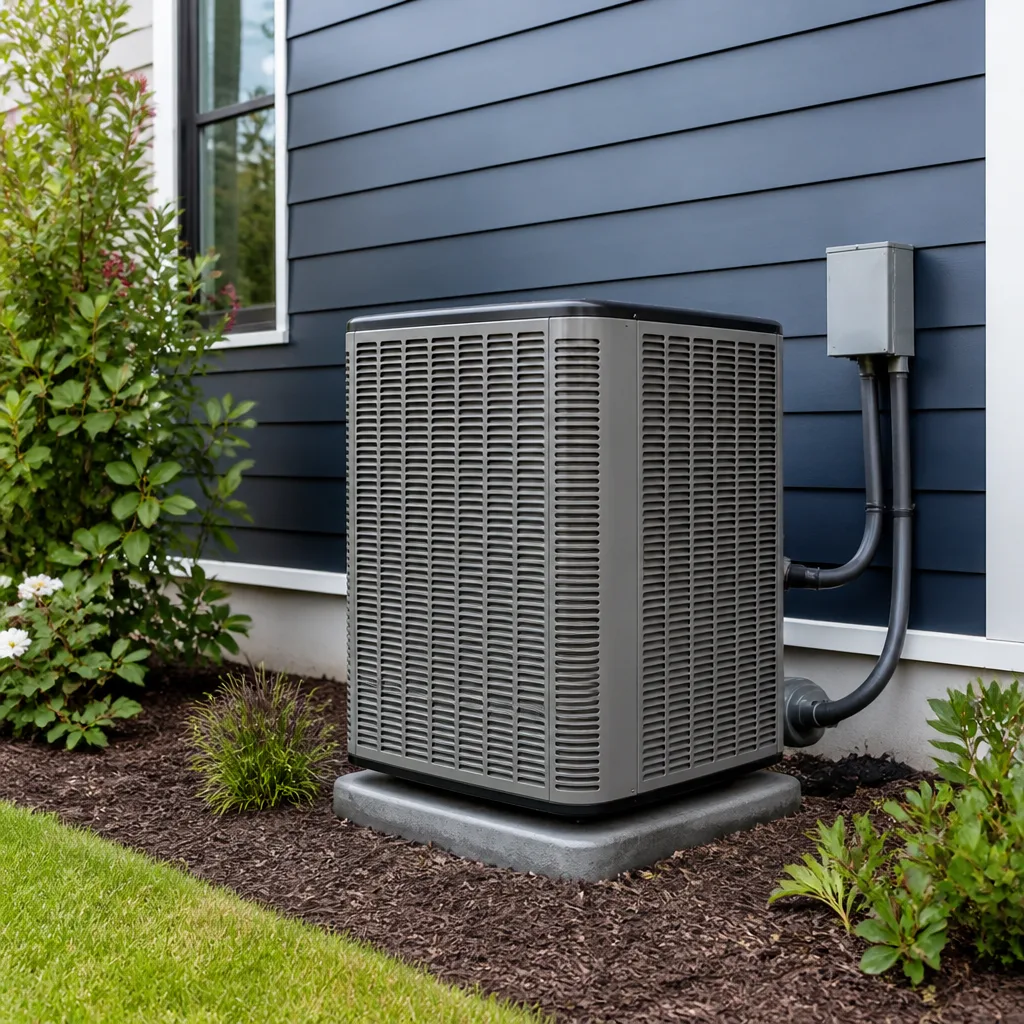 Heat pumps
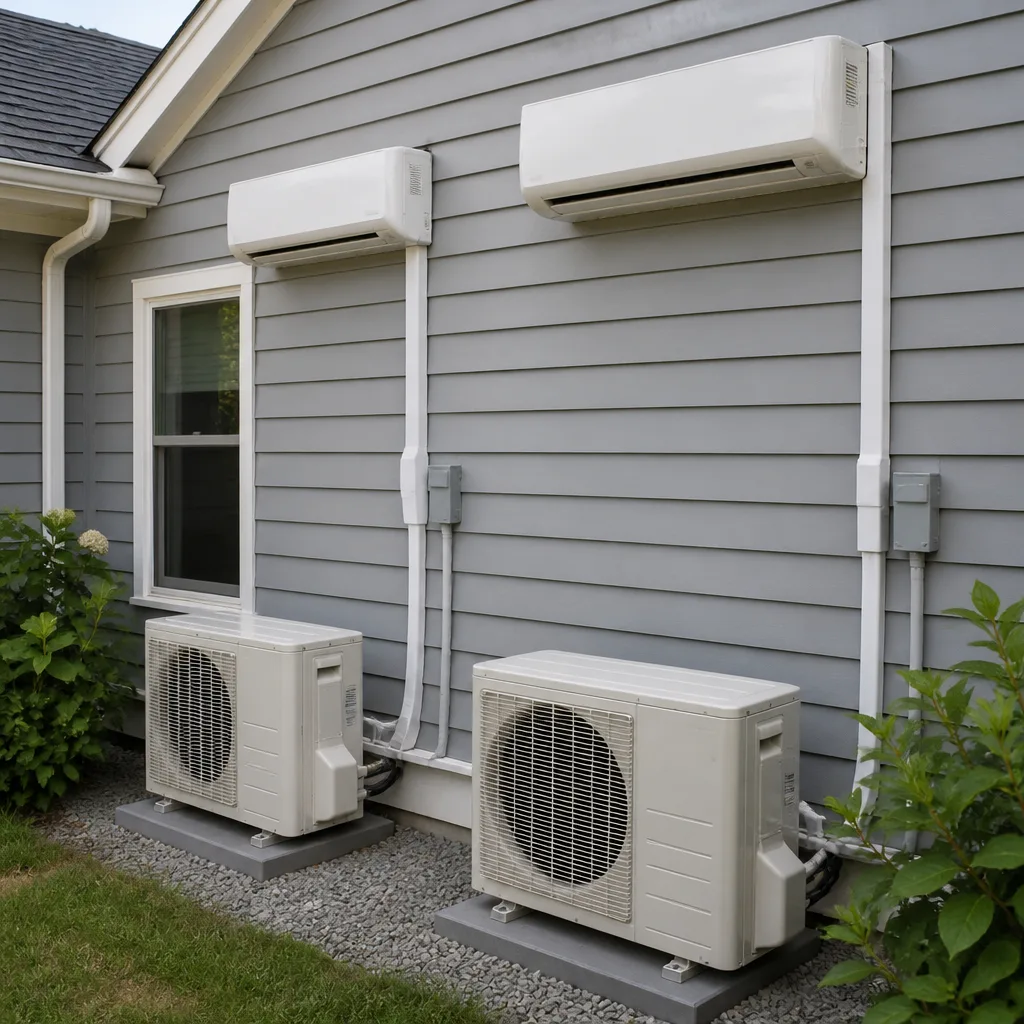 Ductless mini splits
 Carrier
 Trane
 Goodman
Seasonal tune-up and full diagnostic on your Carrier, Trane, or Goodman system - readings shown to you before any repair is proposed
Diagnosis first, numbers second - you approve the repair price before a single part goes in.
Get your free estimateAC Repair & Installation Maintenance Schedule: What to Do and When
If you’re doing AC maintenance in October, you already missed the two months that matter most. In Enterprise, the maintenance window that saves your system is March, before the heat hits, not after. A machine that runs flat-out from May through September takes more abuse in one June than a system in Denver takes all year, and the manufacturer’s pamphlet was written for a climate that isn’t yours. What follows is a calendar built around how hard Enterprise actually runs these machines, along with the spring checklist that catches most summer breakdowns before they start.
Quick Answer
In Enterprise, the maintenance schedule that actually protects an air conditioner runs on a desert clock: a spring tune-up in March, a filter change every 30 days from May through September, and a short shoulder-season check in October and November. Skip the generic four-seasons template. Your system’s real enemy is heat and dust, not winter cold.
Styles & brands we work with
- AC repair
- Furnace & heating
- Heat pumps
- Ductless mini splits
- Carrier
- Trane
- Goodman
Table of Contents
- Why an Enterprise Maintenance Calendar Looks Different
- The Spring Checklist We Run Before the Heat Hits
- Filter Changes: Why the Desert Wants 30 Days, Not 90
- The Summer Rhythm: What to Watch Month to Month
- Do It Yourself vs. Call a Licensed Tech
- How to Document Your Maintenance
- Common Mistakes to Avoid
- Frequently Asked Questions
Why an Enterprise Maintenance Calendar Looks Different
Enterprise gets hot early and stays hot. That long heat season changes what maintenance means here. A system in a mild climate might coast on two visits a year and never notice. A system in Enterprise is working at high load far longer, and every one of those hours wears the same parts: the capacitor, the contactor, the fan motor, the refrigerant charge. Heat is cumulative. So is dust.
That matters for how you schedule. Most manufacturers publish calendar-quarter suggestions because they sell to the whole country. Their quarterly filter reminders assume ordinary household dust. In Enterprise, we’re dealing with fine desert particulate that loads a filter much faster, plus the wind-blown grit that sneaks past a cheap filter and settles on the blower wheel and the evaporator coil. When that builds up, airflow drops, the system runs longer, and the compressor works harder than it should.
There’s also the shoulder season. Enterprise doesn’t have a deep winter, so the “off season” for cooling is short and mild. That’s actually good news. It gives you a window in October and November to clean, inspect, and get ahead of things without fighting the heat. Miss that window and you’re doing catch-up maintenance in July, which is the worst possible time to be without cooling and the busiest time to get on anyone’s schedule.
When we walk an Enterprise house for the first time, we ask one question: what has this system survived? The answer usually tells us whether we’re looking at a routine tune-up or a repair waiting to happen. That history is the whole point of the calendar below.
The Spring Checklist We Run Before the Heat Hits
March is the month. Not because of a brochure, but because it’s the last calm stretch before demand spikes and the last chance to catch a tired part before it fails at 108 degrees. Here’s the pre-season walk we do on every spring tune-up, and it’s the routine that catches the large majority of what would otherwise turn into summer breakdowns.
- Test the capacitor first. This is the part that fails most on hot days, and it’s cheap to replace on a calm spring visit. We test it before anything else gets discussed.
- Check the refrigerant charge. A system that’s slightly low in March runs hard all summer. We measure and don’t guess.
- Read the contactor and electrical connections. Pitted contactors and loose lugs cause intermittent failures that are miserable to diagnose in the middle of a heat wave.
- Inspect the condenser coil and clear debris. Desert grit and cottonwood fluff pack the coil and kill efficiency.
- Check the blower wheel and evaporator coil for dust load. Both get cleaned if they need it.
- Verify the condensate drain. A clogged drain in summer leaves you with water damage and a shut-down system.
- Check the thermostat and the air handler. Calibration and basic operation get confirmed so you’re not chasing a “system” problem that’s really a thermostat problem.
That list is the heart of the schedule. Done in March, it’s a routine visit. Done in July after a failure, the same items become an emergency call, and you’ll pay for urgency. For the deeper repair side of things, our AC Repair & Installation in Enterprise page covers what’s involved when a spring check finds something that needs real work.
Filter Changes: Why the Desert Wants 30 Days, Not 90
The 90-day filter reminder on the box is written for average conditions in average places. Enterprise isn’t average. Summer here means the system runs nearly constantly, which means it pulls air through that filter nearly constantly. Add desert dust and the occasional windy stretch, and a filter that a pamphlet says is good for three months is often loaded in four to five weeks.
A clogged filter is not a minor annoyance. It starves the system of airflow, which drops efficiency, freezes coils in some cases, and pushes the compressor to work harder than it was built to. You feel it as a house that never quite gets comfortable and a power bill that creeps up. So the schedule we hand homeowners is simple:
- May through September: change or clean the filter every 30 days. Set a phone reminder for the first of the month and stick to it.
- October through November: every 45 to 60 days as the system winds down.
- December through April: check monthly, change as needed. Heating season still moves air through the same filter.
- Pets or a dusty road nearby: shorten every interval. A house with two dogs and a gravel driveway can load a filter in three weeks.
Cheap pleated filters are fine if you change them on schedule. The trap is buying the densest filter on the shelf and running it for three months. A filter too restrictive for your system does more harm than a basic one changed on time. When in doubt, ask what your system was actually designed around. If your filter situation is part of a bigger air quality concern, our Ray’s Heating & Air Enterprise home page is the place to start sorting out what matters for your house.
The Summer Rhythm: What to Watch Month to Month
Once June hits, maintenance becomes observation. You’re not taking the system apart, you’re watching for the early signals that something is drifting. Here’s the summer rhythm we recommend in Enterprise, month by month.
May: Do the spring tune-up if you haven’t already, and change the filter. This is the last easy window. Confirm the outdoor unit has clear airflow around it: no weeds, no stored patio furniture crowding the coil.
June: Pay attention to how long the system runs to cool the house. Compare it to last June. A system that suddenly takes longer to hit the setpoint is telling you something. Change the filter.
July: This is peak load month. Watch for ice on the indoor coil or the refrigerant line, which points to airflow or charge problems, and listen for a compressor or fan that sounds different. Change the filter.
August: The month that breaks the tired parts. If a capacitor is going to fail, it often picks now. Note any breaker trips. Change the filter.
September: Keep the filter schedule going even as demand eases. This is a good time to jot down anything you noticed over the summer for the fall inspection to check.
We’ve seen this pattern play out on the same streets in Enterprise year after year: the houses that get the March check and stick to the filter schedule are the ones that coast through August. The houses that skip it are the ones calling when it’s the hardest time to get help. Our Heating & Furnace in Enterprise page picks up the calendar on the heating side, since the same house runs the same filters all year.
Do It Yourself vs. Call a Licensed Tech
Some of this is genuinely yours to do in 20 minutes, and some of it isn’t. Knowing the line saves you money and keeps you safe. Here’s the honest split.
What you can handle yourself:
- Changing or cleaning the filter on schedule.
- Keeping the outdoor unit clear of debris, weeds, and clutter.
- Hosing off the outside coil gently (power off first).
- Checking and replacing thermostat batteries.
- Writing down what you notice: odd sounds, slow cooling, breaker trips.
- Checking that supply and return vents aren’t blocked by furniture or rugs.
What needs a licensed tech: anything involving refrigerant, the electrical panel, capacitors, contactors, compressor components, or gas lines if you have a gas furnace. This isn’t gatekeeping. Refrigerant handling requires certification and the right equipment, and the electrical work inside a system can hurt you. The capacitor that seems like a $15 part can hold a dangerous charge and cause a serious injury to someone poking at it without knowing how to discharge it safely. Opening a panel on a live system is a good way to get hurt, and it’s not worth it to save a service call.
Crossing that line costs more than the visit would have. We’ve walked into houses where a homeowner tried a capacitor swap and ended up with a bigger repair and a system that had been running wrong the whole time. Call the professional for the parts that carry voltage or refrigerant. The rest is yours.
How to Document Your Maintenance
A system with a written history is a system a tech can actually help. When the person at your door has to start from zero, they spend time guessing instead of fixing. Fifteen minutes of record-keeping pays you back at every future visit, including the one where you sell the house.
Here’s a simple system that works:
- Keep a single folder or a note on your phone. Date every filter change. Note what you noticed and what got fixed.
- Save every invoice and inspection report. That’s the system’s medical record. It tells the next tech what part was replaced and when.
- Note the model and serial numbers. Taped inside the folder, so nobody has to climb up to read them.
- Write down the weird stuff. “Ran long in late July, ice on the line, cleared by next day.” That sentence is gold to a tech diagnosing a recurring issue.
- Keep the tune-up report. Readings from March tell us what “normal” looks like for your specific system. Our technicians have up to 24 years of experience, and they’ll confirm: the paperwork saves hours.
This is the part most homeowners skip, and it’s the part that turns a maintenance schedule into real protection. When we service an Enterprise home with a clear history, we know whether a part is a repeat offender or a one-time failure. That’s how you stop paying twice for the same problem.
Common Mistakes to Avoid
- Waiting until summer to schedule a tune-up. In Enterprise, the March window is the whole game. By July the schedule is full and the heat is already testing your system.
- Running the same 90-day filter past its limit. Desert dust loads a filter far faster than a pamphlet assumes. Thirty days in summer, not three months.
- Letting the outdoor unit get buried. Weeds, stored patio cushions, and shrubs packed around the condenser choke airflow and drive up your bill through the whole hot season.
- Trying to swap a capacitor or open an electrical panel yourself. The part is cheap; the injury isn’t. Leave the electrical and refrigerant work to a licensed tech.
- Ignoring the small signals. Slow cooling, a new noise, a breaker that trips once. Those are early warnings, and catching them in June beats a failure in August.
- Starting every service call from zero. No records means wasted time and repeated guesswork. Keep the folder.
- Treating the manufacturer’s calendar as gospel. A national pamphlet can’t know how hard an Enterprise system runs. Build the calendar around your climate, not the box.
See the difference
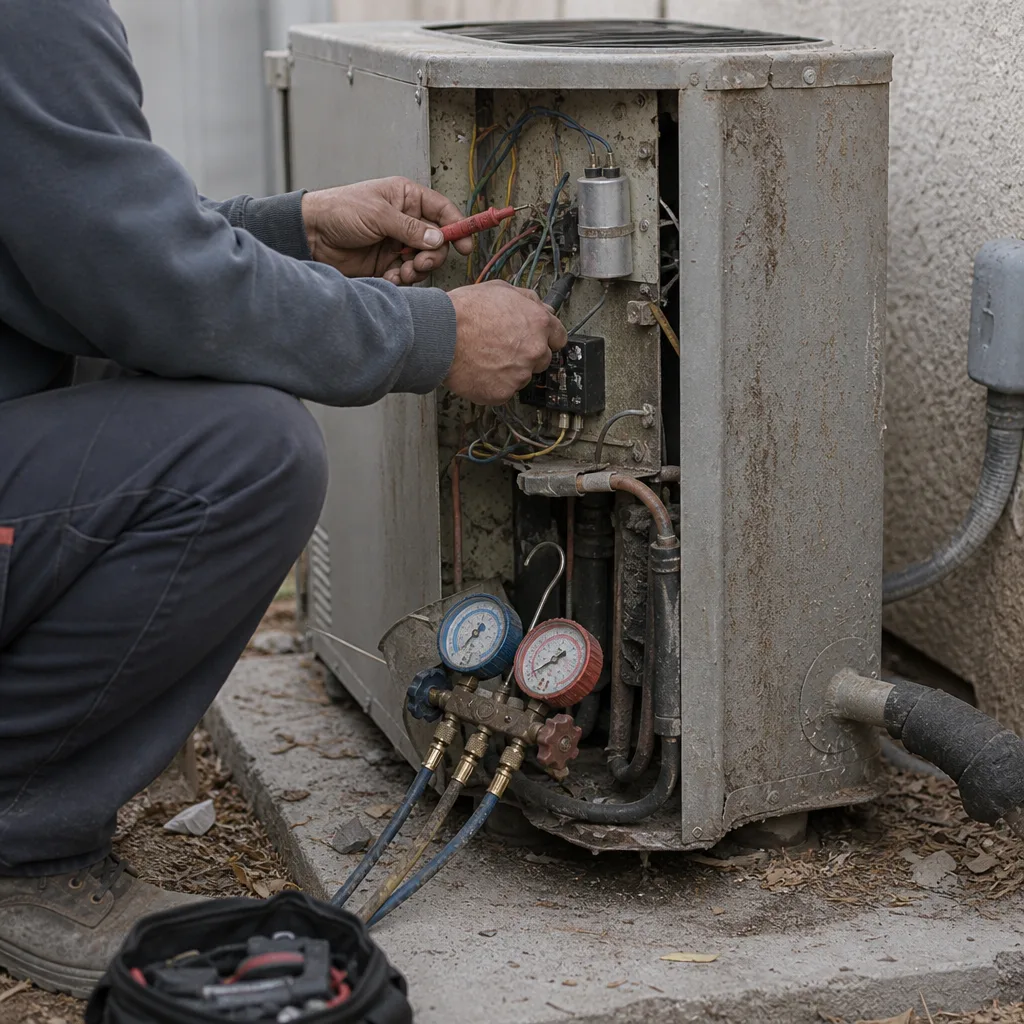 Before
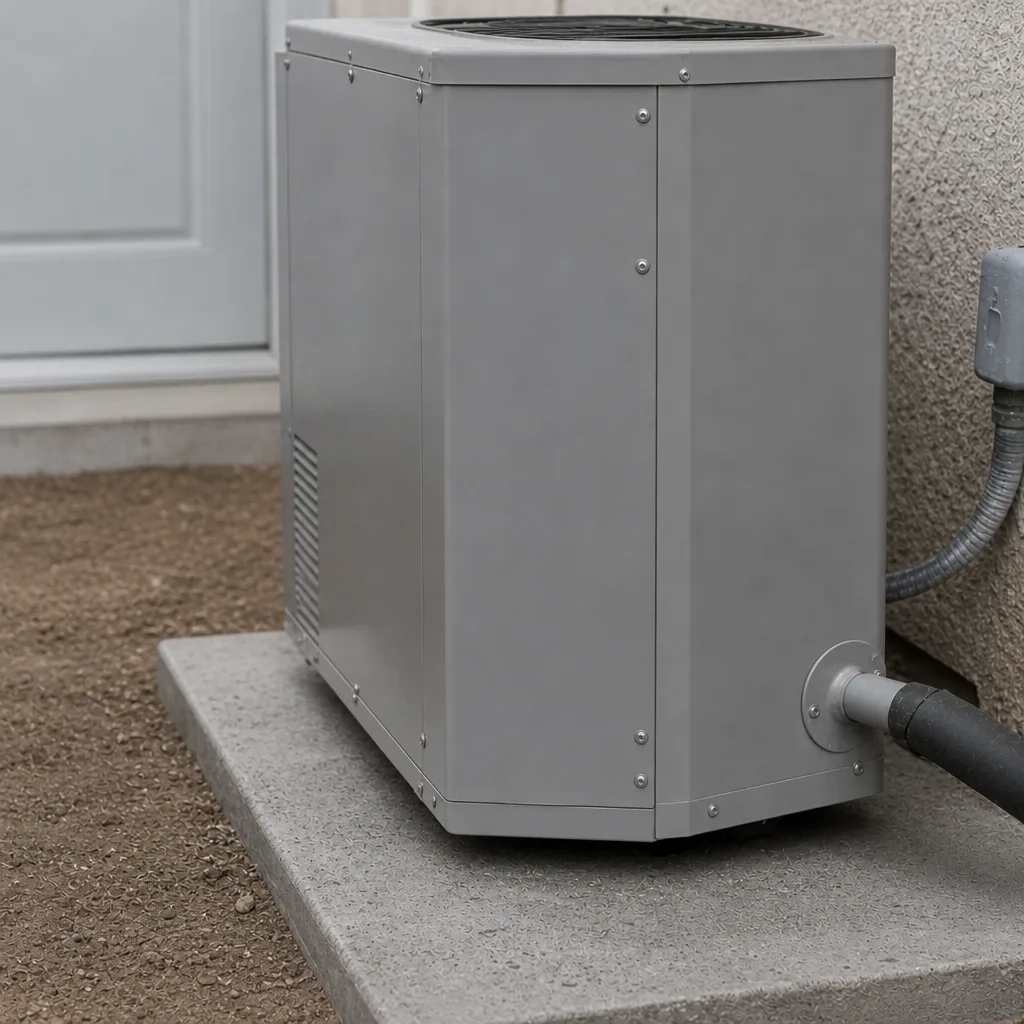 After
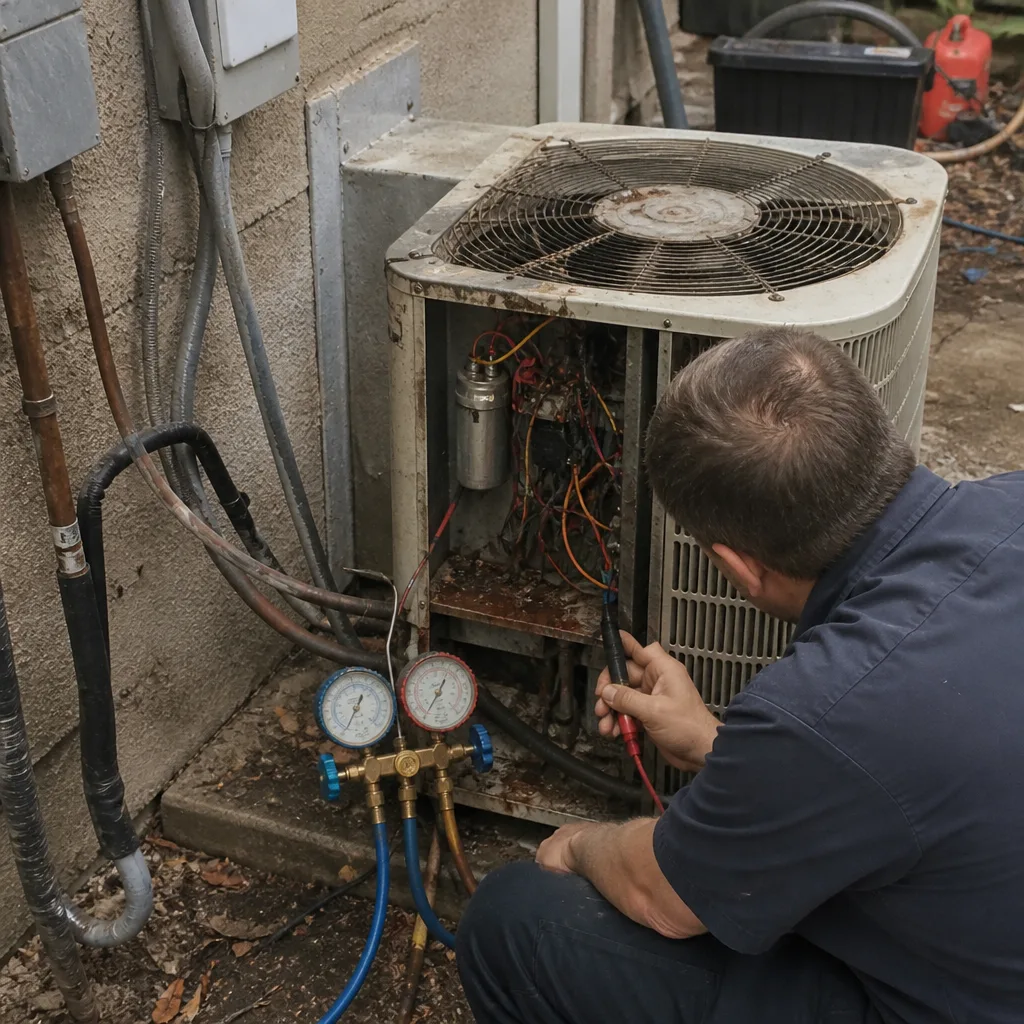 Before
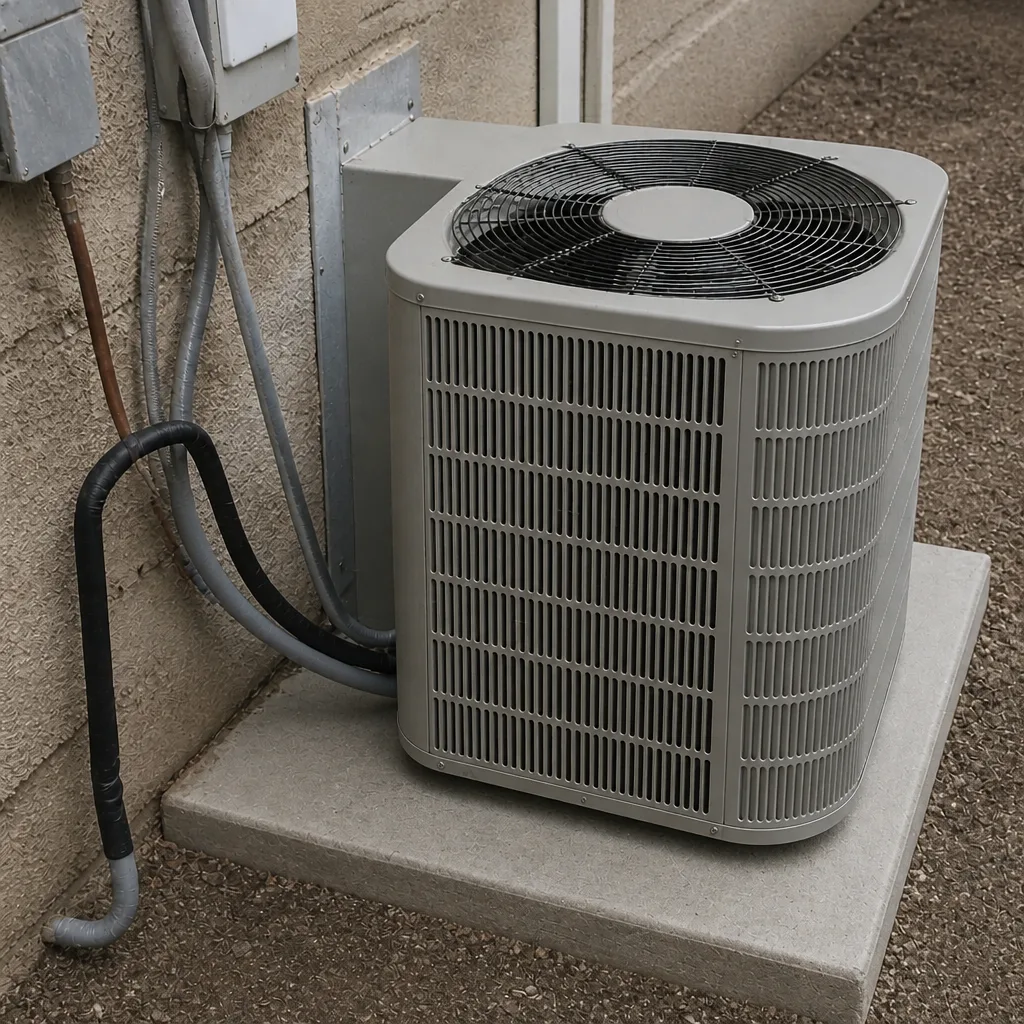 After
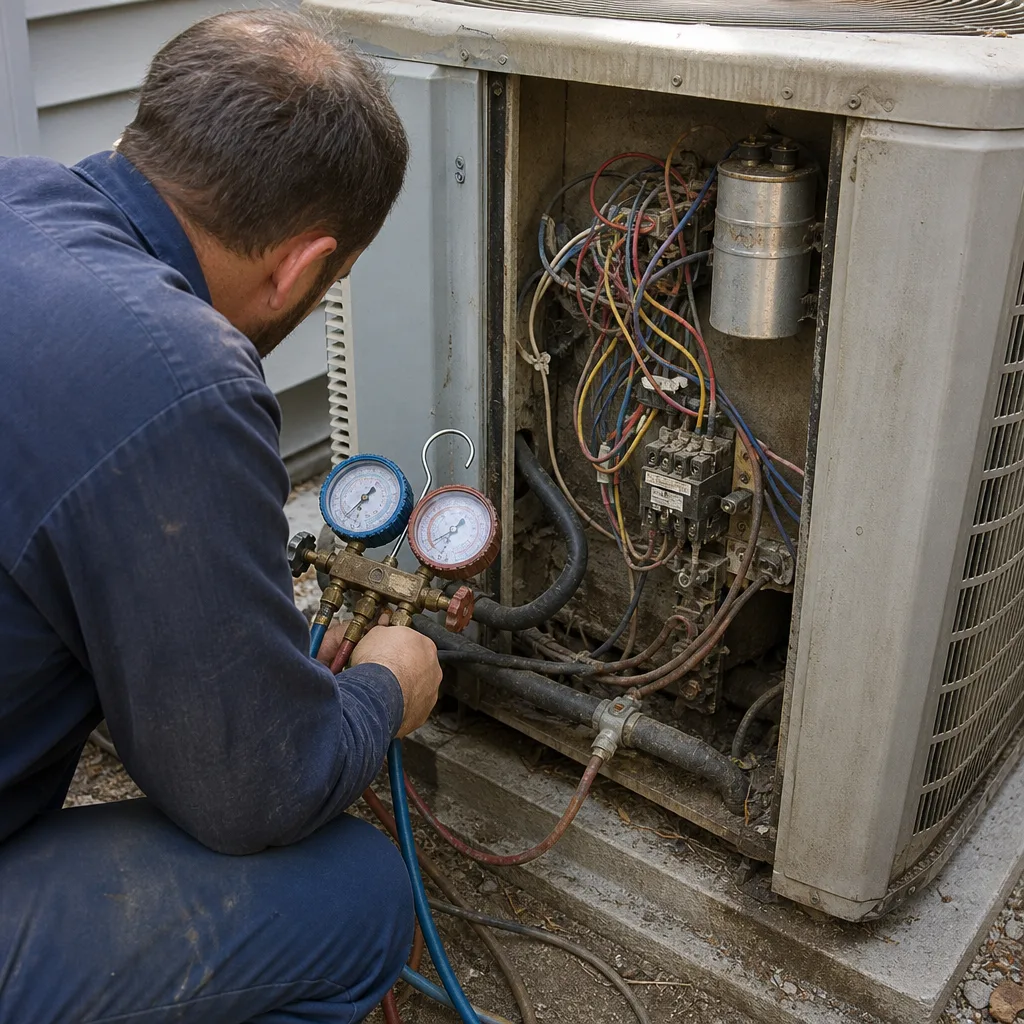 Before
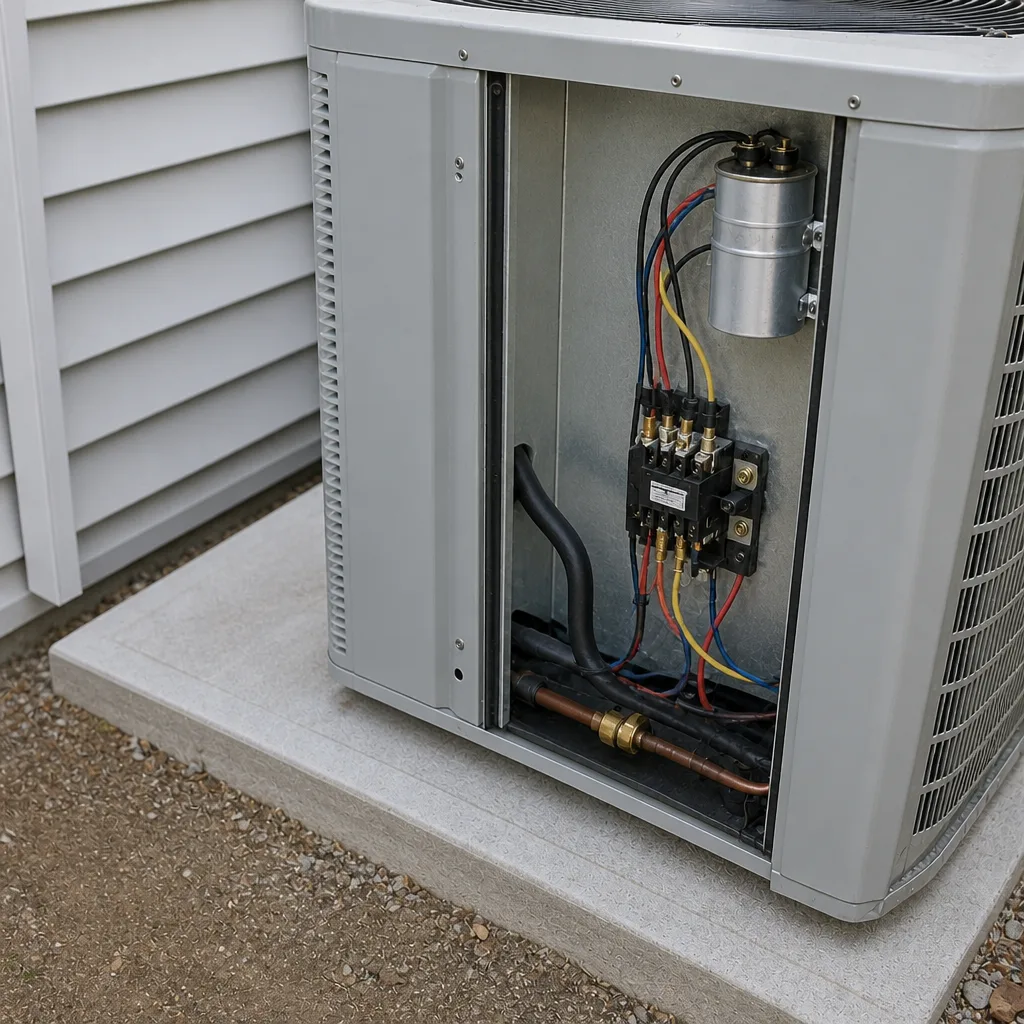 After
When to Call a Professional
Call a professional the moment you see ice on the indoor coil or refrigerant line, hear a new grinding or clicking, notice a breaker tripping repeatedly, or find the house just won’t cool like it used to. Any of those can point to a failing capacitor, a refrigerant leak, or a compressor under strain, and all of them get more expensive the longer they wait. If it’s a gas furnace acting up, treat that as urgent and don’t explore it yourself. For routine spring and fall maintenance, book it well before the heat. Ray’s Heating & Air Enterprise offers free estimates in Enterprise; call (844) 455-2034 and we’ll get you on the calendar. We work on all the major brands, including Carrier, Trane, and Lennox, so the person at your door knows your system.
Frequently Asked Questions
Every 30 days from May through September, then every 45 to 60 days the rest of the year. Desert dust and near-constant summer runtime load a filter much faster than the 90-day box reminder suggests. If you have pets or live near a gravel road, shorten it further. Call (844) 455-2034 if you’re not sure what filter your system was designed around.
March. It’s the last calm stretch before demand spikes and your best chance to catch a tired capacitor or low charge before it fails in the heat. A spring tune-up is routine; the same repair in July is an emergency. Book early; the schedule fills fast once June arrives.
No, and it’s not worth the risk. Capacitors can hold a dangerous charge, and the electrical side of your system can hurt you. Leave refrigerant, capacitors, contactors, and anything behind a panel to a licensed tech. Call (844) 455-2034 and we’ll handle it safely.
Keep one folder or phone note with dated filter changes, invoices, model and serial numbers, and a line about anything odd you noticed. That record lets the next tech see what “normal” looks like for your system instead of starting from zero. It saves time and catches repeat problems before they cost you again.
It can be either. A loaded filter or a dirty coil causes it, and those are maintenance. A failing capacitor or low refrigerant causes it too, and those are repairs. Change the filter first; if the long runtime continues, call for a diagnostic at (844) 455-2034. Readings first, numbers second.
Yes, but it’s lighter. October and November are your window to clean and inspect without fighting the heat, and the same filter serves your heating season. Skip the shoulder-season check and you’re doing catch-up work in the spring. Our Heat Pump & Mini Split in Enterprise page covers how those systems fit the same calendar.
The Bottom Line
An Enterprise maintenance schedule is built around heat and dust, not a national pamphlet. Do the spring checklist in March: capacitor tested, charge checked, coil cleaned, drain cleared. Change the filter every 30 days through summer. Watch for the small signals, keep a written history, and leave the electrical and refrigerant work to a licensed tech. Do that and you catch most summer breakdowns before they happen. Every job we do carries the 90-Day Done Right Promise, and one call brings Ray back if something isn’t right. When you’re ready to get on the calendar or want a free estimate in Enterprise, call (844) 455-2034.
Written by the team at Ray’s Heating & Air Enterprise.