
Last updated November 17, 2026
 AC repair
 Furnace & heating
 Heat pumps
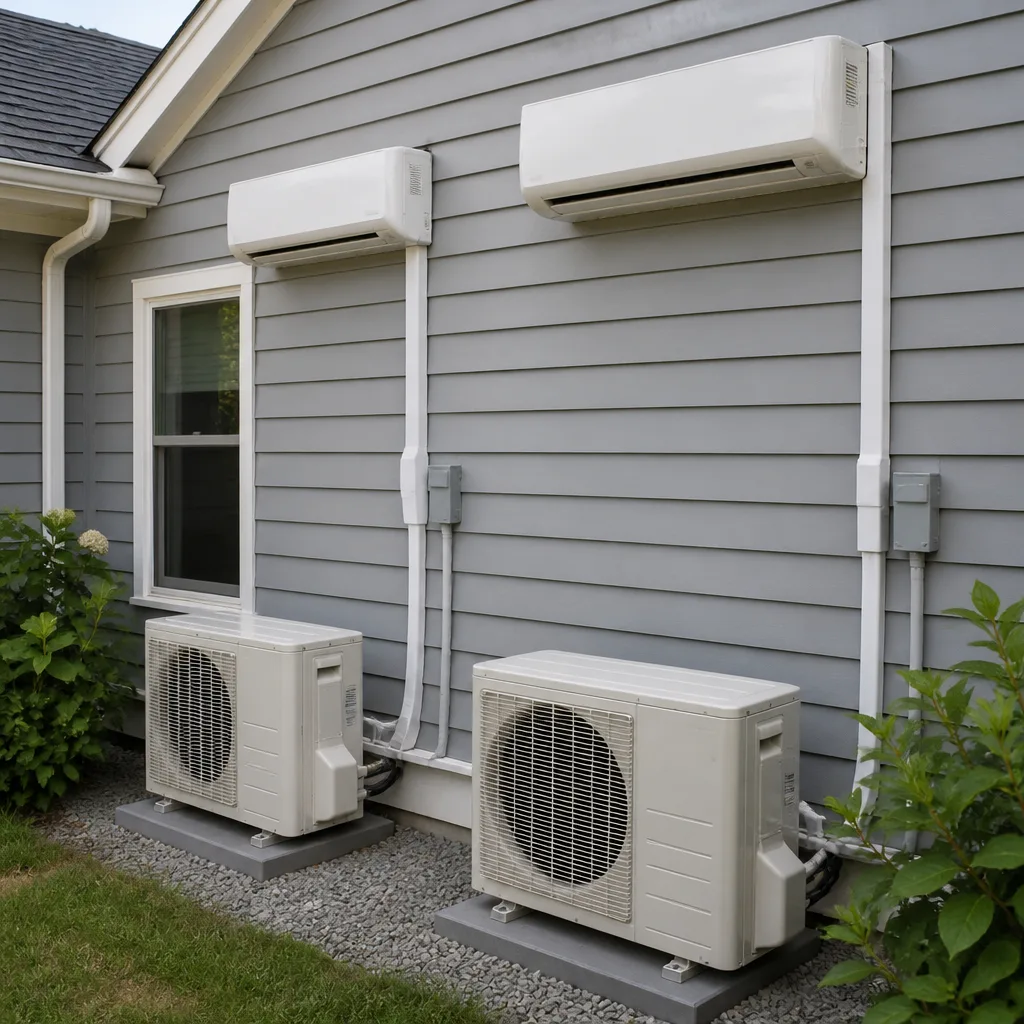 Ductless mini splits
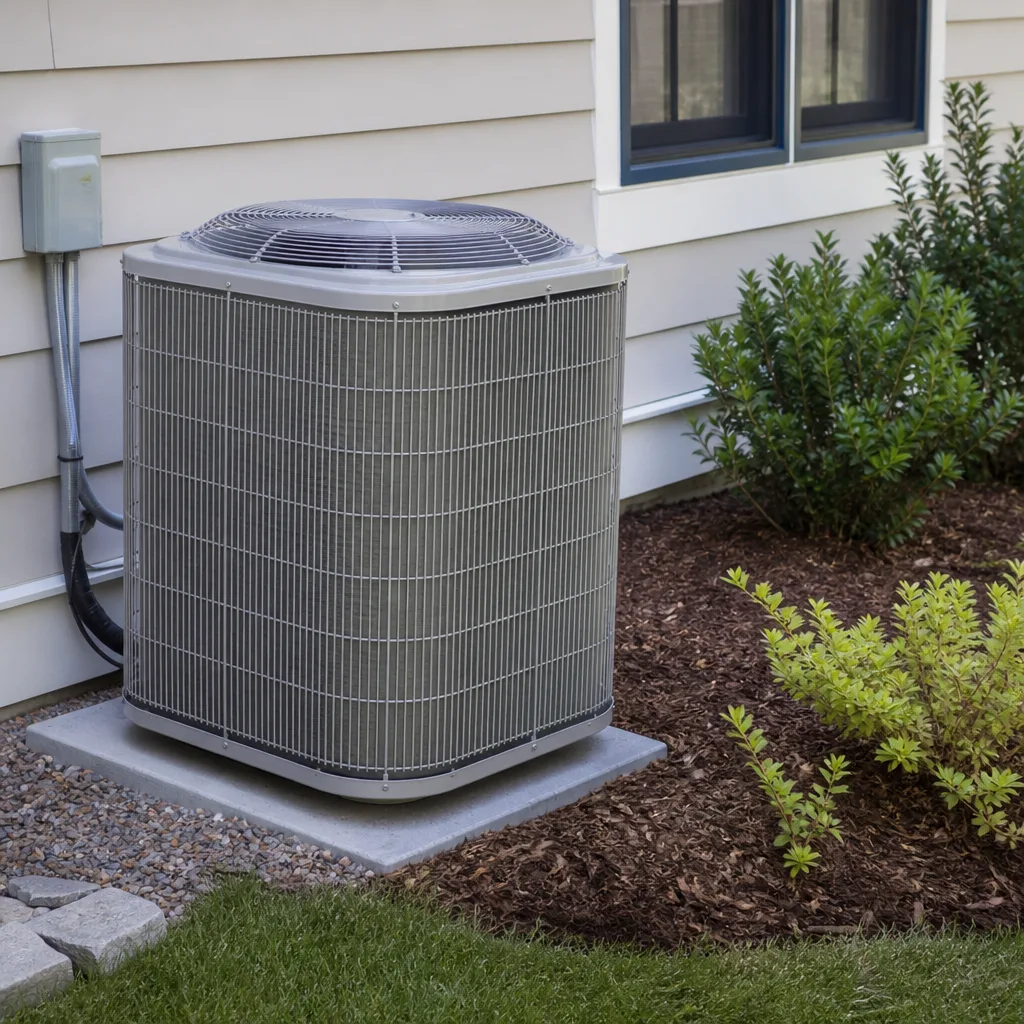 Carrier
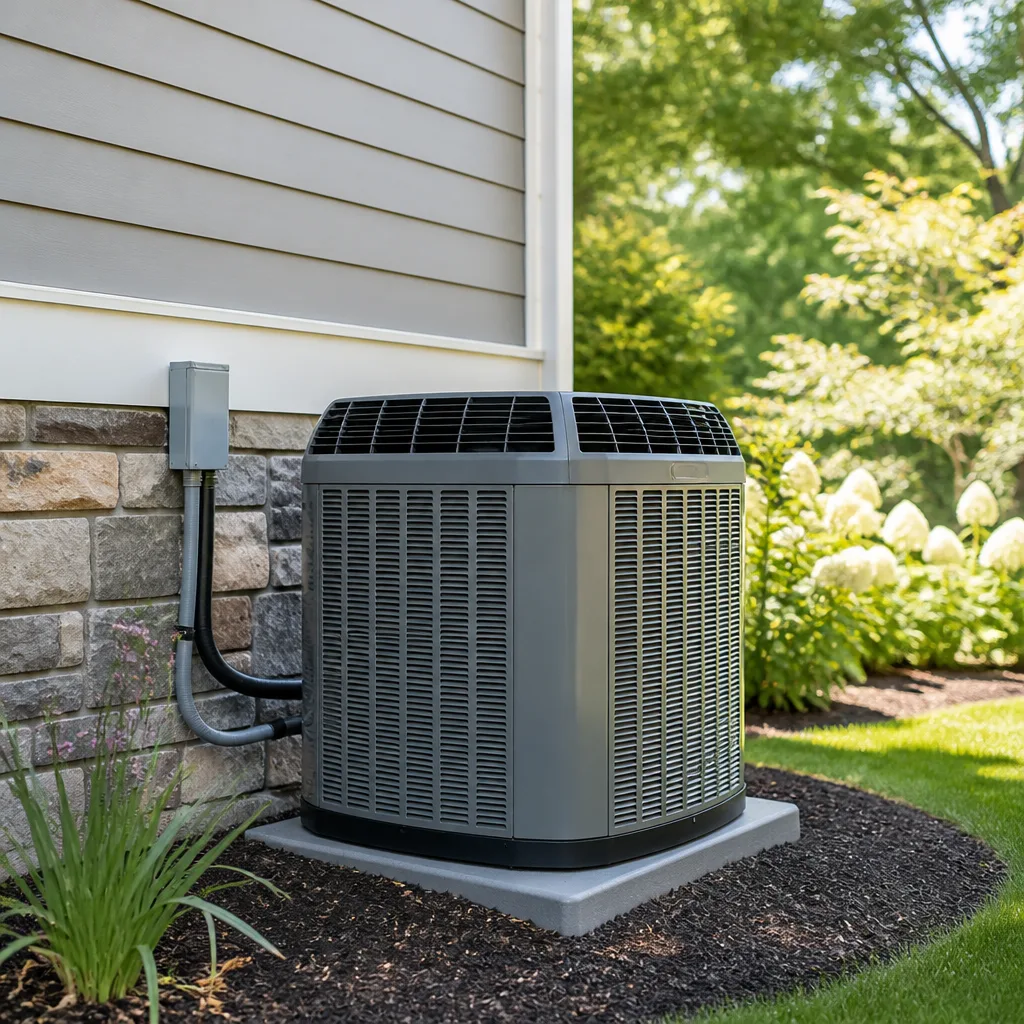 Trane
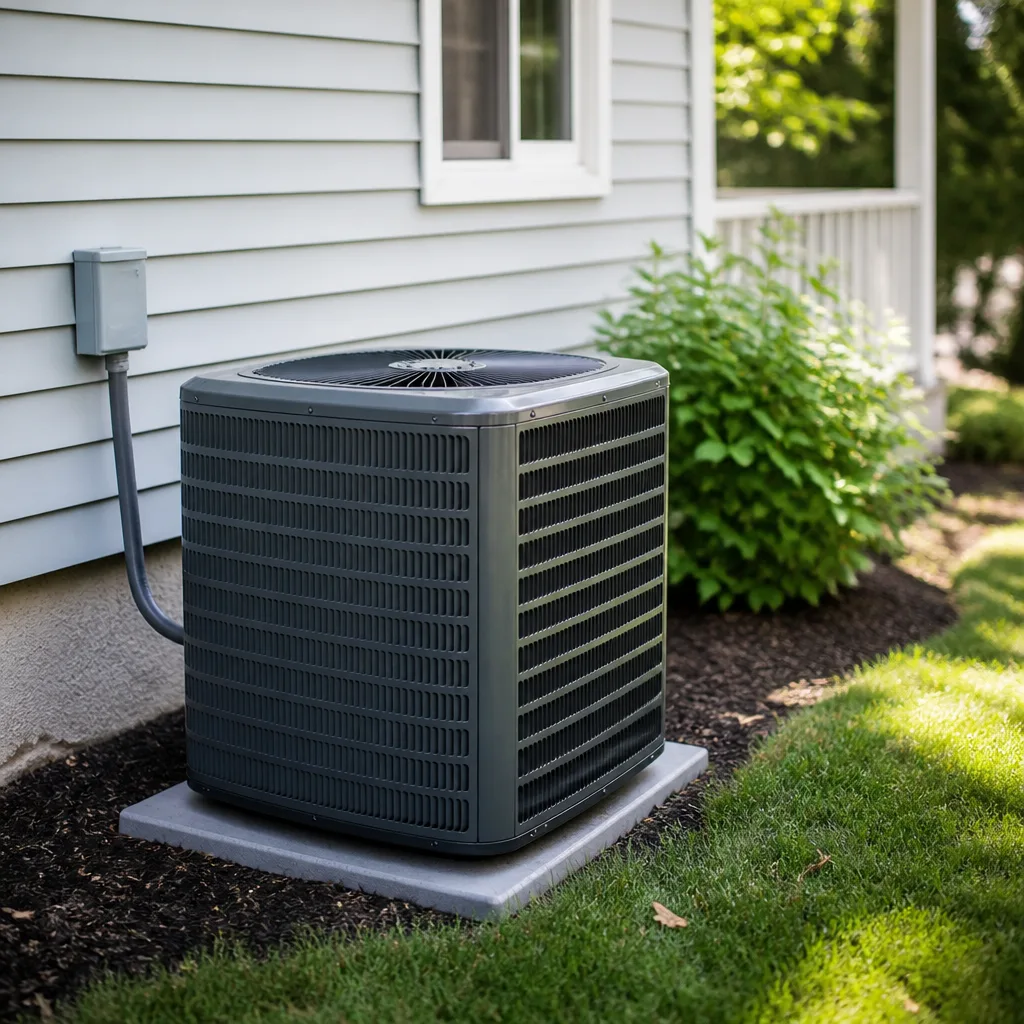 Goodman
Seasonal tune-up and full diagnostic on your Carrier, Trane, or Goodman system - readings shown to you before any repair is proposed
Diagnosis first, numbers second - you approve the repair price before a single part goes in.
Get your free estimateAC Repair & Installation Troubleshooting: Common Problems and How to Fix Them
The most expensive thing we see homeowners do is call a tech for a tripped breaker. The second most expensive is ignoring a frozen coil for two weeks because they figured it would thaw on its own. Nine out of ten “my AC stopped working” calls in Enterprise trace back to four things, and three of those four follow a pattern you can spot yourself before you spend a dime. This guide teaches you to read your system by symptom instead of guessing. You’ll learn what warm air, ice, water, and weird smells each actually mean, where to look first, which sounds mean shut it down now, and what to have ready when you call.
Quick Answer
Most AC problems in Enterprise come down to a tripped breaker, a dirty filter, a failed capacitor, or a frozen coil, and you can often tell which one before anyone shows up. Check the breaker and the filter first, look for ice on the indoor or outdoor unit, and listen for the specific sounds that mean stop running it immediately. If the unit is cycling every few minutes, icing over, or leaking water, it needs a trained eye, not more guessing.
Styles & brands we work with
- AC repair
- Furnace & heating
- Heat pumps
- Ductless mini splits
- Carrier
- Trane
- Goodman
Table of Contents
- The Symptom-to-Cause Matrix: What Warm Air, Ice, Water, and Smells Actually Mean
- Where to Look First: Thermostat, Breaker, or Capacitor?
- Why an AC That “Works Fine” but Cycles Every 8 Minutes Is Already Broken
- The Sounds That Mean Stop Running It Right Now
- Frozen Coil: Why Waiting Two Weeks Costs More Than Calling
- Water Leaks and Strange Smells in Enterprise
- Installation Problems That Show Up Two Summers Later
- What to Have Ready Before You Call a Tech
The Symptom-to-Cause Matrix: What Warm Air, Ice, Water, and Smells Actually Mean
Your system tells us what’s wrong. We just listen first. Before you touch a phone, match what you’re seeing and feeling to what it usually points to. This is the same checklist the person at your door runs in the first ten minutes.
- Warm air from the vents but the outdoor unit is running. Usually low refrigerant from a leak, a failing compressor, or a dirty condenser coil. If the outdoor fan is spinning but the air isn’t cold, that’s a refrigerant or coil issue, not a thermostat problem.
- Warm air and the outdoor unit is silent. Often a tripped breaker, a blown capacitor, a bad contactor, or a thermostat calling for nothing. This is the cheap end of the spectrum and worth checking yourself.
- Ice on the indoor coil or the refrigerant line. Low refrigerant, restricted airflow from a clogged filter, or a blower that isn’t moving enough air. Ice is a symptom, never the disease. It will not thaw into a fix.
- Water pooling around the indoor unit or in the pan. A clogged condensate drain line, a cracked drain pan, or a frozen coil melting faster than it can drain. In Enterprise’s dry heat, a clogged drain is one of the most common service calls we get.
- A musty or “dirty sock” smell. Microbial growth on the evaporator coil or in the ductwork, often from moisture that shouldn’t be there. A burning or electrical smell is different and means shut it off now.
Once you know which column you’re in, you know whether it’s a “look at it yourself” problem or a “call it in” problem. Most warm-air-with-the-unit-running situations are the second kind.
Where to Look First: Thermostat, Breaker, or Capacitor?
You can rule out two of the three in about five minutes without opening anything you shouldn’t. The capacitor usually requires a meter and a comfort level with the electrical panel of the outdoor unit, and we’d rather you not poke around inside a live unit. Here’s the order that saves the most money.
- Thermostat. Is it calling for cool, set below room temperature, and in the right mode? Replace the batteries if it runs on them. A thermostat that reads blank or won’t hold a mode is a dead thermostat, not a dead AC.
- Breaker. Go to the panel. If the AC breaker is tripped, reset it once. If it trips again immediately, stop. A breaker that keeps tripping is telling you there’s a real fault, and resetting it over and over is how small problems become expensive ones.
- Filter and airflow. Pull the filter. A filter clogged solid starves the coil, which is how you get ice and warm air at the same time. In our experience, more frozen coils in Enterprise start with a filter that hasn’t been changed since spring.
- Capacitor territory. If the thermostat is fine, the breaker holds, and the outdoor unit hums but won’t start the fan or compressor, that’s usually a failed capacitor. We test the capacitor before anyone says the word compressor. It’s often the difference between a small repair and a replacement conversation.
If you get through the first three steps and the unit is still acting up, that’s your cue. Call (844) 455-2034 and tell the person exactly what you checked. You won’t pay diagnostic time for things you already know.
Why an AC That “Works Fine” but Cycles Every 8 Minutes Is Already Broken
A unit that clicks on and off every few minutes is not working fine. It’s short-cycling, and short-cycling is a slow leak in your wallet. Every start-up pulls a surge of current, and every short run never gets the humidity out of the house or reaches a stable temperature. Homeowners in Enterprise notice their electric bill creeping up in July and blame the heat. Often it’s a unit cycling on and off a dozen times an hour.
Common causes of short-cycling:
- An oversized unit. If it was installed too big for the house, it cools the air fast, shuts off before the house is dehumidified, and repeats all day. This is an installation problem, not a repair problem, and it’s one of the most common things we find on second opinions.
- A clogged filter or blocked return. Reduce airflow and the coil gets cold, the unit trips a safety limit, and the cycle starts over.
- Low refrigerant. Undercharged systems ice up and cycle as a safety response.
- A failing thermostat or a thermostat placed in a bad spot, like one that catches direct sun and reads the wrong temperature.
If your system runs in short bursts in the peak of an Enterprise summer, get it looked at before the compressor starts paying the price. Compressors aren’t cheap, and short-cycling is the fastest way to wear one out.
The Sounds That Mean Stop Running It Right Now
Some noises can wait until Monday. A few can’t. Learn the difference and you’ll save a compressor.
Shut it down and call:
- A hard screech or metal-on-metal grinding from the outdoor unit. That’s a failing bearing or a fan blade hitting something, and running it makes it worse.
- Repeated loud clicking with the fan not starting. That’s the contactor and capacitor trying to start a motor that won’t turn, and it can cook the compressor.
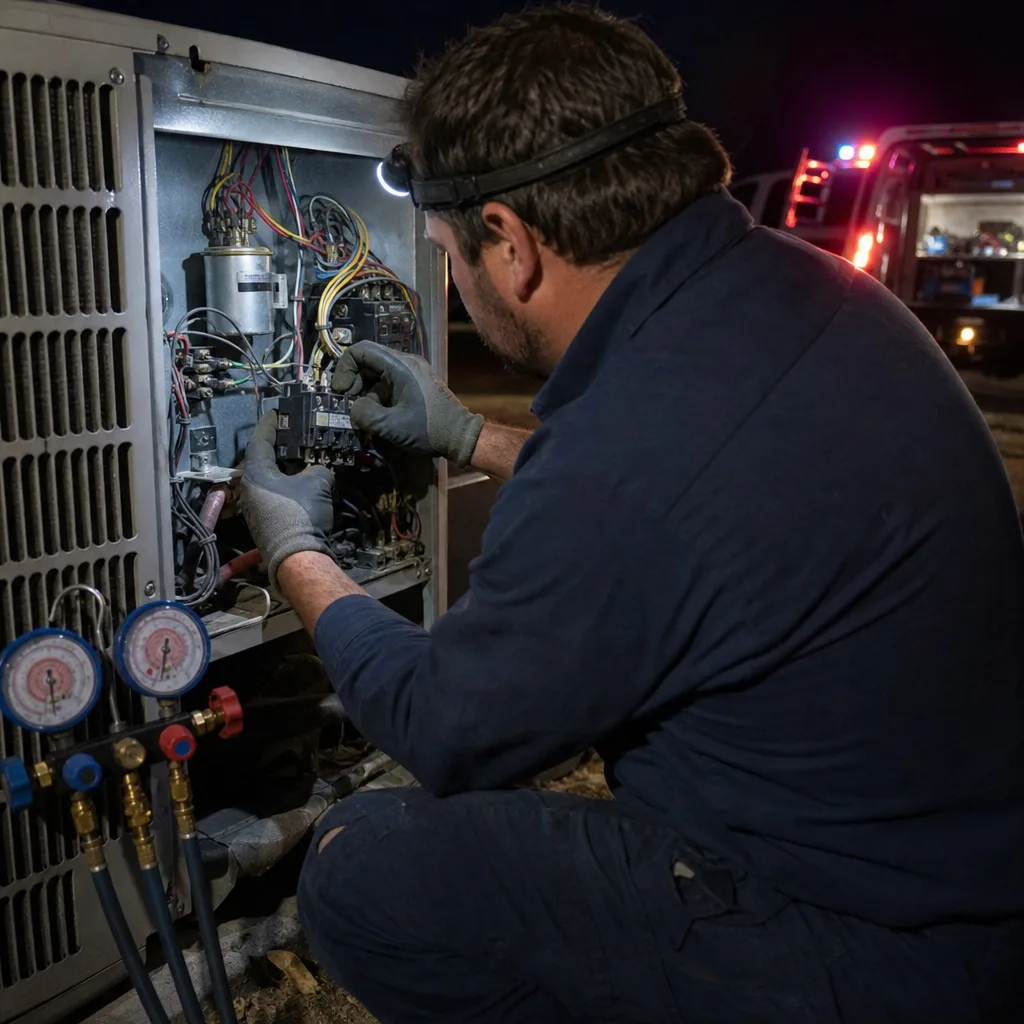
- A burning or electrical smell, or any smell paired with the unit sparking or buzzing. Stop, kill power at the breaker, and call. Never open the electrical panel of an outdoor unit to investigate a burning smell yourself. Capacitors hold a lethal charge even after the power is off, and that’s a job for a trained technician.
Can wait until regular hours:
- Rattling or buzzing that comes and goes. Usually a loose panel, a fan blade out of balance, or a contactor that’s on its way out.
- Hissing or bubbling near the refrigerant lines. That can indicate a leak and should be checked, but it’s not an emergency.
- A rattle on startup only. Often routine, but worth mentioning when you call so we can look at it if the unit needs service anyway.
Frozen Coil: Why Waiting Two Weeks Costs More Than Calling
Ice on the indoor coil or the large refrigerant line is the classic “wait and see” mistake. Here’s what actually happens when you wait. The ice block on the coil means airflow is restricted or refrigerant is low. A frozen coil can’t absorb heat, so the house gets warm, the unit runs longer, and the compressor works harder. That’s how a small repair turns into a compressor replacement. We’ve seen it plenty across Enterprise, and every one of those calls costs more than it would have in the first week.
What to do when you see ice:
- Turn the system off at the thermostat. Set it to fan only or off entirely. Running a frozen coil makes the ice worse, not better.
- Change the filter if it’s dirty. That’s the one frozen-coil cause you can rule out yourself.
- Let it thaw with the fan on, if your thermostat allows fan-only mode. Don’t pick ice off the coil with a tool. You’ll bend fins and make the problem worse.
- Call if it ices up again. A coil that freezes twice is telling you the airflow or refrigerant is wrong, and no amount of waiting fixes that.
If you’re not sure whether your coil is iced, look at the insulated copper line coming out of the indoor unit. A little condensation is normal in an Enterprise summer. A layer of white frost or a chunk of ice is not.
Water Leaks and Strange Smells in Enterprise
For a place as dry as Enterprise, we get an awful lot of water-related AC calls. That’s because in the summer the coil runs constantly and the condensate drain carries a lot of moisture. When the drain line clogs with dust, algae, or bugs, water backs up, overflows the pan, and ends up on your ceiling or floor. If you see water around the indoor unit, clear the drain line or call someone to check it before it stains a ceiling. A cracked drain pan does the same thing and needs to be replaced, not patched.
Smells are a separate category:
- Musty, dirty-sock smell. Growth on the coil or in the ductwork, often after a leak or a wet filter. Cleaning the coil and correcting the moisture fixes it. Air fresheners don’t.
- A smell every time the AC starts. Sometimes just a dusty coil or filter the first time you run it in the spring. If it continues past a day or two, it’s not dust.
- Burning or electrical smell. Already covered above: stop, kill the power, call.
If the smell is musty and your house also feels clammy, that’s often an oversized unit short-cycling and never running long enough to pull the moisture out. Worth a conversation. Our AC repair and installation in Enterprise team handles coil cleaning and drain work regularly.
Installation Problems That Show Up Two Summers Later
A lot of repair calls are really installation calls that took two summers to reveal themselves. A system installed one size too big, a return duct that’s too small, a coil matched to the wrong condenser, a refrigerant charge that was never quite right. These hide behind a working unit until a hot stretch in Enterprise shows the seams. Then the homeowner spends money fixing symptoms that trace back to the original install.
What a proper install looks like, and what to insist on:
- A load calculation, not a rule of thumb. The size is based on your house, not a guess. Getting this wrong is the number one installer mistake we see.
- A matched system. A Bryant coil with a Carrier condenser isn’t a matched pair. Brand isn’t the issue; matching is. Stick to a matched system from one brand, whether that’s Carrier, American Standard, Trane, or Bryant.
- A documented refrigerant charge. Charged to the manufacturer’s spec, not “close enough.”
- A real commissioning check. Airflow tested, temperatures measured, and the numbers written down. You should be able to see what the system is doing, not just hear that it feels good.
If you’re replacing a unit and you want the numbers written down and the size done right, our heat pump and mini split in Enterprise page describes how we approach a new install. Same standard applies to conventional AC.
What to Have Ready Before You Call a Tech
The most useful thing you can do for your own wallet is have the right information ready. It cuts the diagnostic time you pay for and gets the right person there with the right parts. Before you dial, put this together:
- The symptom, described plainly. “Warm air, outdoor unit running, and the indoor coil has ice on it” is worth more than “it’s broken.”
- The make and model of the outdoor unit and the thermostat. Should be on a plate on the unit or inside the access panel, or in the paperwork from when it was installed.
- What you’ve already checked. Breaker, filter, thermostat settings. Tell us what you did and what happened.
- How long it’s been acting up, and whether it’s intermittent or constant.
- Whether there’s a burning or electrical smell or any water damage. That moves you up the priority list.
Bring all of that to the call and a good tech can usually narrow the cause before the door opens. If you’re not sure what you’re looking at, that’s fine too. We’ll figure it out on site. When the system is a heating problem instead, the same read-the-symptom logic applies. See our heating and furnace service in Enterprise page for that side of things.
Common Mistakes to Avoid
- Resetting a tripped breaker more than once. A breaker that trips right back is telling you there’s a fault. Reset it once, and if it trips again, stop and call.
- Picking ice off a frozen coil. You’ll bend the fins and make the coil leak. Shut the system off and let it thaw, then figure out why it froze.
- Changing the filter “eventually.” In an Enterprise summer, a clogged filter can cause warm air, ice, and short-cycling all at once. Check it monthly in the cooling season.
- Ignoring a unit that cycles every few minutes. It’s not working fine. It’s wearing out your compressor a little more each day.
- Guessing the system size for a replacement. A unit that’s too big cools fast but never dehumidifies, and it’ll short-cycle for life. Insist on a load calculation.
- Letting a condensate drain clog go. A small water stain on the ceiling becomes a drywall and paint job. Clear the line or get it cleared.
- Taking a phone quote as a real price. A number quoted before anyone has diagnosed the system is a guess. Ask for readings and a written price.
See the difference
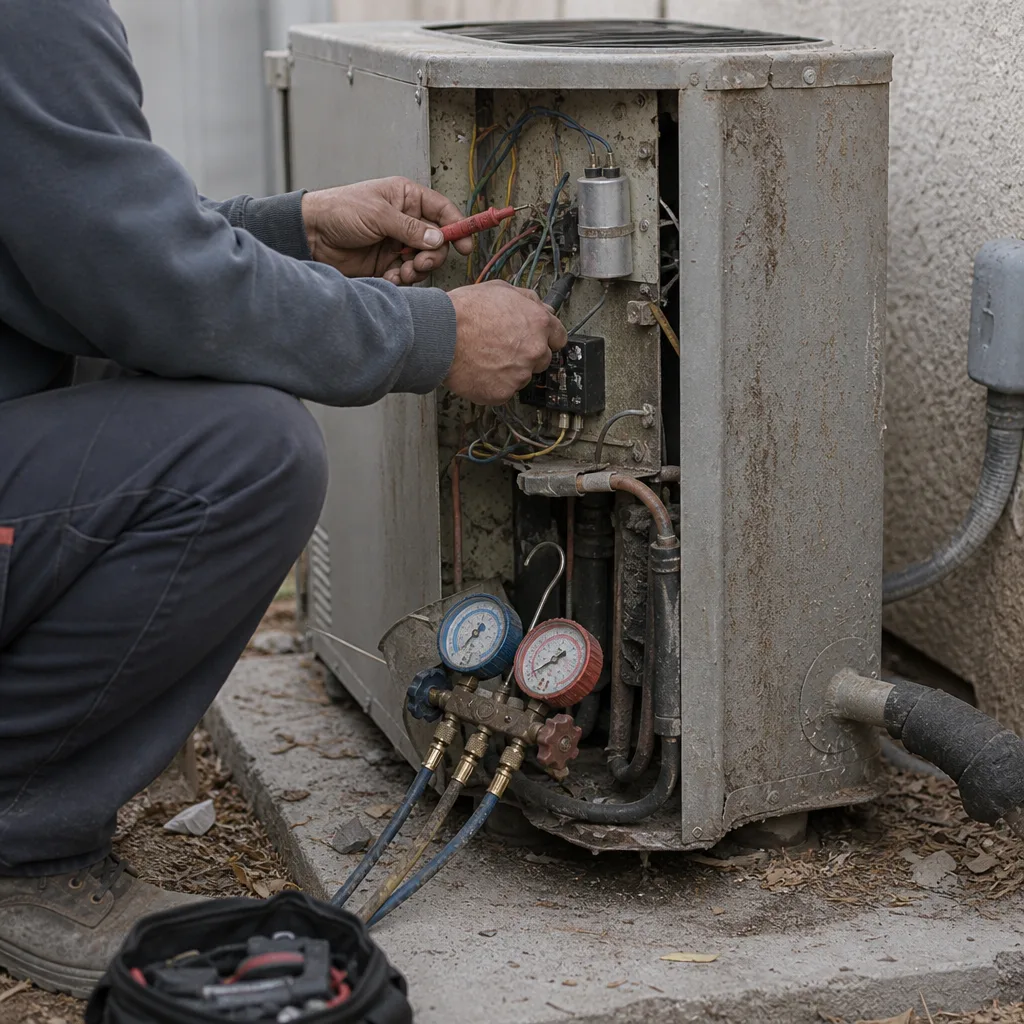 Before
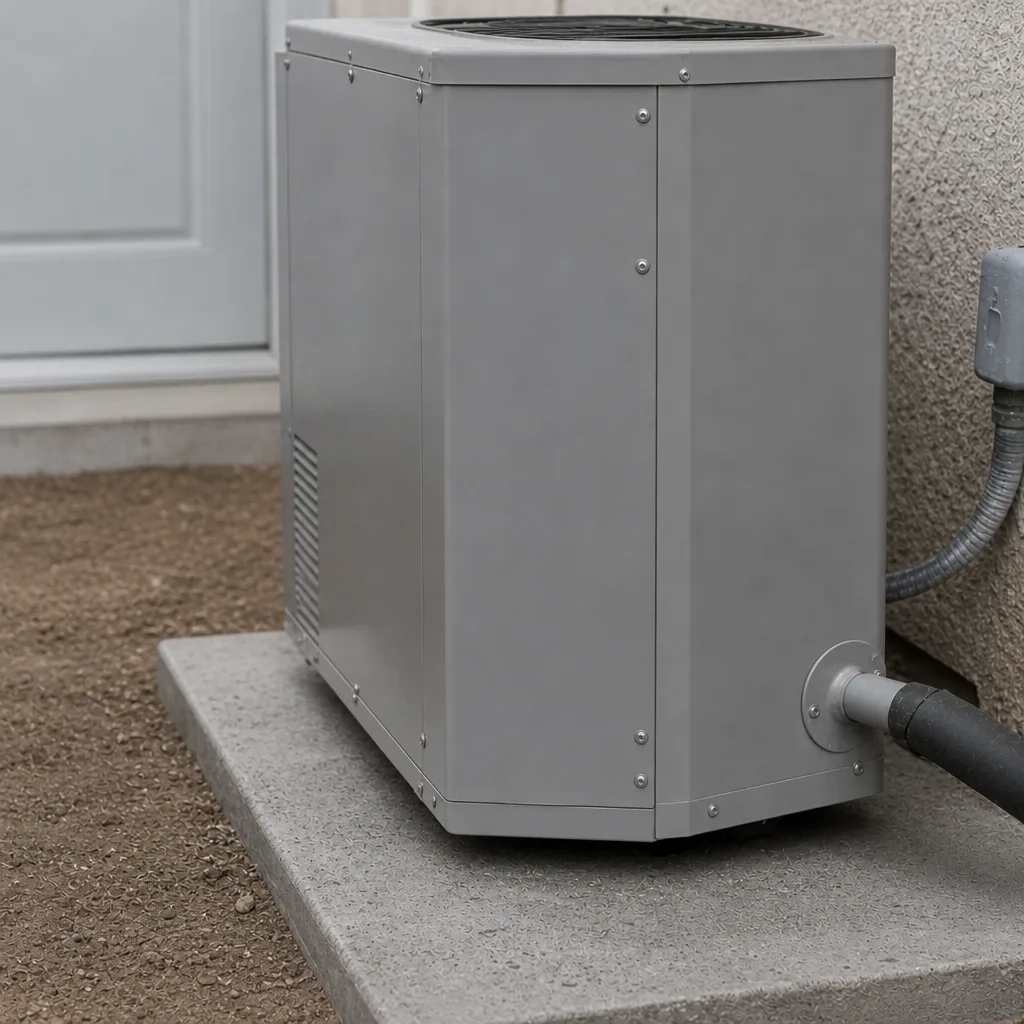 After
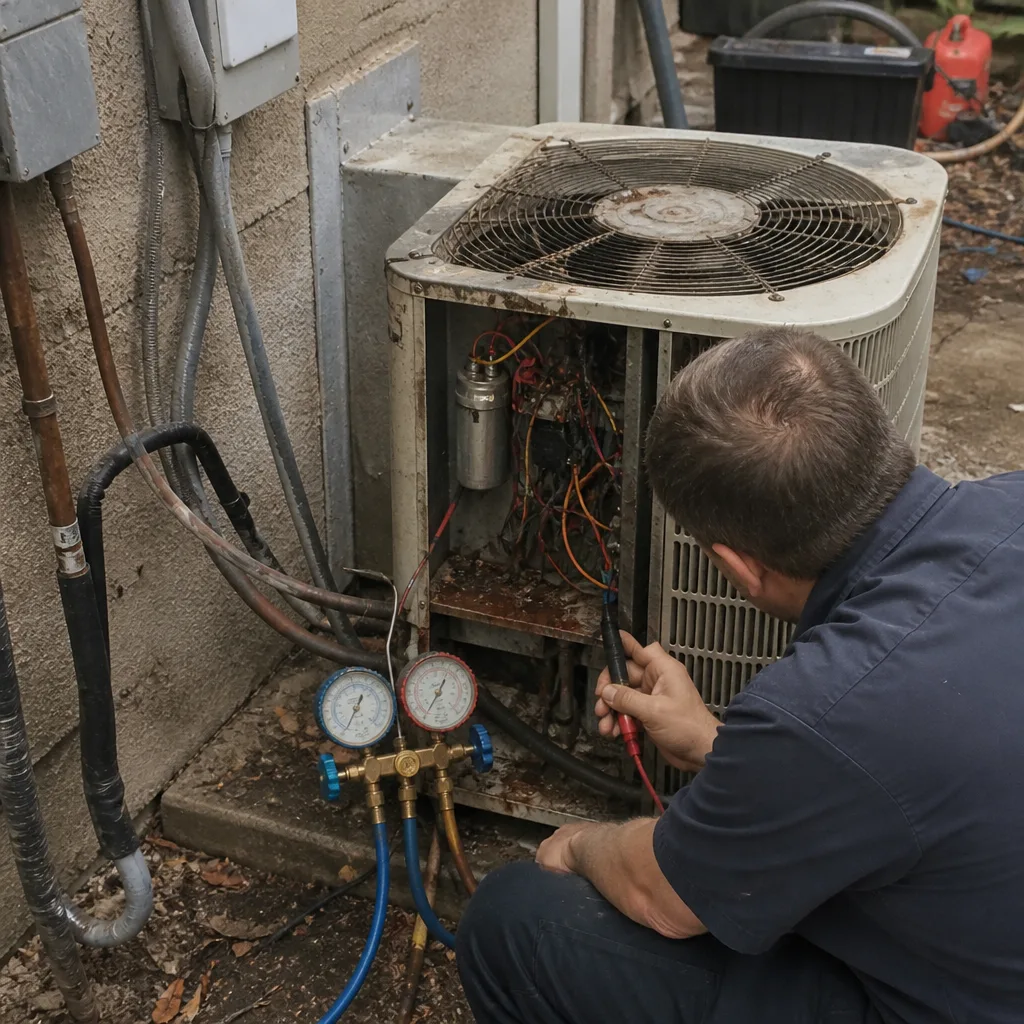 Before
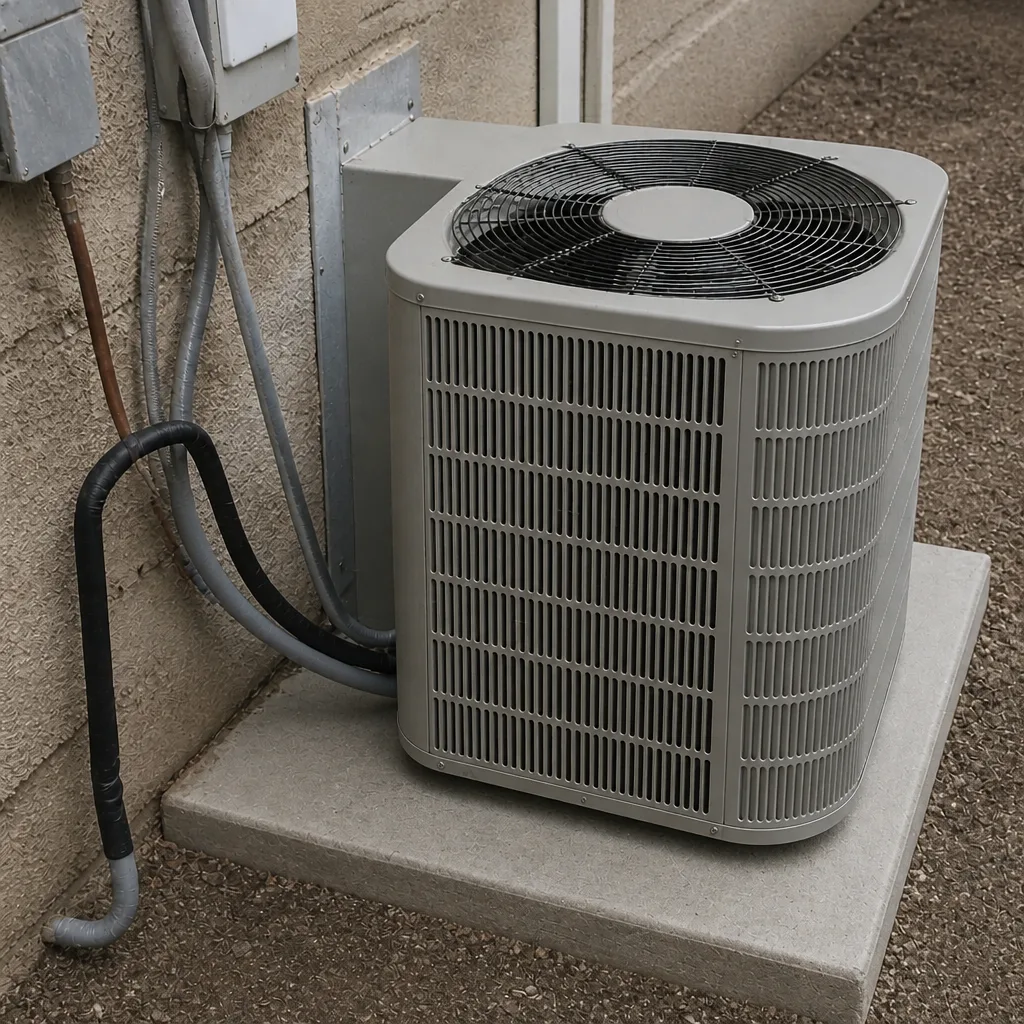 After
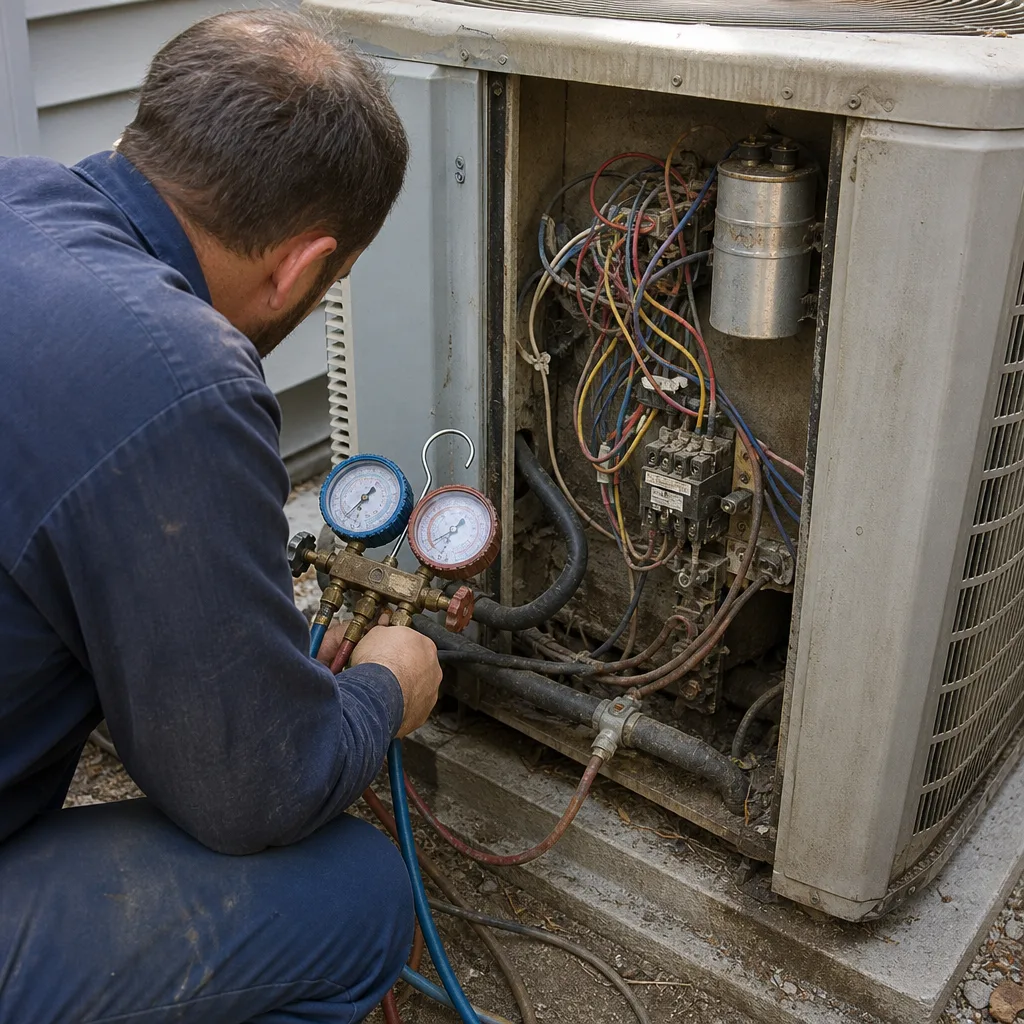 Before
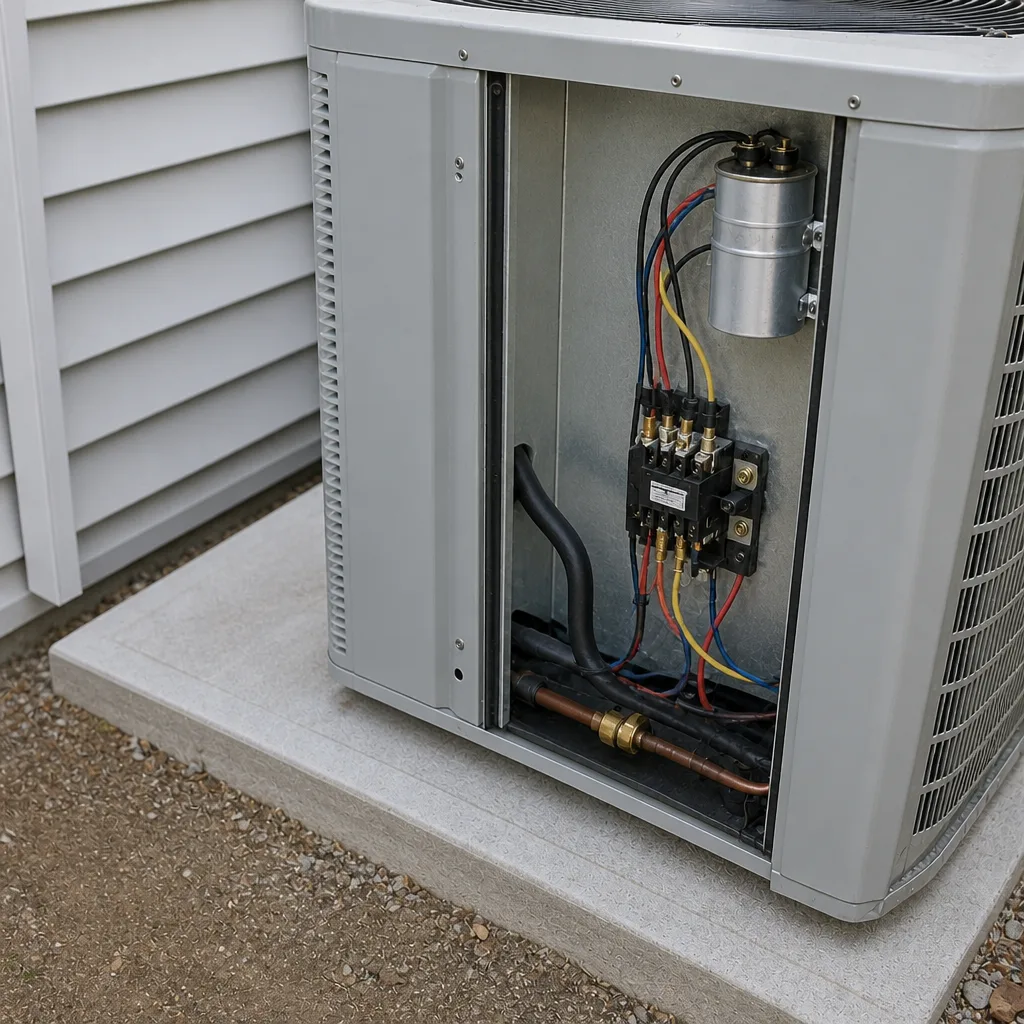 After
When to Call a Professional
Call a pro when the breaker won’t hold, when there’s any burning or electrical smell, when the coil freezes a second time, when the outdoor unit hums but won’t start, or when water is running where it shouldn’t. Those are the situations where the fix inside a live unit is a real hazard, and we’d rather you not test that yourself. Our technicians have up to 24 years of experience, and we test readings before we quote a repair. You’ll see the actual numbers the system is putting out before you agree to any work. Ray’s Heating & Air Enterprise offers free estimates in Enterprise. Call (844) 455-2034 and we’ll walk you through it.
Frequently Asked Questions
Warm air with the outdoor unit running usually means low refrigerant, a dirty condenser coil, or a failing compressor. If the outdoor unit is silent instead, check the breaker and thermostat first. Either way, call (844) 455-2034 for an exact answer, because guessing on refrigerant is expensive.
A frozen coil is almost always low refrigerant or restricted airflow from a dirty filter or blower. Shut the system off, change the filter, let it thaw, and call if it freezes again. A second freeze means something needs actual diagnosis.
You can reset it once. If it trips again, stop, because a breaker that won’t hold is reporting a real fault. Repeated resets can turn a small repair into a compressor or wiring problem. Call us if it’s tripping.
Check it monthly in the cooling season and change it when it’s visibly loaded. Enterprise summers run the system hard and the filter catches dust and pollen fast. A fresh filter is the cheapest thing you can do to prevent a frozen coil.
No. Cycling every few minutes is short-cycling, and it’s a real problem even when the house feels cool. It wears the compressor and never dehumidifies properly. It’s worth a look, and it could be the install size, not a repair.
That depends on the age of the unit, the cost of the repair, and how often it’s been failing. A good tech gives you the readings and a written repair price so you can compare honestly against a replacement. We’ll give you a straight answer either way. If you want the full replacement picture, see our AC repair and installation page or call (844) 455-2034.
The Bottom Line
Most AC failures trace back to four things, and you can rule out two of them yourself. Check the breaker once and the filter every month. Ice is a symptom you never wait on. Short-cycling is broken even when it feels fine. Shut the system down for burning smells, grinding metal, and repeated clicking. When you call, have your model numbers, your symptoms, and what you already checked ready, and you’ll spend less on diagnostic time. That’s the whole method: read the symptom, rule out the cheap stuff, and call for the rest. If you’re in Enterprise and want a second set of eyes on it, start with Ray’s Heating & Air Enterprise home or call (844) 455-2034 for a free estimate. Our phones are answered by a live person around the clock, every day, and every job carries the 90-Day Done Right Promise in writing.
Written by the team at Ray’s Heating & Air Enterprise.