
Last updated November 17, 2026
 Furnace & heating
 AC repair
 Heat pumps
 Ductless mini splits
 Carrier
 Trane
 Goodman
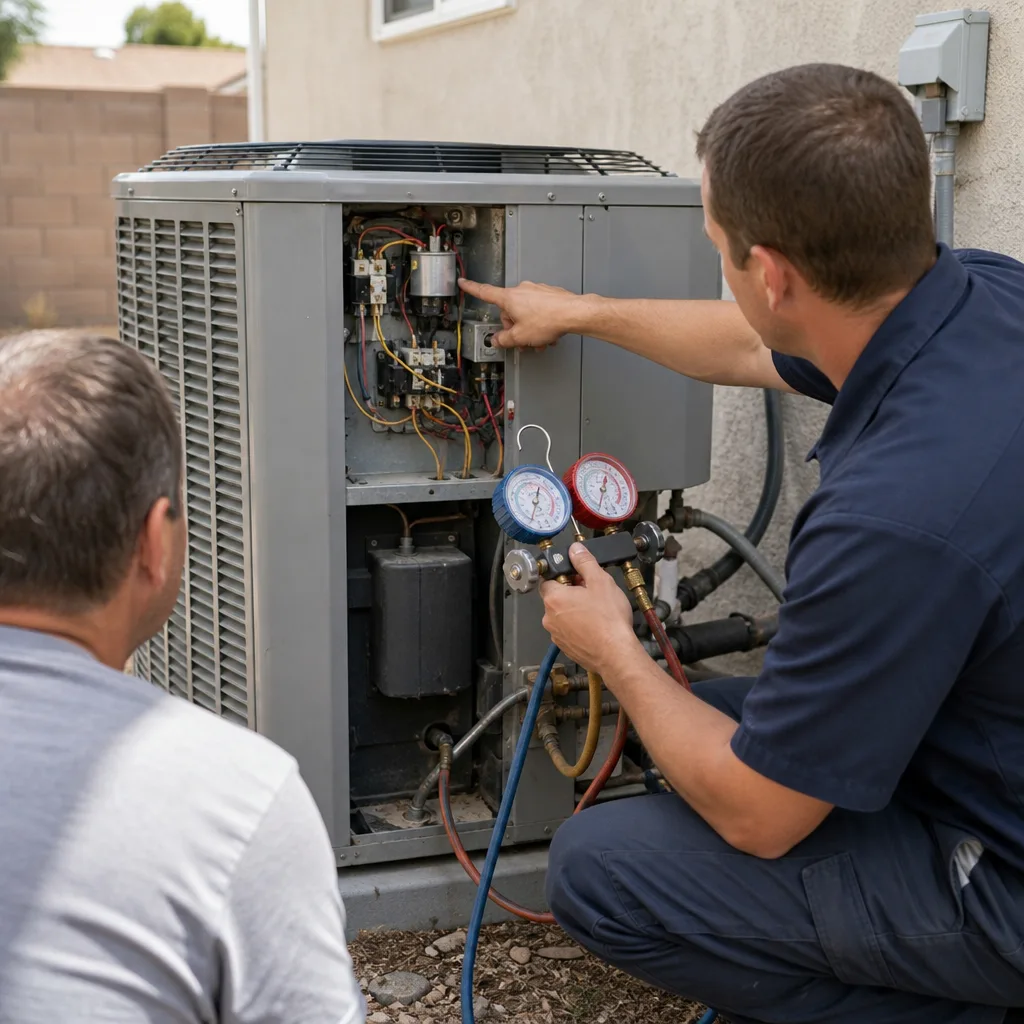
Seasonal tune-up and full diagnostic on your Carrier, Trane, or Goodman system - readings shown to you before any repair is proposed
Diagnosis first, numbers second - you approve the repair price before a single part goes in.
Get your free estimateHeating & Furnace Maintenance Schedule: What to Do and When
The best time to service an Enterprise furnace is September, before you need it. The second best time is right now, whatever month you’re reading this. The worst time was last November, when it was already 40 degrees and you’d forgotten the thing existed. Here’s the part most checklists miss: a furnace in Enterprise sits idle for most of the year, in dry desert heat, collecting dust it would never see in a colder climate. The prep it needs reflects that specific abuse pattern, not a generic seasonal list copied from a Minneapolis blog. In this guide, we’ll walk through a monthly and seasonal schedule built for furnaces in Enterprise, NV, what you can handle yourself, what needs a licensed tech, and how to keep a paper trail that holds up for warranty claims.
Quick Answer
A furnace in Enterprise needs a filter check every month during heating season (roughly November through February), a full professional tune-up in September before the first cold snap, and a visual inspection of the burners and heat exchanger once a year. Because your furnace runs only 60 to 90 days a year but breathes dusty desert air the other ten months, dust buildup is the main enemy – more than wear from use. Schedule the professional service in September, change or clean the filter monthly while it’s running, and log every visit. That’s the core of it.
Styles & brands we work with
- AC repair
- Furnace & heating
- Heat pumps
- Ductless mini splits
- Carrier
- Trane
- Goodman
Table of Contents
- Why a Generic Furnace Checklist Fails in Enterprise
- The September Pre-Season Checklist
- Dust in Enterprise: What It Does to Burners and Heat Exchangers
- Your Actual Filter Schedule for a 60-to-90-Day Heating Season
- Fall Prep: What You Do vs. What Needs a Licensed Tech
- How to Log Your Maintenance for Warranty and Future Techs
- Month-by-Month Calendar for Enterprise Homeowners
Why a Generic Furnace Checklist Fails in Enterprise
Most furnace maintenance guides are written for climates where the heat runs six or seven months a year. In those places, the enemy is wear – the blower motor spins for thousands of hours, the igniter cycles constantly, parts simply age out. Enterprise is a different story. Your furnace sits dark for ten months. When it finally fires up in November, it’s been accumulating desert dust, and that dust has baked onto the heat exchanger and settled in the burner tubes all summer.
We’ve seen the pattern repeatedly in our experience around Enterprise neighborhoods like Rhodes Ranch and the Mountain’s Edge edges: the furnace that fails on the first cold night isn’t the old one, it’s the neglected one that ran fine last February. The failure mode is nearly always dust-related, not mechanical fatigue. A clogged burner orifice or a dust-filmed flame sensor will shut a system down just as fast as a dead part.
There’s a second factor specific to the Las Vegas Valley. The air here is dry and full of fine particulate – construction dust, caliche dust from the desert, seasonal pollen that lingers. That fine dust gets pulled into the return and settles on every surface inside the cabinet. In a humid climate, some of it would stay put. Here, it drifts and coats everything.
So the schedule below isn’t a copy of a national checklist. It’s built around the reality that your furnace is a seasonal machine stored in a dusty environment, and that how you prep it in September matters more than how many hours it runs in January.
The September Pre-Season Checklist
September in Enterprise is your window. It’s still warm enough that you won’t miss the heat, and it’s early enough that any parts needed can be ordered before the first real cold snap. Here’s the pre-season checklist, in the order that makes sense:
- Change the filter before anything else. A clean filter means everything downstream gets checked on clean airflow. Do this first, not last.
- Visually inspect the flue and venting. Look for bird nests, debris, or corrosion at the exterior termination. Desert birds love a warm vent pipe in the off-season.
- Clear the area around the furnace. Stored boxes, paint cans, and holiday decorations pile up over ten idle months. Give the cabinet breathing room.
- Test the thermostat in heat mode. Bump it up and confirm the system starts. Better to find a dead thermostat in September than on a cold November night.
- Book the professional tune-up. This is the big one – combustion testing, burner cleaning, heat exchanger inspection. More on what that involves below.
- Note any odd smells or sounds. A musty smell is usually just dust burning off after months idle. A metallic rattle or a smell like rotten eggs is a different matter and worth a call.
One more thing: if you have a carbon monoxide detector, test it in September too. It’s cheap insurance, and it should be part of any fall routine. (We’ll get to why in the safety section.)
Dust in Enterprise: What It Does to Burners and Heat Exchangers
This is the section most schedules skip, and it’s the one that matters most here. Let’s talk about what ten months of desert dust actually does inside your furnace.
Burner tubes. Dust settles in the burner tubes and partially clogs the ports where gas exits to burn. A partially clogged burner produces a lazy, yellow flame instead of a crisp blue one. That means incomplete combustion, more soot, and less heat for the same gas bill. We’ve pulled burners from Enterprise furnaces where the ports were half-blocked with fine gray dust that had baked solid over the summer.
Flame sensor. The flame sensor is a small rod that tells the control board a flame is present. A thin film of dust on that rod makes it read “no flame” even when the burner is lit – and the furnace shuts down to be safe. This is one of the most common no-heat calls we get, and it’s often a simple cleaning, not a part replacement.
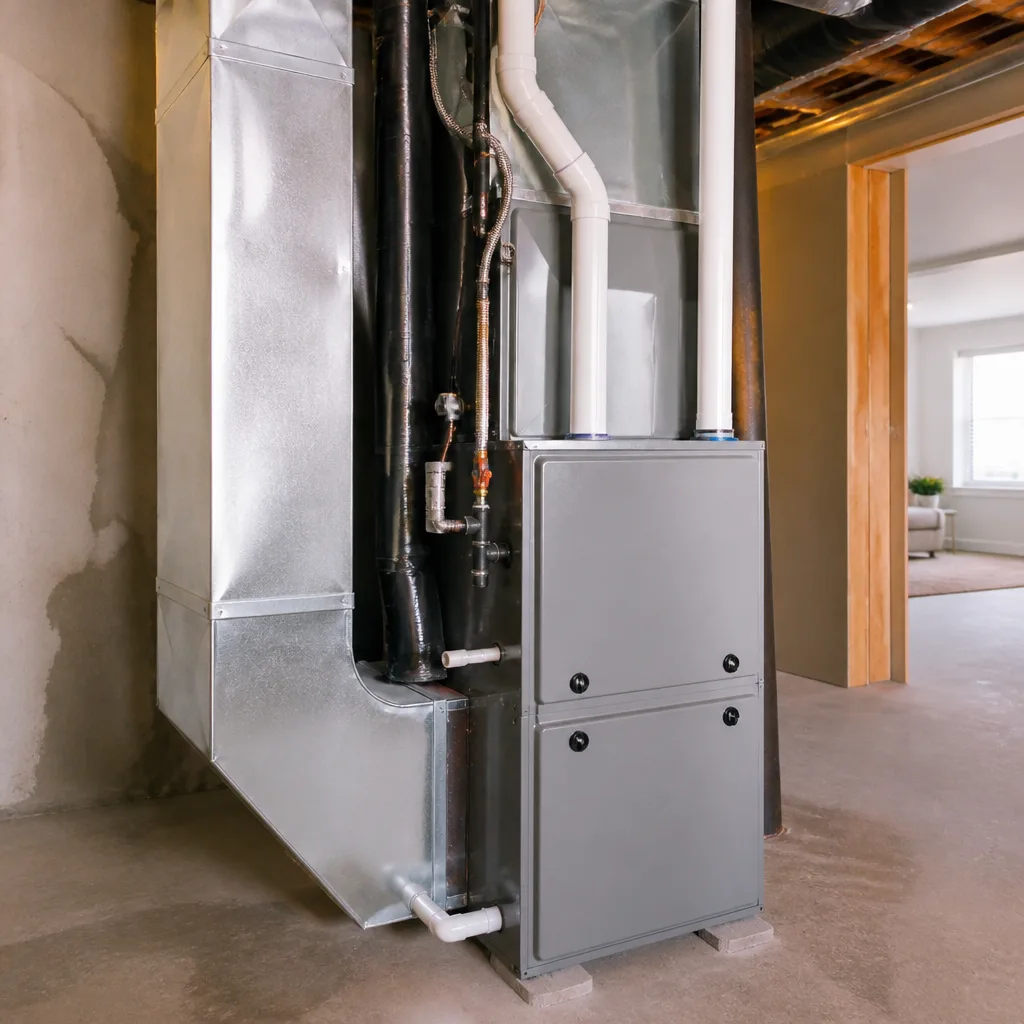
Heat exchanger. The heat exchanger is the metal component that separates combustion gases from the air you breathe. Dust contributes to hot spots and uneven heating, which over time can stress the metal. A cracked heat exchanger is a genuine carbon monoxide hazard, and it’s the reason annual inspection isn’t optional.
A properly equipped technician checks all three of these during a tune-up. You can’t fix burner clogging or heat exchanger cracks with a shop vacuum and good intentions. This is why the September service call is the centerpiece of the schedule, not an afterthought.
Your Actual Filter Schedule for a 60-to-90-Day Heating Season
Filter advice online is a mess of “every 90 days” and “every month” with no context. Here’s the honest version for an Enterprise furnace that runs only during heating season.
- During heating season (typically November through February): check the filter every 30 days. In a dusty desert home, a 1-inch filter can load up in four to six weeks. If it looks gray and matted, change it.
- Right before the season starts (September): change it, no exceptions. A filter that sat all summer collected dust the whole time.
- Right after the season ends (March): change it once more so the system stores clean over summer.
- Off-season (April through August): check it quarterly. If you run the fan continuously for air circulation, check monthly.
Filter type matters, too. A thick pleated high-MERV filter catches finer dust, but on some older furnaces it restricts airflow enough to strain the blower. If you’re unsure what your system was designed for, ask during the tune-up. We’ve seen Enterprise homeowners overspend on premium filters that were actually forcing the blower to work harder than it should.
One practical note: buy your filters in a multi-pack in September. When it’s cold and the family’s visiting, the last thing you want to do is drive out for a filter because you forgot. A stack in the garage makes the monthly check a two-minute job.
Fall Prep: What You Do vs. What Needs a Licensed Tech
A lot of fall prep is safe for a homeowner. Some of it is not, and it’s worth being clear about the line. This is where we get straight with people.
What you can and should do yourself:
- Change and check the filter.
- Keep the area around the furnace clear.
- Test the thermostat in both heat and cool modes.
- Test your carbon monoxide detector and smoke alarms.
- Trim back anything blocking the exterior vent termination.
- Write down any weird sounds or smells to report.
What needs a licensed, insured technician with the right equipment:
- Combustion analysis and gas pressure testing – this requires a calibrated combustion analyzer, not a visual check.
- Burner cleaning and adjustment – the gas train is nothing to experiment with.
- Heat exchanger inspection – a proper inspection looks for cracks you can’t see from the outside.
- Flame sensor and igniter service.
- Blower motor and control board diagnostics.
We say this plainly because gas appliances are genuinely dangerous. A misadjusted burner or a cracked heat exchanger can put carbon monoxide into your home, and you can’t smell or see it. Please don’t pull burner assemblies apart yourself. Handling the filter, the clearances, and the thermostat is plenty. The gas side of the furnace belongs to a trained professional, every time.
If you want the full professional side handled, our Heating & Furnace in Enterprise service covers combustion testing, burner cleaning, and heat exchanger inspection as part of a standard tune-up. For homes with a heat pump doing double duty, our Heat Pump & Mini Split in Enterprise page covers the cooling-season counterpart to this schedule.
How to Log Your Maintenance for Warranty and Future Techs
A maintenance log sounds like a chore, and it’s the single most useful habit for a homeowner who wants their system to last. Here’s why it matters, and how to keep it without overcomplicating your life.
For warranty claims: Most manufacturer warranties require documented maintenance. If your heat exchanger fails under warranty and you can’t show a service history, the claim gets harder. A simple log of dates, filter changes, and professional visits removes that argument.
For the next tech who shows up: When we arrive at a house we’ve seen before, the log tells us what was fixed and when. It saves diagnostic time and it keeps us from re-checking things that are already known. If it’s a different company, they get the same benefit, and so do you.
Here’s a simple way to keep it:
- Keep a folder (physical or digital) for HVAC receipts and service reports.
- Write the date and the filter size on each filter package before you install it.
- Note any unusual sounds, smells, or short-cycling on the calendar with the date.
- Keep every written estimate and invoice – they document what was tested and what was found.
- Photograph the service sticker on the furnace after each visit.
A paper trail pays off whether you sell the house, make a warranty claim, or just want to know whether the part that failed was the one replaced last year.
Month-by-Month Calendar for Enterprise Homeowners
This is the whole schedule condensed into a calendar you can stick on the fridge. Adjust the exact months to your habits, but the sequence holds.
- September: Change filter. Test thermostat in heat. Clear area around furnace. Book professional tune-up and combustion testing. Test CO and smoke detectors.
- October: Confirm the professional service is done. Note any parts on order. Run the heat briefly to confirm it works before you need it.
- November: Check filter. Watch for uneven heating or odd smells on first real cold snap.
- December: Check filter. This is peak demand month – if the system struggles, call. Same-day repair matters most now.
- January: Check filter. Listen for new sounds; the furnace is working hardest.
- February: Check filter. Note any short-cycling before the season winds down.
- March: Change filter. Test the system before it goes idle for the summer.
- April through August: Check filter quarterly. Watch for dust taking over. This is the off-season where most damage accumulates unnoticed, which is why the September service catches so much.
For most Enterprise homes, the single highest-value month is September. Everything else is maintenance that protects the September investment.
Common Mistakes to Avoid
- Skipping the tune-up because the furnace “worked last year.” It probably will fire up, and then fail in January when the dust finally blocks a burner port. The September check is what prevents that.
- Waiting until the first cold night to test the heat. In Enterprise, that first cold snap usually brings a rush of calls. Test in October, before the scramble.
- Ignoring the filter because the furnace “barely runs.” A barely-running furnace in a dusty desert pulls a season’s worth of dust into itself while it’s idle. The filter catches what would otherwise coat the burners.
- Using a high-MERV filter on an older furnace without checking airflow. It can strain the blower. Ask during the tune-up what your system was designed for.
- Treating a musty smell and a metallic smell the same. Musty is usually harmless dust burning off. Metallic or rotten-egg smells are not – call a professional.
- Letting dust build on top of the cabinet and around the vents. Ten idle months is a lot of settling time. A quick wipe in September goes a long way.
- Not keeping receipts or service records. When the warranty question comes up, the paper trail is what wins the argument.
See the difference
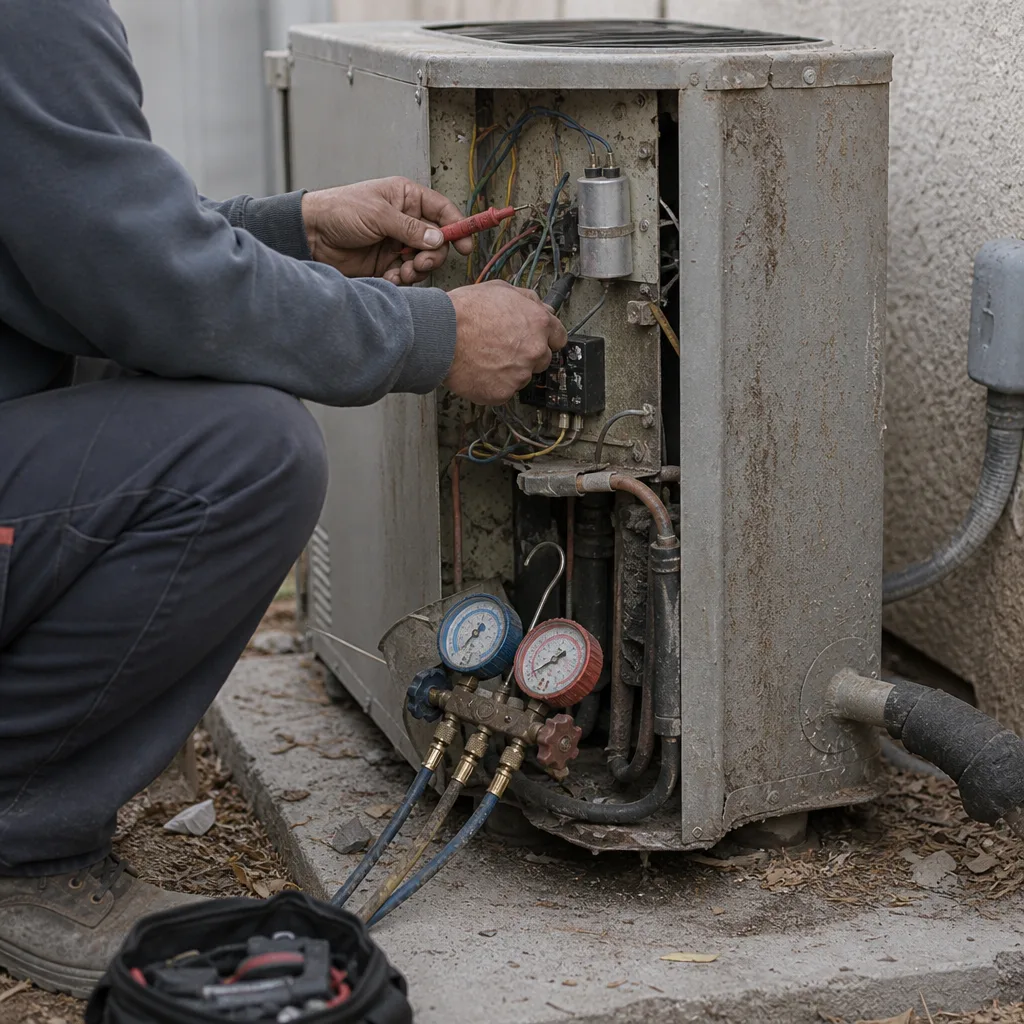 Before
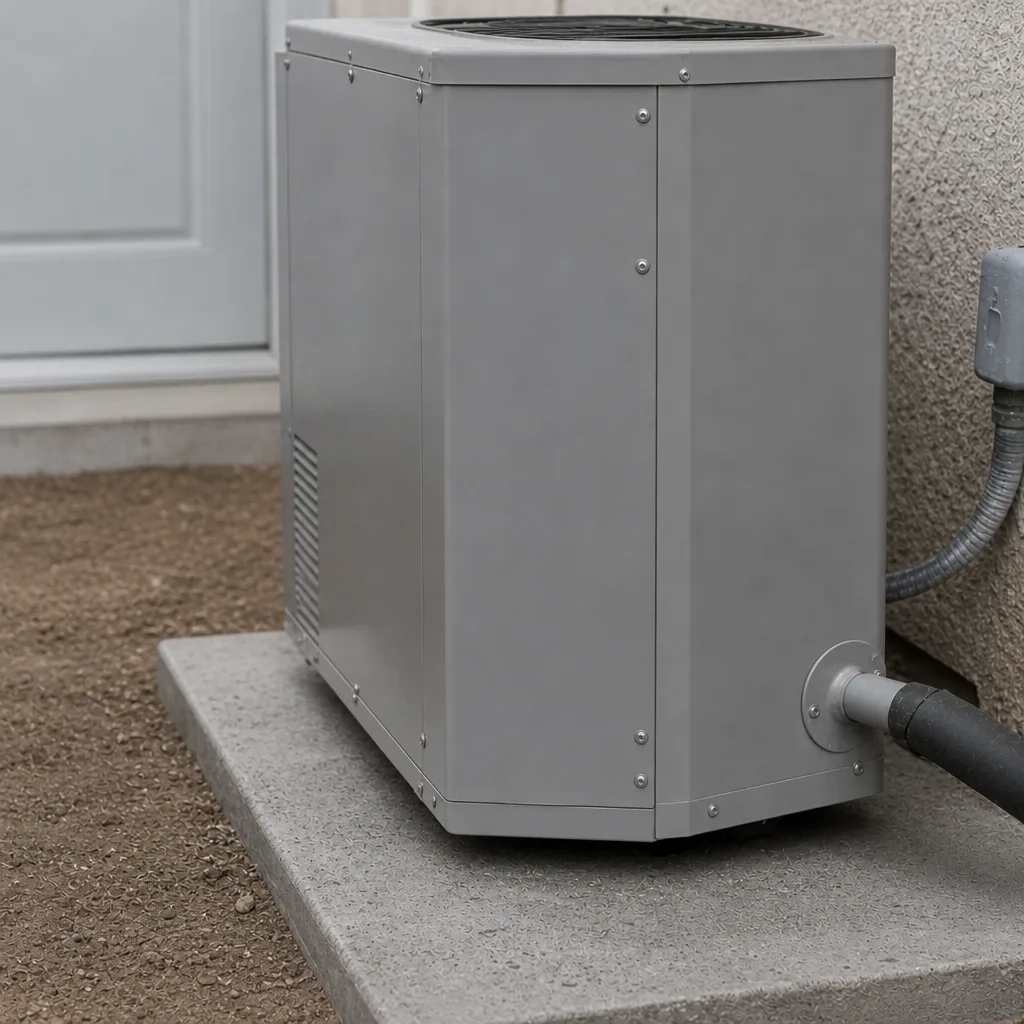 After
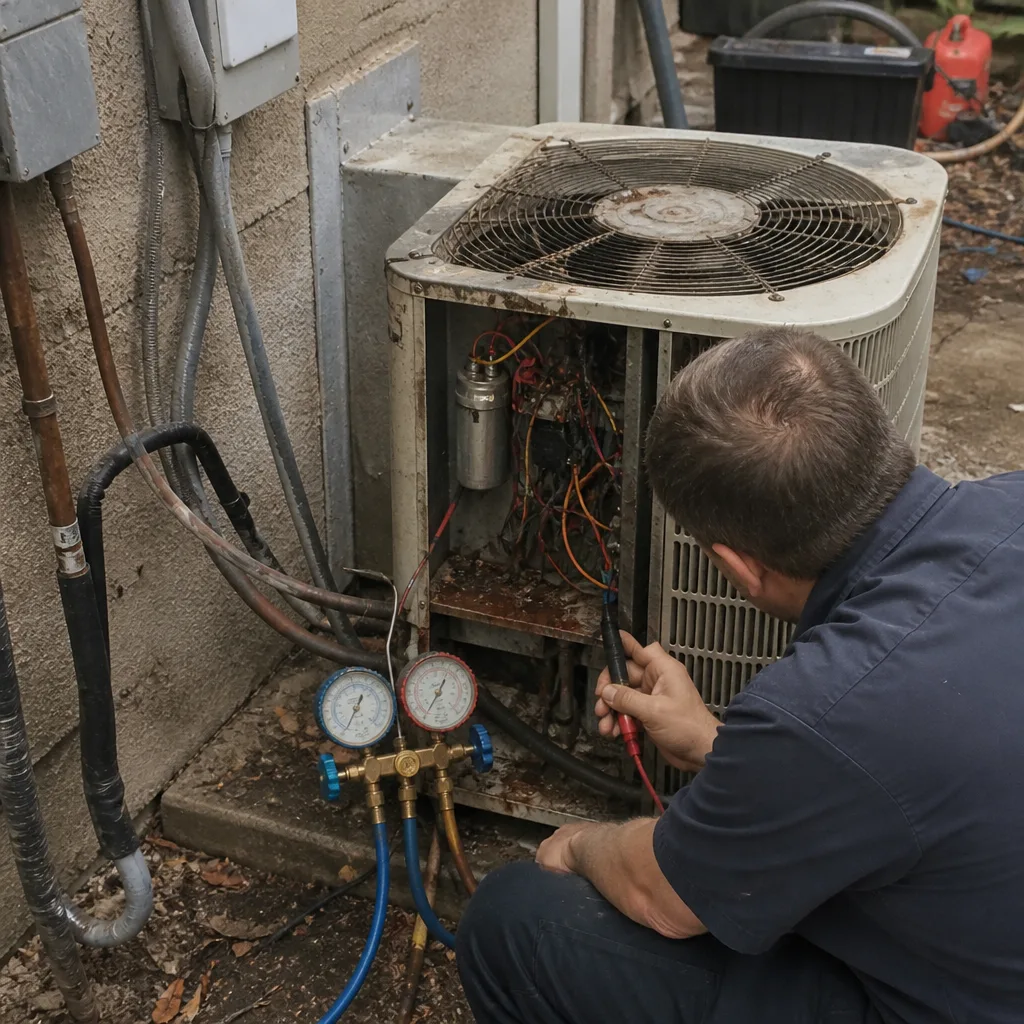 Before
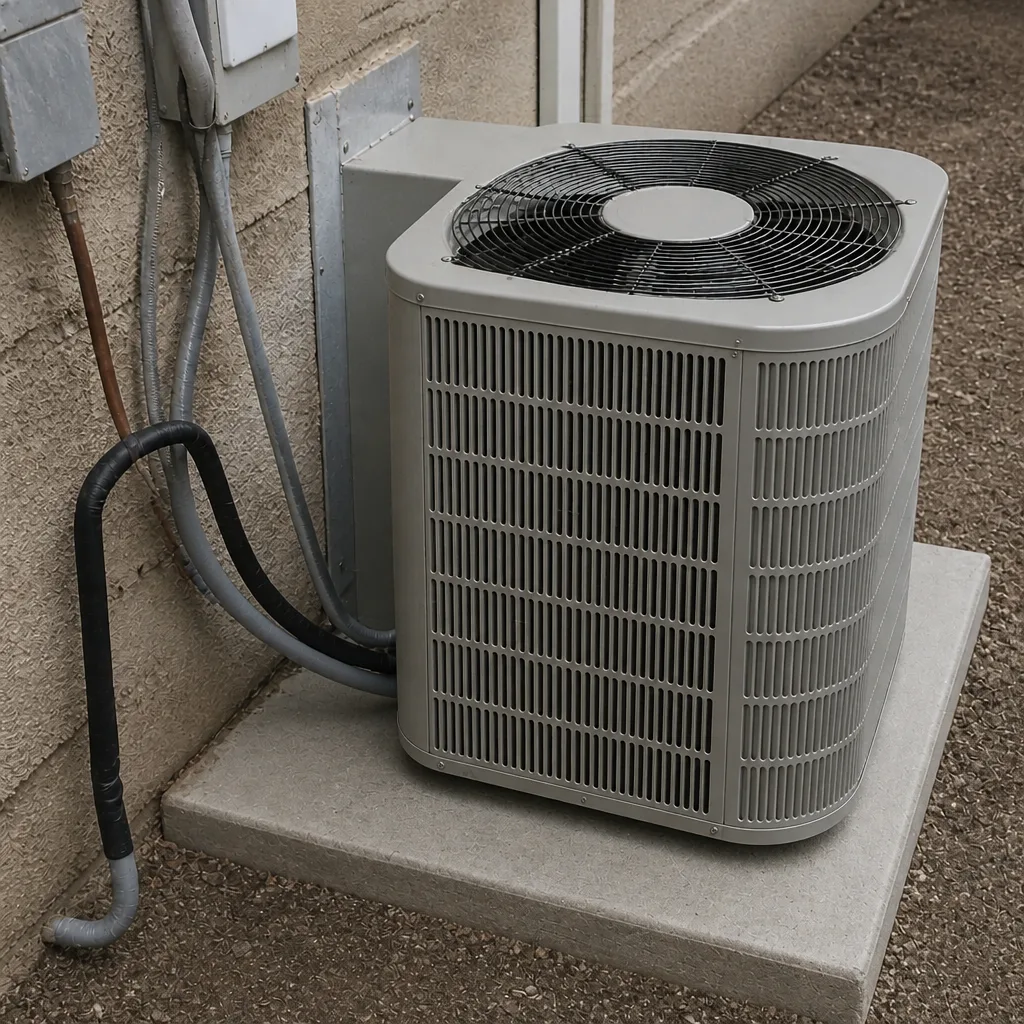 After
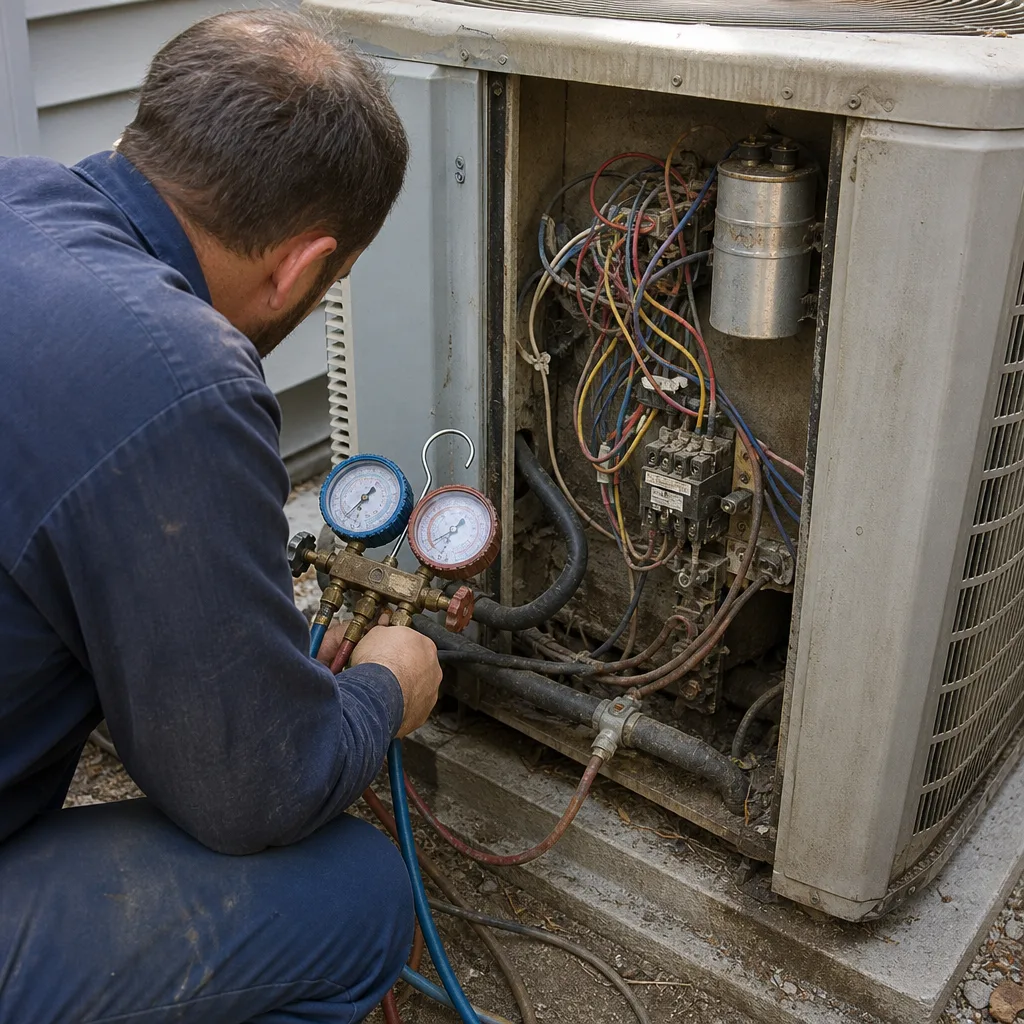 Before
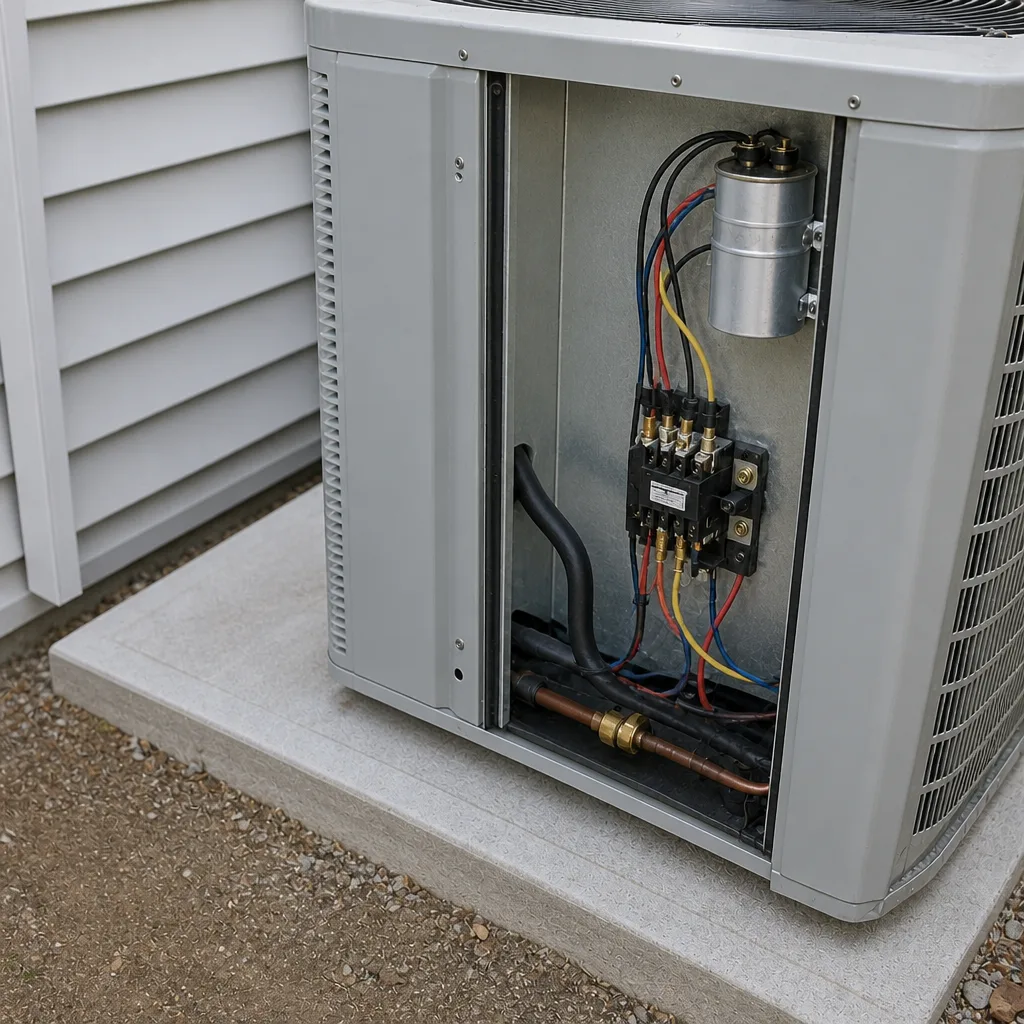 After
When to Call a Professional
Some problems announce themselves clearly, and you shouldn’t wait for a scheduled tune-up. Call a licensed professional right away if you smell gas, hear a metallic rattle from the furnace, notice soot around the burners, or if your carbon monoxide detector alarms. Shut the system off and get out of the house if the CO alarm sounds – that one is not a “check it later” situation.
Also call if the furnace short-cycles, won’t stay lit, blows cold air, or if you notice yellow flames instead of blue during operation. Those symptoms point to combustion or control issues that need proper testing, not improvisation. And if you haven’t had a professional inspection in a couple of years, book one. Our team at Ray’s Heating & Air Enterprise offers free estimates in Enterprise – call (844) 455-2034 to schedule.
Frequently Asked Questions
Once a year, ideally in September before heating season. Because an Enterprise furnace runs only 60 to 90 days a year but sits idle in dusty desert air for the rest, the annual service is about dust removal and combustion safety more than mechanical wear. A single September tune-up with combustion testing covers the year for most homes.
During heating season, check it every 30 days and change it when it looks loaded. In Enterprise, dust builds quickly, and a 1-inch filter can mat up in four to six weeks of active use. Off-season, a quarterly check is fine. Call (844) 455-2034 if you’re not sure what filter your furnace takes.
You can handle the filter, the clearances around the furnace, thermostat testing, and detector checks. You should not touch the gas train, burners, heat exchanger, or combustion settings. Those require a licensed technician with a combustion analyzer, and a mistake there is a genuine carbon monoxide hazard.
A real tune-up includes combustion analysis, gas pressure testing, burner cleaning and adjustment, flame sensor and igniter service, heat exchanger inspection, blower and control board checks, and a filter change. If a company’s tune-up doesn’t include combustion testing, it’s a visual once-over, not a tune-up.
Usually yes. A musty smell on the first startup after months idle is dust burning off the heat exchanger. It should clear within an hour or two. A metallic smell, a rotten-egg smell, or visible soot is not normal and warrants a call.
Yes. Most manufacturer warranties require documented maintenance, and a service history makes a heat exchanger or part claim much harder to dispute. Keep your invoices, note your filter changes, and photograph the service sticker after each visit. Our team at Ray’s Heating & Air Enterprise leaves a written record on every job.
The Bottom Line
Your Enterprise furnace isn’t worn out by running – it’s worn out by sitting. Ten months of desert dust, then a sudden cold snap, is the pattern that catches most homeowners off guard. The fix is simple: change the filter monthly during heating season, book a real combustion-tested tune-up in September, keep the gas side of the work in licensed hands, and log what gets done. Do that and you’ll get years more out of the system and avoid the January evening when it quits. For the professional side, AC Repair & Installation in Enterprise and our heating service cover the full year, and you can start from the Ray’s Heating & Air Enterprise home page to get in touch. Call (844) 455-2034 for a free estimate.
Written by the team at Ray’s Heating & Air Enterprise.