
Last updated November 17, 2026
 AC repair
 Furnace & heating
 Heat pumps
 Ductless mini splits
 Carrier
 Trane
 Goodman
Seasonal tune-up and full diagnostic on your Carrier, Trane, or Goodman system - readings shown to you before any repair is proposed
Diagnosis first, numbers second - you approve the repair price before a single part goes in.
Get your free estimateAC Repair & Installation Warning Signs Every Homeowner Should Know
The most expensive repair we do every summer is the one that could have been a $200 capacitor in May if someone had noticed the system was taking 90 seconds to kick on instead of 30. That’s the whole story in one sentence. Your AC warns you weeks before it quits. It gets sluggish on startup, it runs longer between shutoffs, it stops pulling the house down to temperature, it starts making a sound that wasn’t there in April. Most people wave all of that off as “just the desert heat,” and then they call us on the hottest day of July for a system that’s already gone. This guide decodes those early signals, tells you which ones mean call soon and which mean turn it off and call now, and shows you the ten-minute monthly walk-around that catches the problems you can actually see and hear in an Enterprise home.
Quick Answer
The warning signs that matter most are behavioral, not dramatic: longer startup lag, longer run cycles, a shrinking gap between the thermostat setting and the actual room temperature, sudden humidity inside, and new noise at the outdoor unit. A higher June electric bill with no change in your habits is also a diagnostic signal, not just a rate hike. Catching these early usually costs a third or less of what a full breakdown costs, because most of them point to a failing capacitor, a dirty condenser coil, a refrigerant leak, or restricted airflow, all of which are cheap to fix before they take the compressor with them.
Styles & brands we work with
- AC repair
- Furnace & heating
- Heat pumps
- Ductless mini splits
- Carrier
- Trane
- Goodman
Table of Contents
- The Five Behavioral Changes That Predict Failure Weeks Out
- Why a Higher June Electric Bill Is a Diagnostic Signal
- Call Soon vs. Turn It Off and Call Now
- The 10-Minute Monthly Walk-Around
- What Enterprise Homes With Older Ductwork and Pre-2008 Systems Show First
- Signs You’re Looking at Installation, Not Repair
- Common Mistakes to Avoid
- Frequently Asked Questions
The Five Behavioral Changes That Predict Failure Weeks Out
A compressor doesn’t fail without warning. It fails after weeks of working against something that was already going wrong, usually a weak capacitor, low refrigerant, or a condenser coil packed with dust. Those five behaviors are the trail of breadcrumbs. Watch them and you’ll know when to call long before the house hits 95 degrees.
1. Startup lag
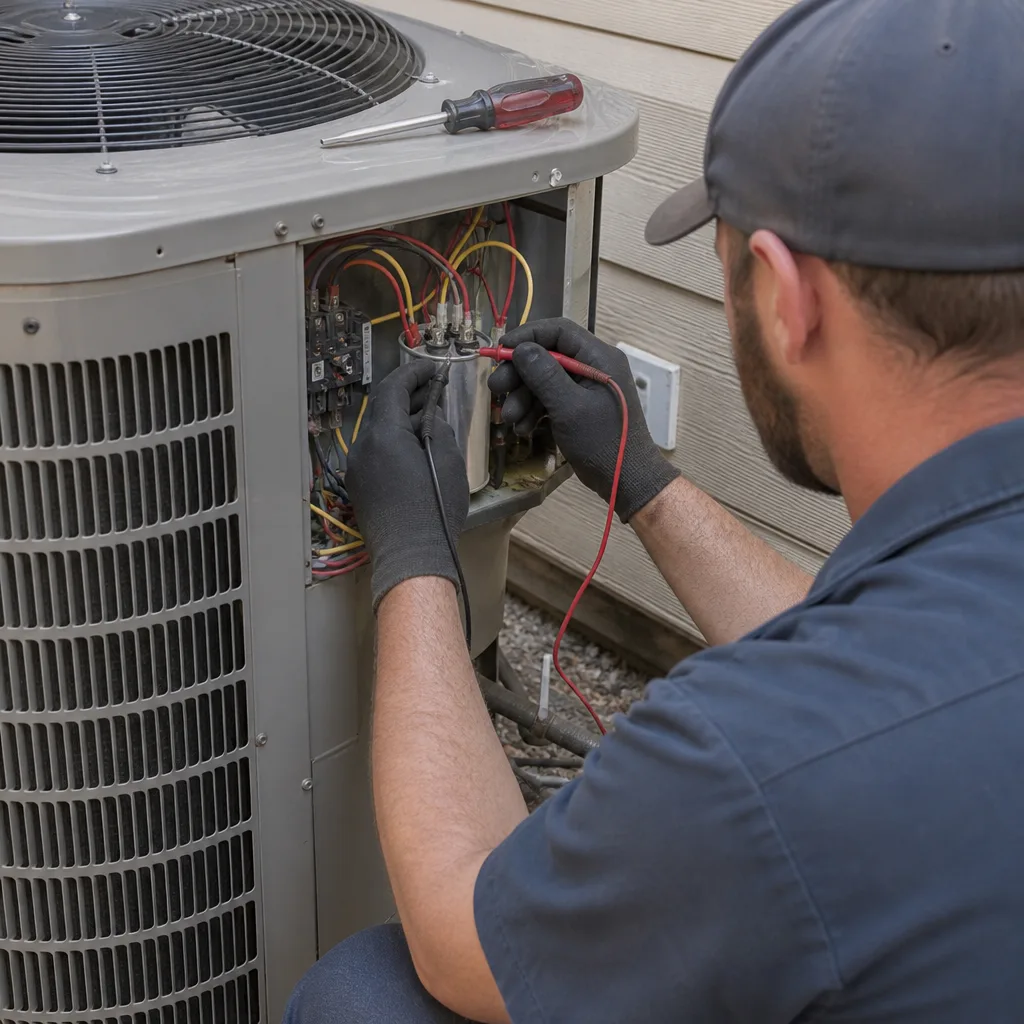
Time it. From the moment the thermostat clicks and the outdoor unit kicks on should be about 20 to 30 seconds on a healthy system. If it’s creeping toward 60 or 90 seconds, or the unit hums a while before the fan starts moving, that hum is usually a capacitor on its way out. A capacitor is a cheap part. The compressor it protects is not. Test the capacitor before anyone says the word compressor, always.
2. Longer run cycles
On a normal July afternoon in Enterprise, an AC might run 30 to 45 minutes to cool the house, then rest. If it’s running 90 minutes and barely resting, it’s working harder than it should be. That’s often refrigerant loss, a restricted filter, or a dirty outdoor coil.
3. Shrinking temperature differential
Put a cheap thermometer in a supply vent and another in a return grille. A working system drops the air about 15 to 20 degrees between them. If that gap shrinks to 10 or less, the system is losing its cooling capacity, which usually means refrigerant or airflow.
4. Indoor humidity creeping up
In the desert you might not think about humidity, but a system that’s running fine removes moisture as a side effect of cooling. If your house suddenly feels clammy, or the windows fog up in the morning, the system isn’t removing moisture the way it should. That’s a sign of an oversized system, low refrigerant, or a fan running when it shouldn’t.
5. New noise
A rattle, a click that repeats, a grinding noise at startup, a squeal. Any sound that wasn’t there last summer is worth a call. The equipment is telling you which bearing or contactor or fan is on the way out.
Why a Higher June Electric Bill Is a Diagnostic Signal
Here’s the one most homeowners miss. If your June electric bill comes in noticeably higher than last June and nothing changed – same thermostat settings, same family, same routine, same number of days you ran the AC – that’s not the utility. That’s your system. It’s running longer, or pulling more amps, or short-cycling, and the meter is showing you the trouble before the house does. In our experience, a 15 to 25 percent jump in the cooling-season bill with no lifestyle change usually points to one of four things: a failing capacitor drawing more current at startup, a refrigerant charge that’s drifted low so the compressor runs longer, a condenser coil that’s fouled with dust and can’t reject heat, or ductwork that’s leaking cooled air into the attic.
Don’t wait for the July bill to confirm it. If June looks off, get a diagnostic. The cost of a diagnosis is a fraction of what an emergency compressor replacement runs, and a failing capacitor is one of the least expensive repairs on the truck. We’ve seen an Enterprise homeowner spend roughly $200 in May on a capacitor service instead of $1,400-plus on a compressor swap in August because they noticed the electric bill before the noise started. That math repeats every summer.
If you want the deeper version of this, our page on AC Repair & Installation in Enterprise covers the repair side in more detail.
Call Soon vs. Turn It Off and Call Now
Not every warning sign is an emergency. Some are “call this week.” A smaller set are “shut the breaker off and pick up the phone.” Getting this distinction right keeps you from panicking over a $180 fix and also keeps you from running a system that’s about to hurt itself.
Call soon (within the week)
- Startup lag that’s gotten longer than last month.
- Run cycles that have stretched out noticeably.
- A June electric bill that jumped with no behavior change.
- New rattle or vibration at the outdoor unit.
- Condensate drain dripping slowly onto the pad.
- Cooling that’s “a little weak” on the west side of the house.
Turn it off and call now
- Ice on the indoor coil or the refrigerant line. That’s not “extra cold,” that’s a restriction or low charge.
- A burning smell, or the breaker tripping repeatedly.
- A compressor that clicks and shuts off, then clicks and shuts off again. Don’t keep resetting it.
- Water leaking from the indoor unit into the ceiling or walls.
- Any buzzing, arcing, or sparks at the outdoor unit.
- Loud grinding that continues after the fan stops.
The ice and the breaker-tripping cases are the two that cause the most preventable damage. Ice on the coil can crack the copper once it melts and refreezes a few cycles, and a tripping breaker that keeps getting reset can cook a compressor. Turn it off and get someone out. If you want to know the difference between a repair you can wait on and a replacement conversation, that’s a separate decision – the heat pump and mini split side of the house has its own version of this guide, but the logic is the same.
The 10-Minute Monthly Walk-Around
You don’t need gauges or a multimeter to catch most of what goes wrong. You need ten minutes once a month, eyes and ears open, from March through October. Here’s the order we recommend to homeowners in Enterprise. Do it while the system is running on a mild day so the equipment is doing its normal work.
- Filter check. Pull the filter. If you can’t see light through it, change it. In dusty desert months, that might be every 30 days instead of 90.
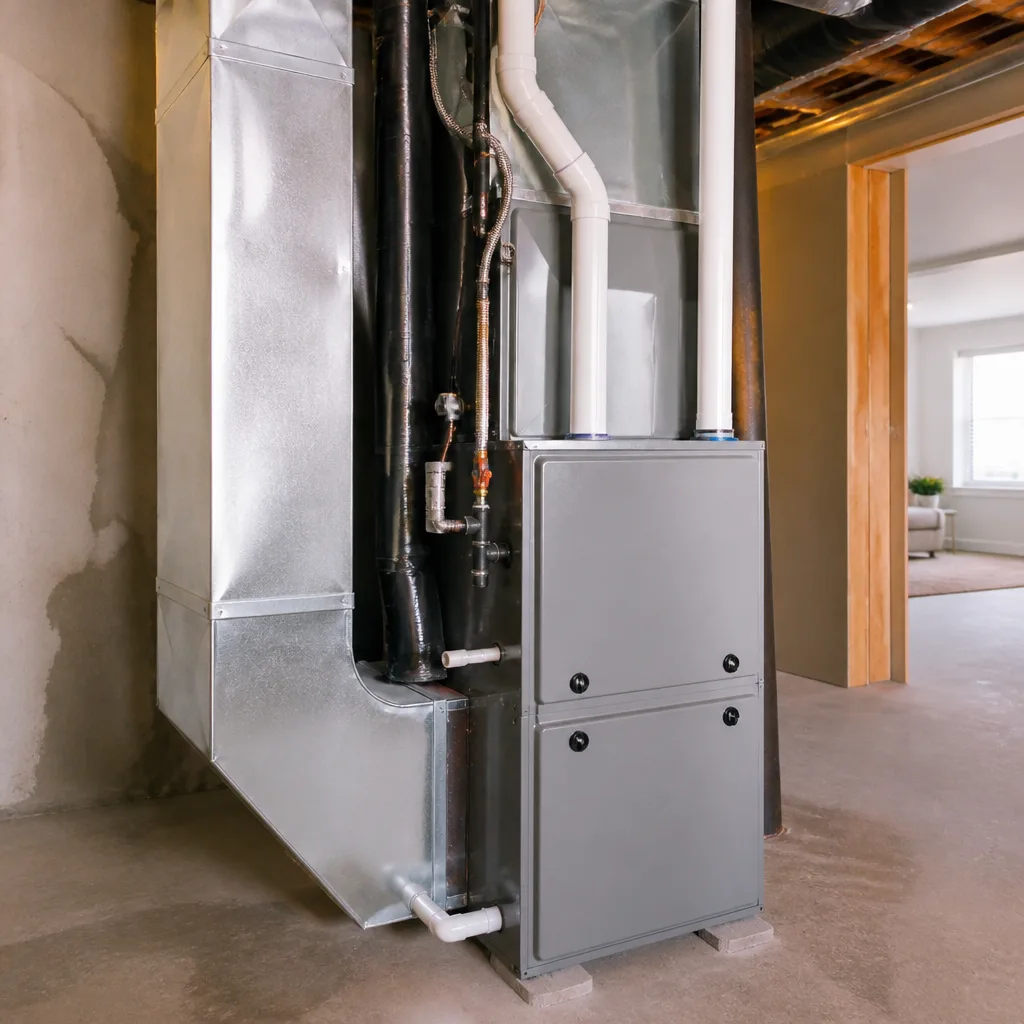
- Listen at the indoor unit. Stand next to the air handler for 60 seconds. Listen for rattles, scraping, or a blower that sounds like it’s laboring.
- Thermometer test. Supply vent minus return grille. Should be 15 to 20 degrees. Write the number down each month so you can see the trend.
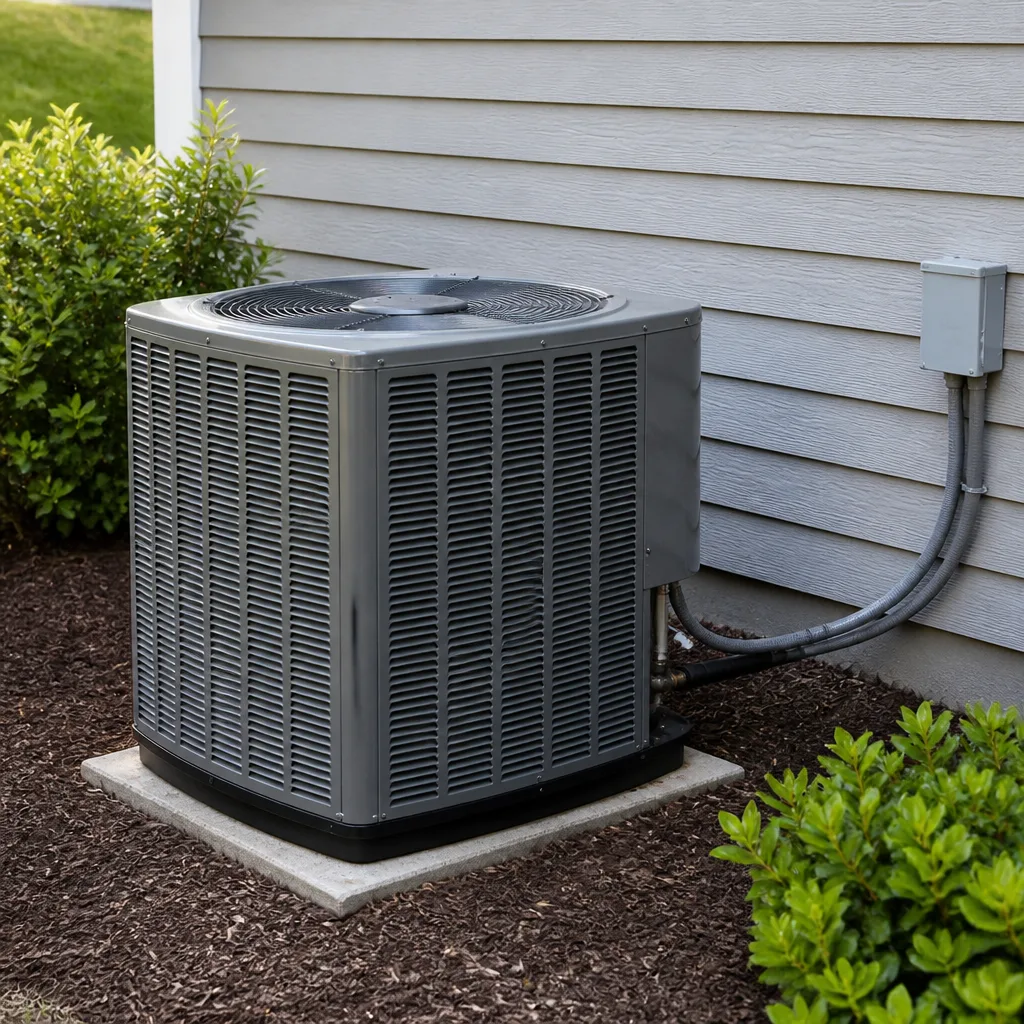
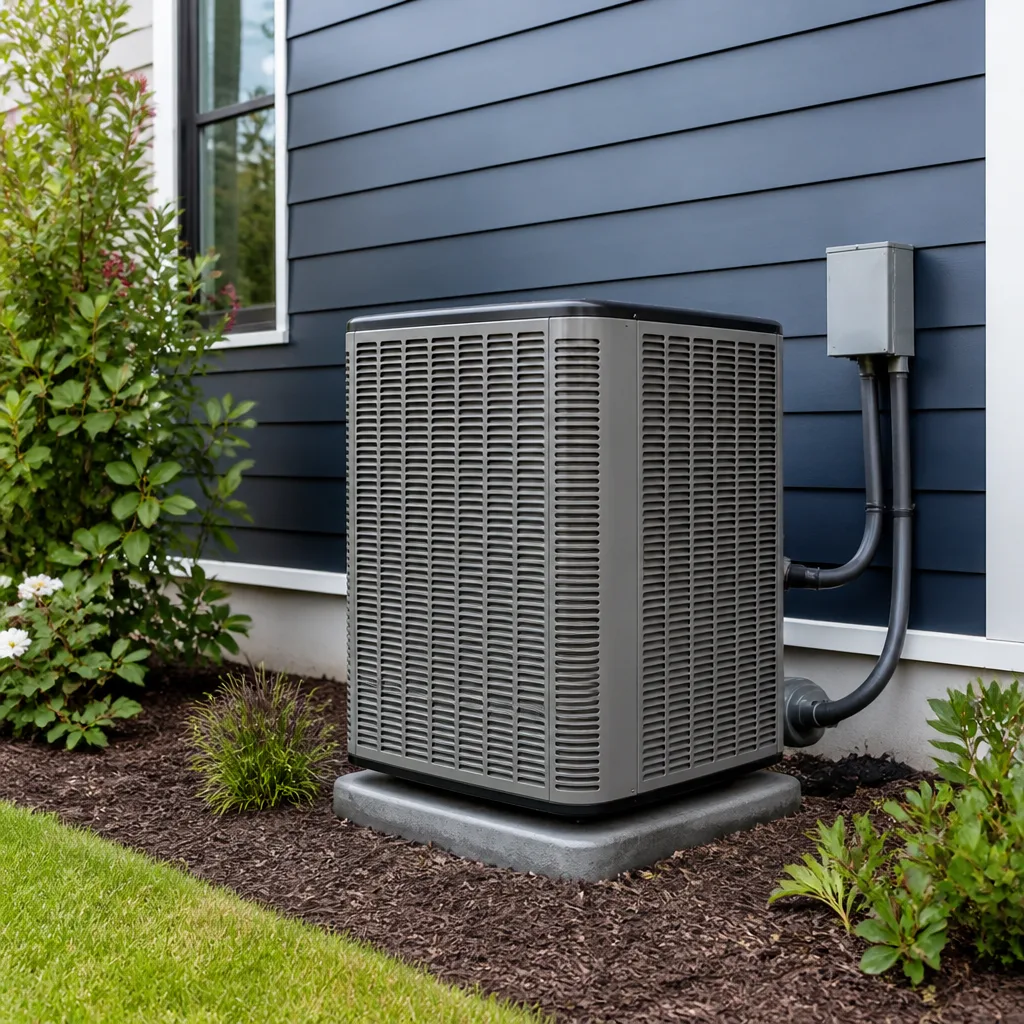
- Outdoor unit walkaround. Look at the coil. If the fins are loaded with dust and cottonwood, that alone can cost you efficiency. Look for debris inside the top grille.
- Listen at the outdoor unit. Time the startup. Note any click, rattle, or squeal. A hum before the fan spins is a warning.
- Check the condensate drain. Look at the pad and the drain line. A trickle is normal; a puddle or an overflow switch trip is not.
- Breaker check. Look at the breaker for the outdoor unit. If it’s tripped, don’t reset it more than once. Call.
- Sniff test. Any musty smell at a supply vent can mean moisture in the ductwork. Any burning smell anywhere means turn it off.
- Look at the bill. Compare last month to the same month last year. Note the trend.
- Write it down. A one-page log you keep near the thermostat is the single most useful thing you can hand a repair tech when they show up. Readings first, numbers second – and a log is readings you already have.
What Enterprise Homes With Older Ductwork and Pre-2008 Systems Show First
Houses in our part of Enterprise tell a specific story, and it’s different from newer construction in other parts of the valley. Homes built before 2008, and especially the ones with original ductwork, usually show refrigerant-related warnings before they show electrical ones. The older duct systems leak, which means the system runs longer, which means the compressor works harder, which means the first symptom you’ll notice is a weak temperature drop and a higher bill – not a bang or a rattle. Older air handlers in these houses also tend to have undersized return ducts, which compounds the same problem: restricted airflow, higher head pressure, and a compressor eating itself quietly.
Second, the pre-2008 equipment in these homes tends to be an older single-stage design. When they fail, they fail at the capacitor and the contactor first, then the compressor. That sequence is predictable, and it’s why the startup-lag test – watch for a hum before the fan spins – catches so many of them a month or two early. Third, the dusty desert air out here is unforgiving. Condenser coils in Enterprise accumulate dust much faster than systems in wetter climates, and a fouled coil on an older system shows up as a shrinking temperature differential before it shows up as anything you’d call “broken.” If you have a Lennox, Goodman, Rheem, or York system from that era, the walk-around above will catch these earlier than a once-a-year tune-up will.
If you’re weighing a repair against a new install on an older system, the heating and furnace page runs through the same decision framework for the heating side; the logic is the same for cooling.
Signs You’re Looking at Installation, Not Repair
At some point the question isn’t “which warning sign is this” but “is this system worth fixing.” There’s no single correct answer, but there are honest signals worth knowing, and none of them come from the salesman who wants to sell you a new system.
- The system is past 12 to 15 years old and has already had two or more refrigerant repairs. Leaks that keep coming back usually mean the evaporator or condenser coil is on its last legs.
- The repair cost is a significant fraction of a new system’s cost. A compressor replacement on an aging system often pushes past half the price of a comparable new install.
- R-22 equipment. If your system uses R-22, refrigerant is no longer being manufactured, which means the next recharge is a bad deal. That alone is often the deciding factor.
- Oversized or undersized equipment. A short-cycling system or one that never quite keeps up in July is often just the wrong size for the house. No repair fixes that.
- Duct leakage that’s costing more than it’s worth to seal. In some older Enterprise homes, replacing the duct system alongside the equipment is cheaper over ten years than chasing leaks one at a time.
Before you sign anything, ask for the readings that justify the recommendation. If the person in your living room can’t show you the amp draw, the static pressure, and the temperature split, you’re not getting a diagnosis. You’re getting a pitch. Our page on the Ray’s Heating & Air Enterprise home page walks through how we do a no-pressure second opinion, and it’s worth a read before you call anyone.
Common Mistakes to Avoid
- Resetting the breaker over and over. A breaker that trips on an AC unit is doing its job. Reset it once. If it trips again, turn it off and call. Resetting it a fifth time is how a cheap repair becomes a compressor replacement.
- Adding refrigerant from a can. Those over-the-counter kits don’t measure the charge properly and often overcharge the system, which is worse than being a little low. Refrigerant charging is a measurement job, not a guessing job.
- Running the system with ice on the coil and hoping it’ll “catch up.” Ice means something is wrong with airflow or charge. Running it longer just makes the ice worse and can crack the coil.
- Skipping the filter during dusty months. In Enterprise, a filter that lasts 90 days in March lasts 30 days in June. Change it when it’s dirty, not when the calendar says so.
- Judging the whole system by the thermostat reading. The thermostat tells you the room temperature. It does not tell you the temperature split, the amp draw, or the static pressure. Those are the numbers that matter.
- Calling the national outfit because the phone answer was fast. A phone tree is fast. It’s also the last time you’ll talk to the same person. Local, verifiable and reachable beats quick and anonymous every time.
- Waiting for “a better time” once the startup lag shows up. There is no better time. The capacitor that costs $200 today is the compressor that costs several multiples of that in six weeks.
See the difference
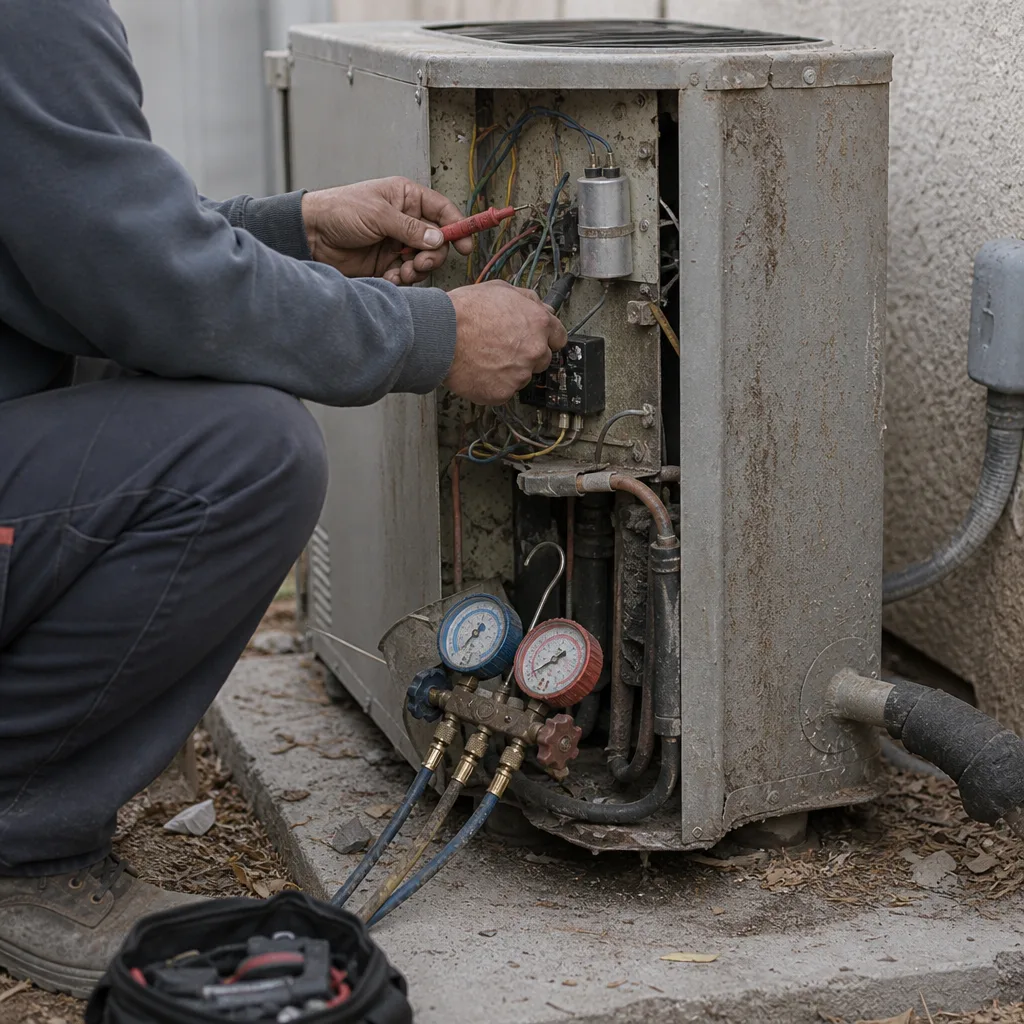 Before
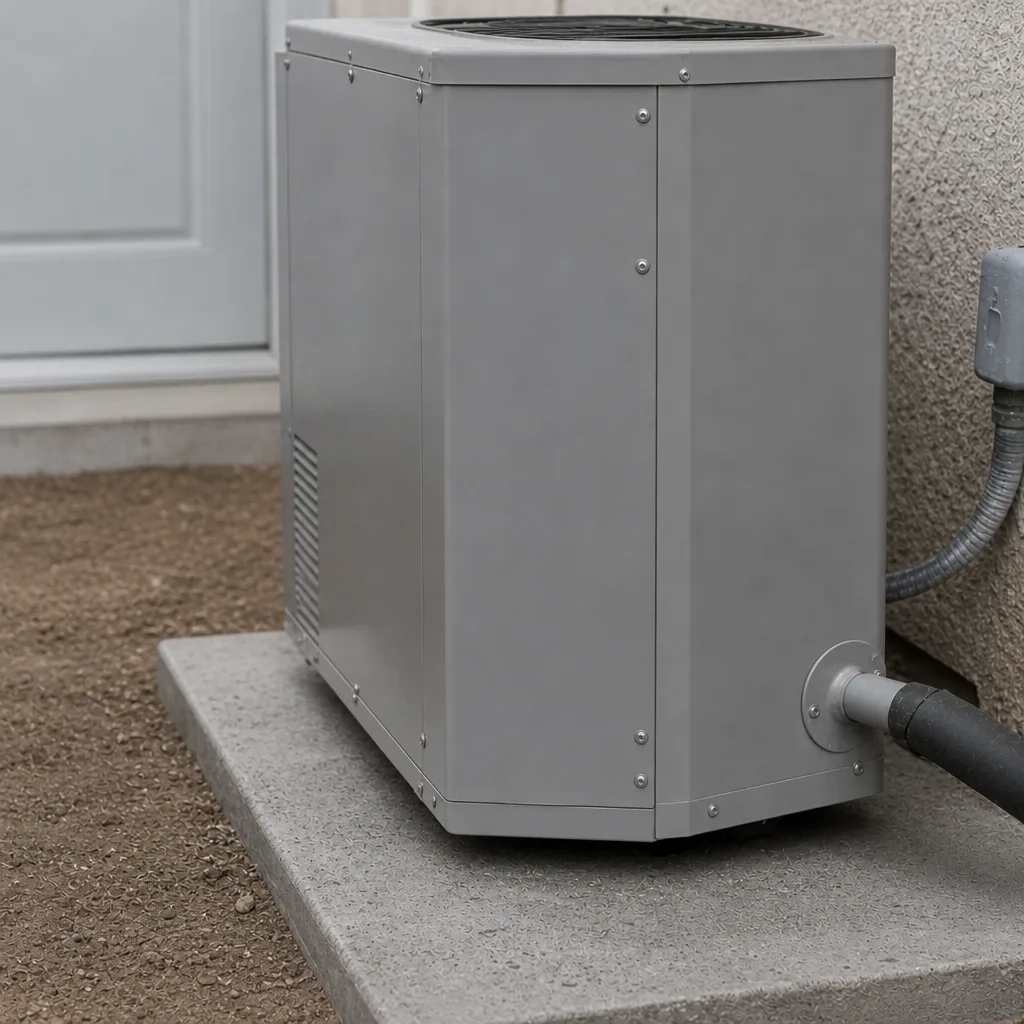 After
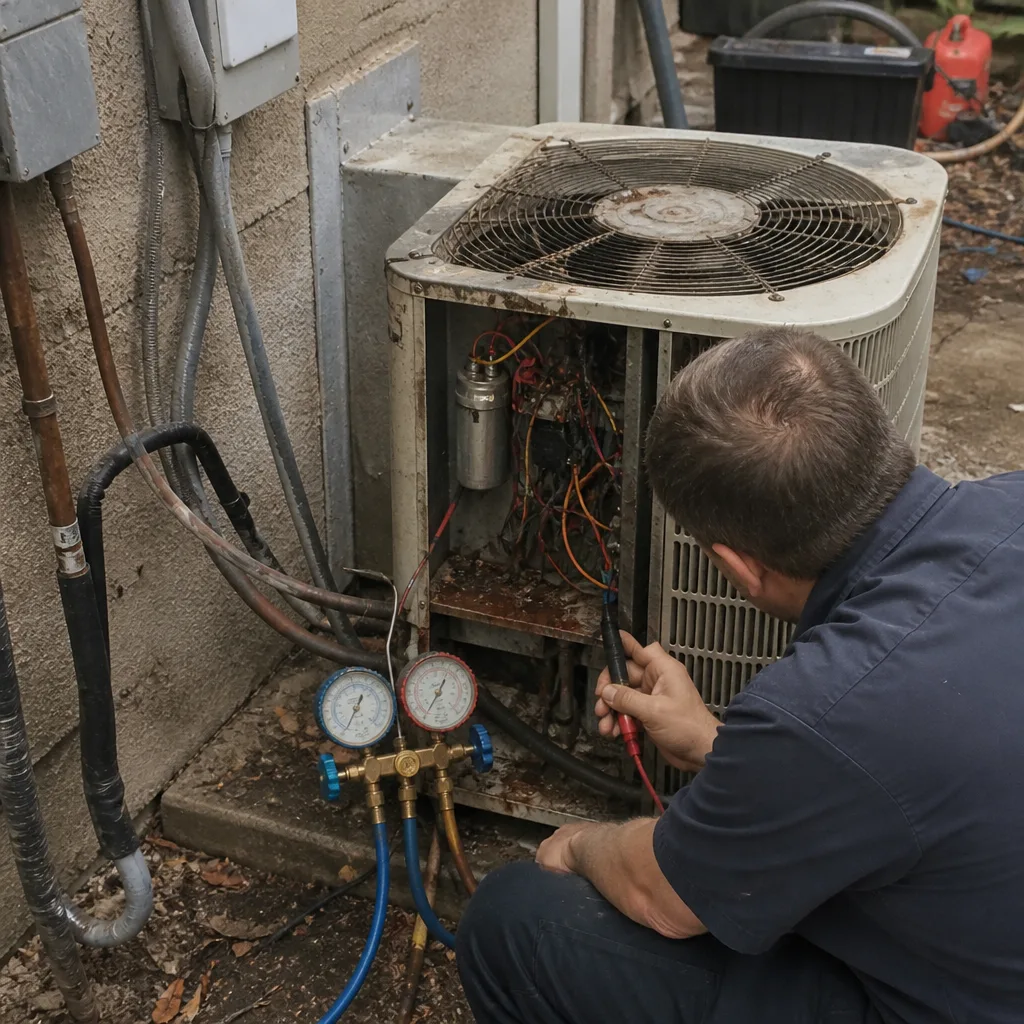 Before
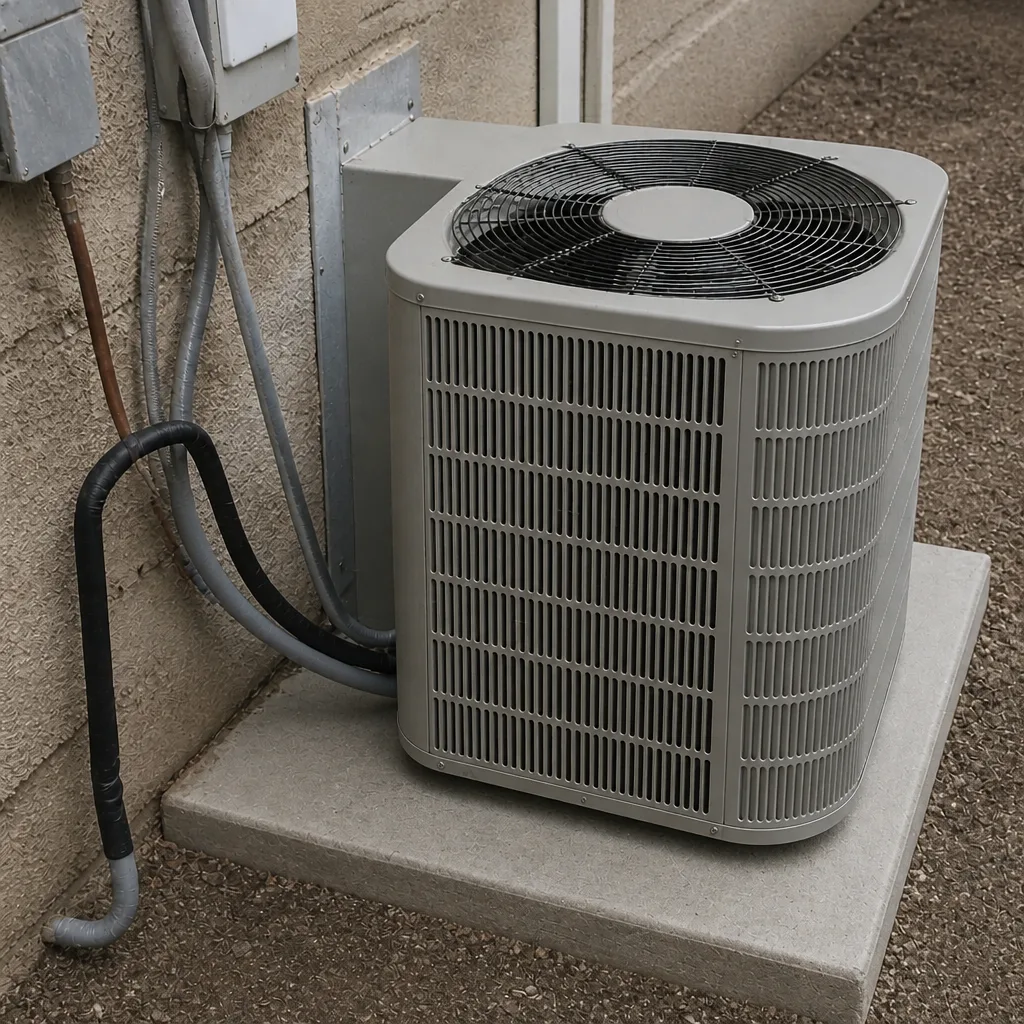 After
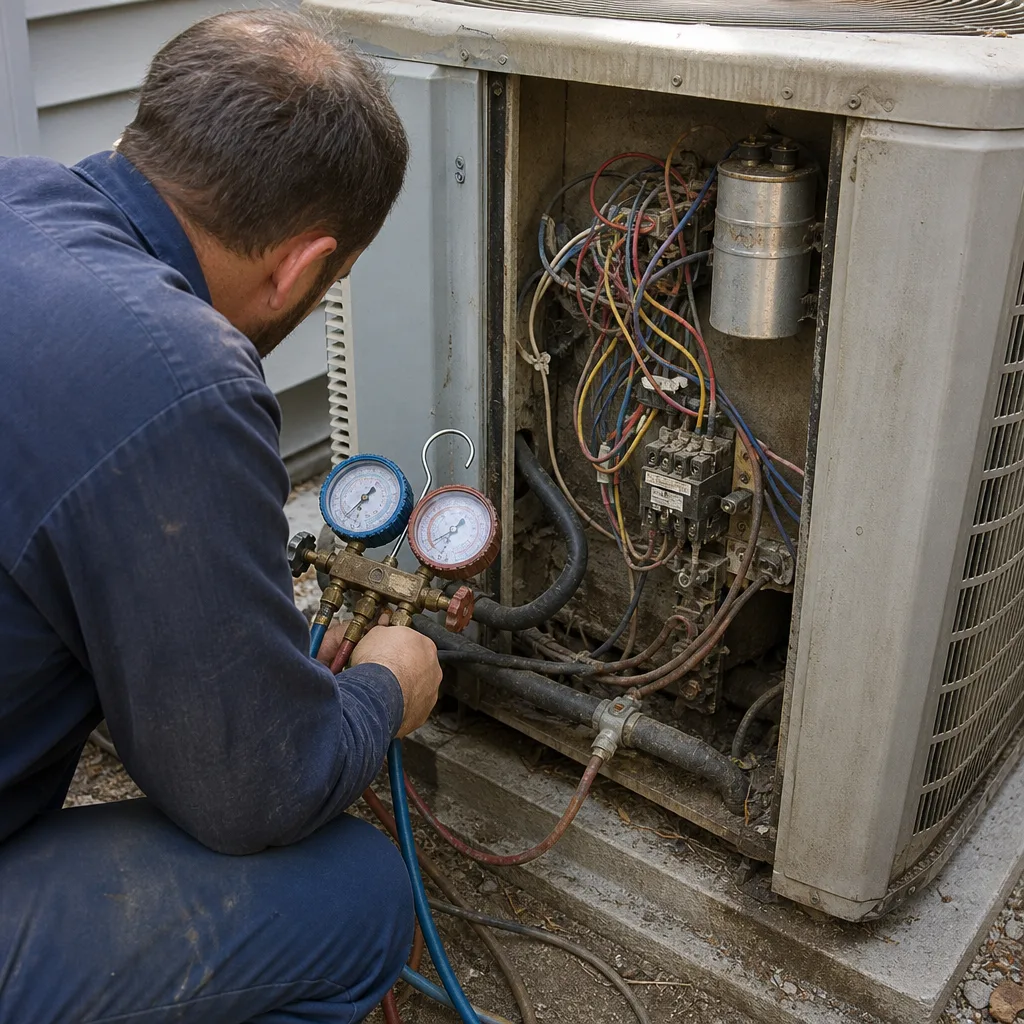 Before
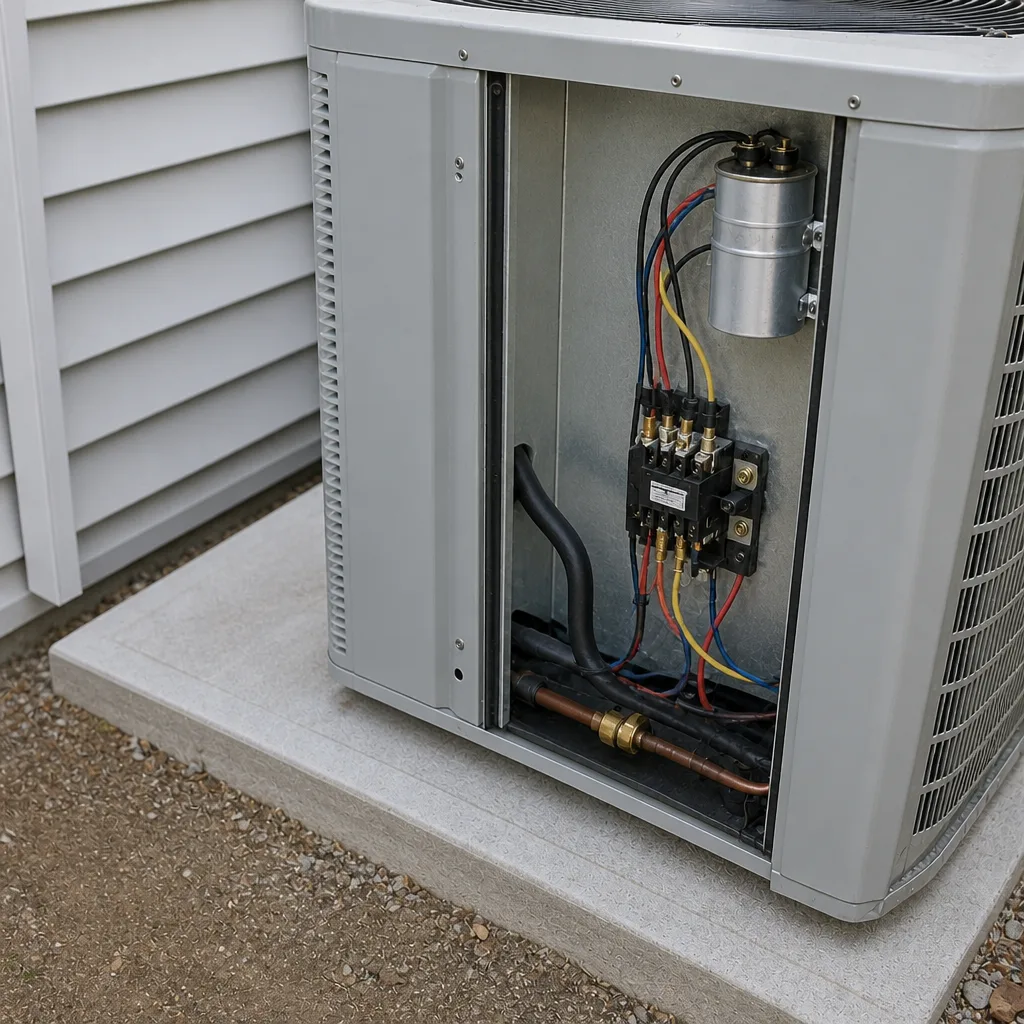 After
When to Call a Professional
Call when you have any of the turn-it-off-and-call-now signs above. Call when the electric bill jumps with no behavior change. Call when the temperature split has dropped below 15 degrees, or when the startup lag has stretched past about 45 seconds, or when you notice a new noise. Also call if the system is 12 or more years old and you’re considering a replacement – a diagnostic at that point is worth more than a guess. If you’re not sure whether what you’re seeing is an emergency, err on the side of a call. A diagnosis is cheap compared to a repair, and a repair is cheap compared to a replacement. Ray’s Heating & Air Enterprise offers free estimates in Enterprise – call (844) 455-2034 to get the readings before you make a decision.
Frequently Asked Questions
Most common repairs in Enterprise land in the $180 to $500 range for things like capacitors, contactors, and refrigerant top-offs, with a diagnostic visit on top. A compressor or coil replacement runs higher, and if you get more than one written estimate, those are the numbers worth comparing side by side. We recommend getting at least two estimates and asking both companies to show you the readings that justify their diagnosis. Call (844) 455-2034 for a free estimate on any repair or install.
Often, yes – a capacitor, a contactor, a fan motor, or a refrigerant top-off is usually a same-day fix. What we won’t do is promise same-day on a compressor or coil replacement, because those are parts we need to order and schedule. On the day of the call, though, we’re honest about which category you’re in. Call (844) 455-2034 for the earliest available slot.
Almost always a weakening capacitor. The part stores a charge that gives the compressor the extra kick to get going, and as it weakens, the startup gets slower and slower until the compressor can’t start at all – or burns itself out trying. A capacitor is a cheap repair. The compressor it protects is not. Have someone test the capacitor before anything else is on the table.
Your system is working harder than it should. The most common causes are a fouled condenser coil, low refrigerant, a failing capacitor drawing more current, or leaking ductwork. None of those fix themselves. Get a diagnostic before the July bill confirms it.
If the system is under about 12 years old and hasn’t had two or more refrigerant repairs, repair is usually the better call. If it’s older, has had repeated refrigerant leaks, or uses R-22, replacement is often cheaper over the next ten years. Ask for the readings – amp draw, static pressure, temperature split – and make the decision on those, not on how the unit looks.
Pre-2008 homes in Enterprise, especially on original ductwork, usually show refrigerant-related warnings before electrical ones: a weak temperature drop, longer run cycles, and a climbing bill. The undersized return ducts common in that era make it worse by restricting airflow. If you’re in a pre-2008 home, watch the temperature split first and the noise second.
The Bottom Line
The warnings are there, and they’re quiet. Startup lag, longer run cycles, a shrinking temperature split, indoor humidity, new noise, and a June electric bill that jumped on its own. Those six things catch most failures weeks out, and catching them is the difference between a $200 part and a much larger bill. Do the ten-minute walk-around once a month and keep the log near the thermostat. If something looks off, get the readings before you make a decision. Then call (844) 455-2034 for a free estimate, and we’ll show you what the system is telling us – readings first, numbers second – before any work begins.
Written by the team at Ray’s Heating & Air Enterprise.